
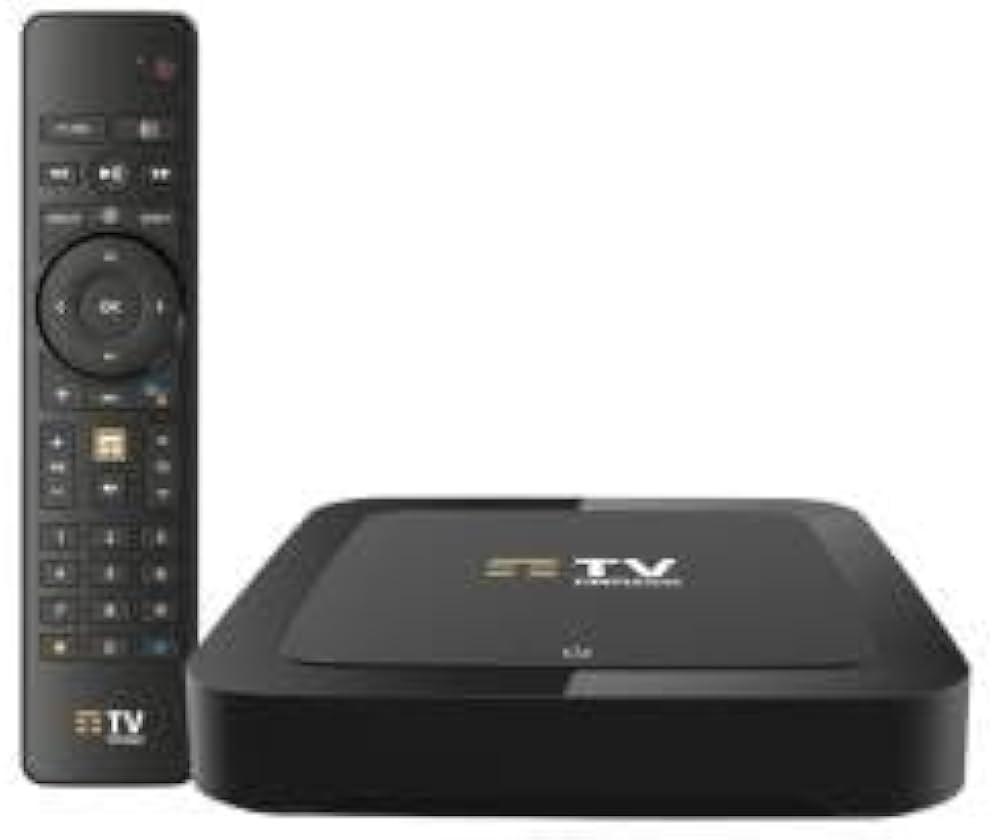
Installing Timvision on Fire Stick: A Step-by-step Guide
Are you a fan of streaming services like TIMVISION? Do you want to install it on your Fire Stick, but can’t figure out how to do it? You’re not alone! Many users have been struggling with installing TIMVISION on their Fire Stick, but don’t worry, we’ve got you covered.
In this article, we’ll walk you through a step-by-step guide on how to download and install TIMVISION on your Fire Stick. We’ll also provide some additional tips and troubleshooting steps in case you encounter any issues.
Why Can’t I Find Timvision on My Fire Stick?
If you’re unable to find TIMVISION on your Fire Stick, it’s likely because the app is not compatible with your device’s operating system. TIMVISION has been experiencing some technical issues since its last update, which may be causing compatibility problems.
To check if your Fire Stick is running the latest version of FireOS, follow these steps:
- Go to the home screen of your Fire Stick.
- Select the “Settings” icon (represented by a gear).
- Scroll down and select “My Fire TV.”
- Look for the “Version software” option and check if it’s running on FireOS 6 or later.
How to Install Timvision on Your Fire Stick
If your Fire Stick is running the latest version of FireOS, you should be able to install TIMVISION easily. Here’s how:
- Go to the home screen of your Fire Stick.
- Select the “Appstore” icon (represented by a shopping bag).
- Scroll down and select the “Categories” option.
- Choose the “Entertainment” category.
- Search for “TIMVISION” in the search bar.
- Select the TIMVISION app from the search results.
- Click on the “Get” button to download and install the app.
Troubleshooting Steps
If you’re unable to find or install TIMVISION, try these troubleshooting steps:
- Restart your Fire Stick and try again.
- Check if there are any updates available for your device’s operating system.
- Try uninstalling and reinstalling the app.
- Contact Amazon customer support for further assistance.
Can I Install Timvision on My Smartphone or Tablet?
Yes, you can install TIMVISION on your smartphone or tablet using the Amazon Appstore. Here’s how:
- Go to the Amazon website on your device’s browser.
- Log in to your Amazon account.
- Search for “TIMVISION” in the search bar.
- Select the TIMVISION app from the search results.
- Click on the “Get” button to download and install the app.
How Do I Download And Install Timvision on My Computer?
If you want to download and install TIMVISION on your computer, follow these steps:
- Go to the Amazon website on your computer’s browser.
- Log in to your Amazon account.
- Search for “TIMVISION” in the search bar.
- Select the TIMVISION app from the search results.
- Click on the “Download” button to download the app.
- Follow the installation prompts to install the app.
Conclusion
Installing TIMVISION on your Fire Stick is a straightforward process, but it may require some troubleshooting steps if you encounter any issues. We hope this article has helped you resolve any problems and get TIMVISION up and running on your device.


