
Office For Mac: How to Download And Install The Microsoft Suite
Introduction
If you’ve just entered the Apple world, you probably find yourself trying to understand how to download and install Office for Mac. Microsoft’s productivity suite is one of the most used in the world and you may have already used it on your Windows computer. But what happens if you decide to switch to mac? Is it possible to download and install the same productivity suite on a mac? in this article I will provide you with all the information you need to understand how to get Office for Mac and how to use it best.
How And Where to Buy Office For Mac
Before we start talking about downloading and installing, it’s important to understand that there are several options for getting Office on Mac. The first is linked to the subscription to Microsoft 365. This service allows you to use all the applications of the Office package compatible with MacOS (Word, Excel, Powerpoint, Outlook and Onenote) and to receive the related updates in an unlimited manner.
The subscription plan also includes 1 TB of online space on OneDrive, 60 minutes of conversations per month on Skype and the use of Office mobile apps without limitations on devices of any size. The plan is cheap (only 7 euros/month for the personal plan) and allows you to sign up for a 30-day free trial.
Alternative: Office Home & Student
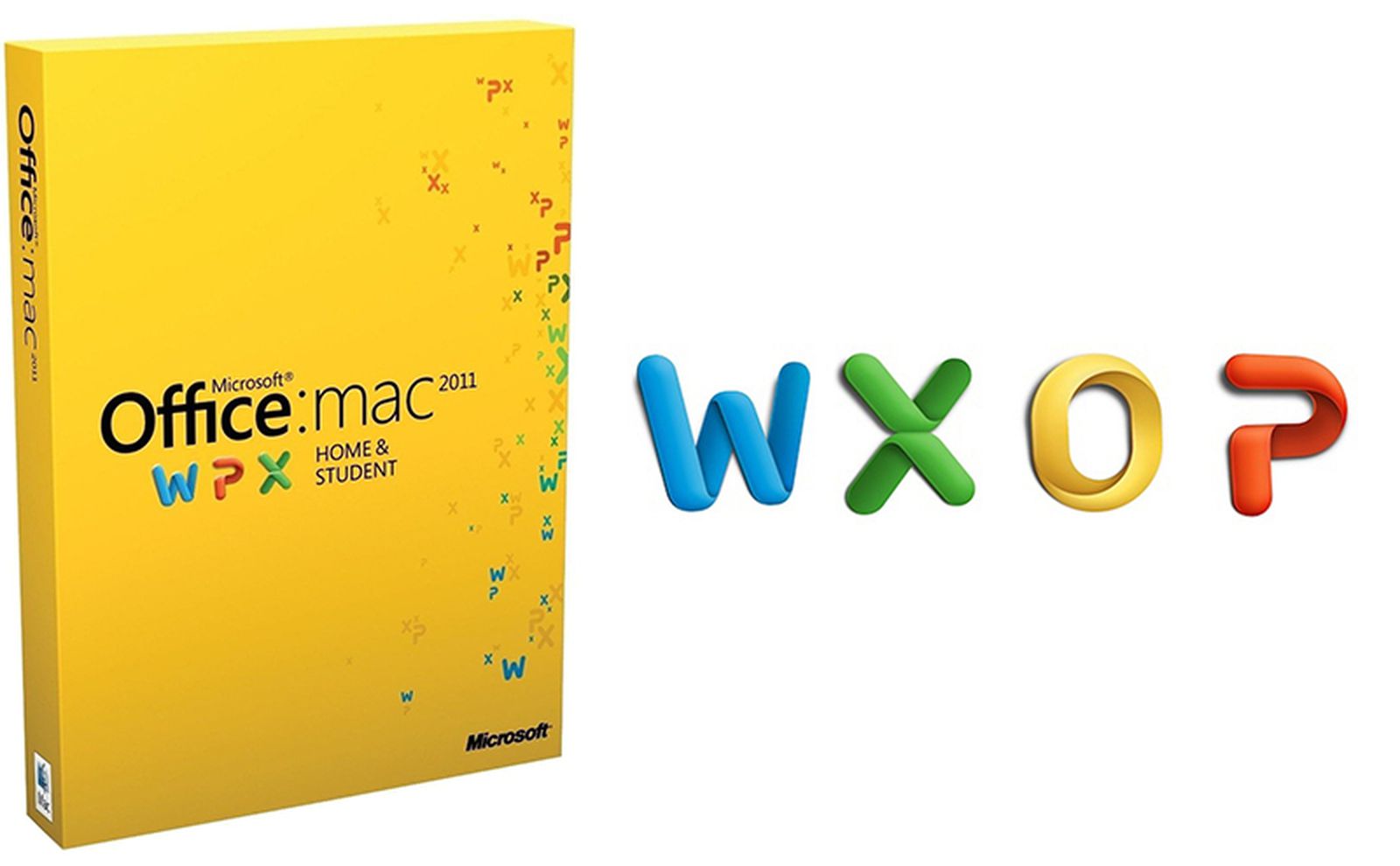
If you are not interested in the subscription, you can opt to purchase office home & student. This variant includes all the basic applications of the package (Word, Excel, Powerpoint) and does not include OneNote, Outlook, OneDrive and Skype. The license cost 149 euros on the list, but there are third-party sites that allow you to purchase it for much lower prices.
Third Party Sites: Mr Key Shop And Keycense
Two sites that can help you save on your Office license for Mac are Mr Key Shop and Keycense. Both offer 100% original licenses and allow you to pay with secure methods such as PayPal or card.
Mr key shop is a site managed by a company with offices in Italy and England that buys and resells unused licenses. I recommend you take a look at this page to download the suite.
Keycense is a marketplace with vendors from all over the world that offers a fast, economical and secure system for purchasing licenses for Microsoft Office.
Download And Installation From Microsoft Site
To download and install Office for Mac from the Microsoft website, you need to follow these steps:
-
Launch the browser you normally use to surf the web.
-
Connect to the web page dedicated to Microsoft 365.
-
Click on the “try it free for 1 month” link to get the free trial version of the program.
Download And Install From The Mac App Store
If you prefer to download office for mac from the mac app store, the application store for macOS:
-
Launch the application and visit the section dedicated to word, excel, powerpoint, onenote, outlook and/or onedrive.
-
If you want to download all the programs at the same time, visit the section dedicated to the Microsoft 365 bundle.
-
Press the “get” button followed by the “install” button.
-
Once the application download and installation procedure is complete, access the launchpad.
Office For Mac Free
If you are not interested in signing up for a subscription or purchasing a license for office, you can use free alternatives such as iwork and libreoffice.
Iwork: Free Productivity Suite From Apple
Apple’s free productivity suite consists of three applications:
-
Pages: Is Apple’s very easy to use word processing application.
-
Numbers: This is a spreadsheet development application.
-
Keynote: Excellent application for making presentations.
Libreoffice: Free And Open Source Productivity Suite
If you prefer to use a free and open source productivity suite, you might be interested in LibreOffice. It is made up of different applications such as writer (word processing), calc (spreadsheets) and impress (presentations).
Free Alternative: Online Productivity Suite
As an alternative to the desktop productivity suite, you can use free online alternatives such as office online and google drive. Both offer the same productivity experience and are integrated into other services like OneDrive and Google Drive.
Conclusion
I hope this article has helped you understand how to download and install Office for Mac and the free alternatives available. If you have any other questions or want to know more about any of the points covered, don’t hesitate to ask. Thanks for reading to the end!
Faqs
1. How Can I Download And Install Office For Mac?
To download and install Office for Mac from the Microsoft website, follow these steps: Start the browser you normally use to surf the web, connect to the web page dedicated to Microsoft 365, click on the “try it free for 1 month” link to get the free trial version of the program.
2. What Are The Free Alternatives Available?
Free alternatives available include iwork and libreoffice. Iwork is a free productivity suite from apple made up of three applications: Pages, numbers and keynote. Libreoffice is a free and open source productivity suite made up of several applications such as writer, calc and impress.
3. How Can I Use Office For Mac Online?
You can use Office for Mac online by accessing Microsoft 365. Subscribing to a subscription allows you to use all the applications of the Office package compatible with Macs and receive unlimited updates.
4. What Are The Requirements to Use Office For Mac Online?
To use Office for Mac online, it requires the use of a Microsoft account and a subscription to Microsoft 365. Subscribing to a subscription allows you to use all the applications of the Office package compatible with Mac OS X and receive unlimited updates.
5. Can I Use Office For Mac on Other Devices?
Yes, you can use Office for Mac on other devices such as iPhone and iPad through access to Microsoft 365. Subscribing to a subscription allows you to use all the applications of the Office package compatible with Mac OS X and receive unlimited updates.
6. How Can I Turn Off Automatic Subscription Renewal?
To deactivate the automatic renewal of your subscription, follow these steps: Go to the web page dedicated to Microsoft 365 and click on the “deactivate renewal” link. If you have activated the Microsoft 365 trial and want to avoid paying at the end of the current trial period, you must deactivate the automatic renewal of the subscription in advance.


