
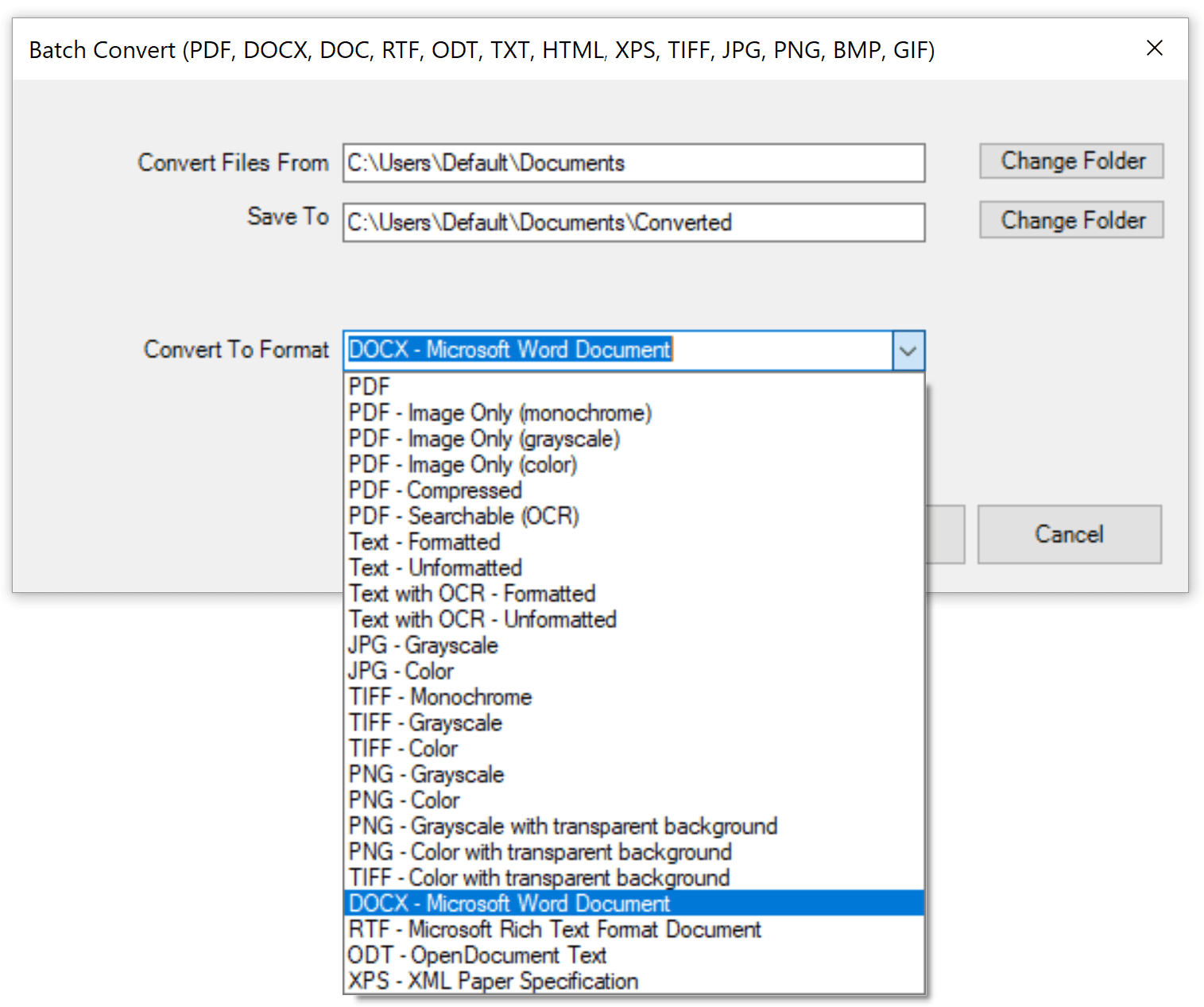
Converting Rtf to Doc: A Step-by-step Guide
Are you struggling to convert your RTF files to DOC format? Don’t worry, we’ve got you covered! In this article, we’ll walk you through the steps to convert RTF to DOC on PC, smartphone, and tablet.
What is Rtf And Why Do I Need to Convert It?
RTF (Rich Text Format) is a file format used for storing formatted text. While it’s widely supported, some applications may not be able to read or write RTF files directly. Converting RTF to DOC (Microsoft Word Document) ensures that your documents can be easily edited and shared with others.
Methods to Convert Rtf to Doc on PC
Method 1: Using Wordpad (Windows)
WordPad is a free word processing application included in Windows. Here’s how to convert RTF to DOC using WordPad:
- Open the RTF file with WordPad.
- Click “File” > “Save As.”
- Choose the location and name for your document.
- In the “Save as type” field, select “Microsoft Word Document” (DOC).
- Click “Save.”
Method 2: Using Microsoft Word (Windows/macOS)
If you have Microsoft Office installed on your PC or Mac, you can convert RTF to DOC using Word:
- Open the RTF file with Word.
- Click “File” > “Save As.”
- Choose the location and name for your document.
- In the “Save as type” field, select “Microsoft Word Document” (DOCX) or “Microsoft Word 97-2003 Document” (DOC).
- Click “Save.”
Method 3: Using Libreoffice Writer (Windows/macOS/Linux)
LibreOffice is a free and open-source office suite that can convert RTF to DOC:
- Download and install LibreOffice on your PC or Mac.
- Open the RTF file with LibreOffice Writer.
- Click “File” > “Save As.”
- Choose the location and name for your document.
- In the “Save as type” field, select “Microsoft Word Document” (DOC) or “Microsoft Word 97-2003 Document” (DOC).
- Click “Save.”
Methods to Convert Rtf to Doc on Smartphone And Tablet
Method 1: Using Microsoft Office/word (Android/iOS/iPadOS)
The Microsoft Office app is available for Android, iOS, and iPadOS devices:
- Open the RTF file with Microsoft Office.
- Click “File” > “Save As.”
- Choose the location and name for your document.
- Select “Microsoft Word Document” (DOCX) or “Microsoft Word 97-2003 Document” (DOC).
- Click “Save.”
Method 2: Using Documents Google (Android/iOS/iPadOS)
Documents Google is a free app that allows you to convert RTF to DOC:
- Open the RTF file with Documents Google.
- Tap on the menu icon ⋮ and select “Save with name.”
- Choose the location and name for your document.
- Select “Microsoft Word Document” (DOCX) or “Microsoft Word 97-2003 Document” (DOC).
- Tap “Save.”
Online Methods to Convert Rtf to Doc
Method 1: Using Cloudconvert
CloudConvert is a free online service that can convert RTF to DOC:
- Upload the RTF file to CloudConvert.
- Select “Microsoft Word Document” (DOCX) or “Microsoft Word 97-2003 Document” (DOC).
- Click “Convert.”
- Download the converted document.
Method 2: Using Convertio
Convertio is another online service that can convert RTF to DOC:
- Upload the RTF file to Convertio.
- Select “Microsoft Word Document” (DOCX) or “Microsoft Word 97-2003 Document” (DOC).
- Click “Convert.”
- Download the converted document.
Conclusion
Converting RTF to DOC is a straightforward process that can be accomplished using various methods on PC, smartphone, and tablet devices. Whether you’re using WordPad, Microsoft Word, LibreOffice Writer, or online services like CloudConvert and Convertio, we’ve got you covered. Remember to always choose the correct file format (DOCX or DOC) depending on your needs.
Frequently Asked Questions
- What is The Difference Between Rtf And Doc?
RTF stands for Rich Text Format, while DOC is a Microsoft Word document format. While both formats store formatted text, DOC is more widely supported and can be easily edited with Microsoft Office applications. - Can I Convert Rtf to Docx?
Yes, all methods listed above support converting RTF to DOCX (Microsoft Word Document 2007-365). - Do I Need to Install Any Software to Convert Rtf to Doc?
No, you can use online services like CloudConvert and Convertio without installing any software. - Can I Convert Rtf Files on my Smartphone or Tablet?
Yes, many apps like Microsoft Office/Word, Documents Google, and others support converting RTF files. - What is The Limit on The Number of Rtf Files I Can Convert Using Cloudconvert And Convertio?
CloudConvert allows up to 25 file conversions per day for free users, while Convertio limits you to 10 file conversions per day without registering an account.
We hope this article has been helpful in guiding you through the process of converting RTF to DOC. If you have any further questions or concerns, please don’t hesitate to ask!


