
Installing Whatsapp on Ipad Without a Phone
Are you wondering how to install WhatsApp on your iPad without using a phone? Well, you’ve come to the right place! In this article, we’ll guide you through the process of installing WhatsApp on your iPad using various methods.
Method 1: Using Whatsapp Web
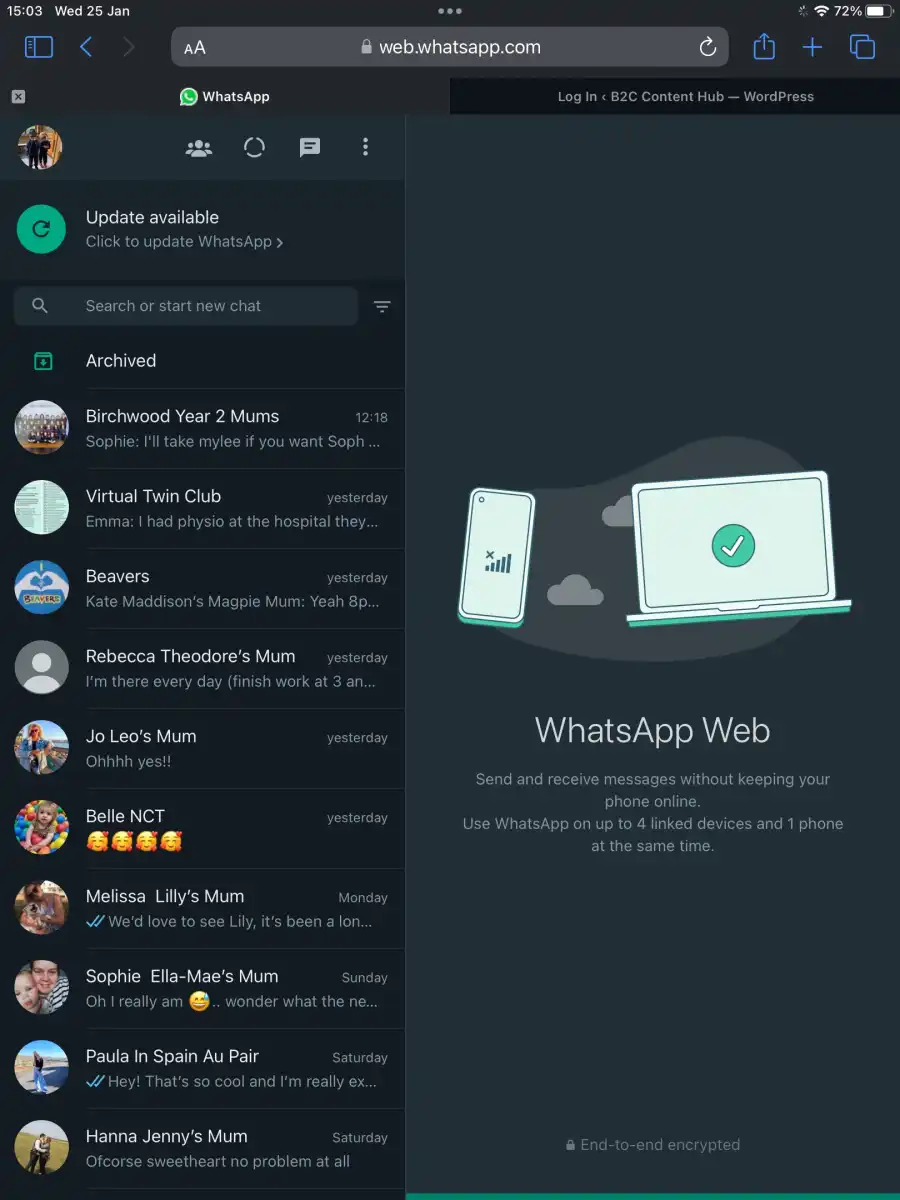
WhatsApp Web is an official service that allows you to use WhatsApp on your tablet or computer by accessing it through a web browser. To install WhatsApp on your iPad using WhatsApp Web:
- Open Safari, the default browser on your iPad
- Go to the WhatsApp Web website and scan the QR code using your smartphone’s camera (make sure you have WhatsApp installed on your phone)
- Once scanned, open WhatsApp on your phone and go to Settings > WhatsApp Web/Desktop
- Select “Connect a device” and follow the prompts to connect your iPad to your WhatsApp account
Method 2: Using Third-party Apps
There are several third-party apps available that can help you install WhatsApp on your iPad. Some popular options include:
- PadChat: A free app that allows you to use WhatsApp Web on your iPad
- WhatsApp++: A tweaked version of the original WhatsApp app that adds some extra features
To download and install these apps, follow these steps:
- Open the App Store on your iPad
- Search for “WhatsApp” or the name of the third-party app you want to install
- Tap on the “Get” button next to the app’s icon
- Wait for the app to download and install
- Once installed, open the app and follow the prompts to connect it to your WhatsApp account
Method 3: Jailbreaking Your Ipad
If you’re comfortable with jailbreaking your iPad, you can also use this method to install WhatsApp. However, please note that jailbreaking voids your warranty and may expose your device to security risks.
To jailbreak your iPad:
- Research and download a reputable jailbreaking tool (such as TaiG or Pangu)
- Follow the instructions provided with the tool to jailbreak your iPad
- Once jailbroken, you can install WhatsApp using the Cydia app
Conclusion
Installing WhatsApp on your iPad is possible using various methods. Whether you choose to use WhatsApp Web, a third-party app, or jailbreaking your device, we hope this article has helped you achieve your goal.
Frequently Asked Questions (FAQs)
- Q: Can I Install Whatsapp on my Ipad Without a Phone?
A: Yes, you can install WhatsApp on your iPad using WhatsApp Web or a third-party app.
2. Q: Do I Need to Jailbreak my Ipad to Install Whatsapp?
A: No, you don’t need to jailbreak your iPad to install WhatsApp. However, if you choose to jailbreak your device, you can use this method as well.
3. Q: Are There Any Risks Associated With Installing Whatsapp on my Ipad?
A: Yes, jailbreaking your device may expose it to security risks. Additionally, some third-party apps may contain malware or viruses.
4. Q: Can I Install Whatsapp on Multiple Devices at Once?
A: Yes, you can install WhatsApp on multiple devices using the same account and phone number.
5. Q: How do I Update Whatsapp on my Ipad?
A: To update WhatsApp on your iPad, simply visit the App Store and tap on the “Update” button next to the WhatsApp icon.
6. Q: Can I Use Whatsapp on my Ipad Without a Data Plan?
A: Yes, you can use WhatsApp on your iPad using Wi-Fi or a data plan.
7. Q: How do I Report a Problem With Whatsapp on my Ipad?
A: To report a problem with WhatsApp on your iPad, visit the WhatsApp website and follow the instructions provided to contact their support team.
Useful Resources


