
The Ultimate Guide to Password Management: Safe, Secure, And Convenient
Are you tired of worrying about password security? Do you struggle to remember multiple login credentials? Look no further! In this comprehensive guide, we’ll explore the best practices for password management, from creating safe passwords to utilizing top-notch password managers.
Why Password Security Matters
In today’s digital age, online accounts are an essential part of our lives. With so many websites and services requiring a login, it’s easy to accumulate multiple usernames and passwords. However, this convenience comes with a cost: The risk of data breaches and cyber threats.
Safe Passwords: The Foundation of Secure Password Management
A strong password is the first line of defense against unauthorized access to your accounts. Here are some tips for creating safe passwords:
- Length Matters: Aim for a minimum of 12 characters, but feel free to go longer if you can.
- Mix it up: Combine uppercase and lowercase letters, numbers, and special characters for maximum security.
- Avoid Easy Targets: Don’t use your name, birthdate, or common words that can be easily guessed.
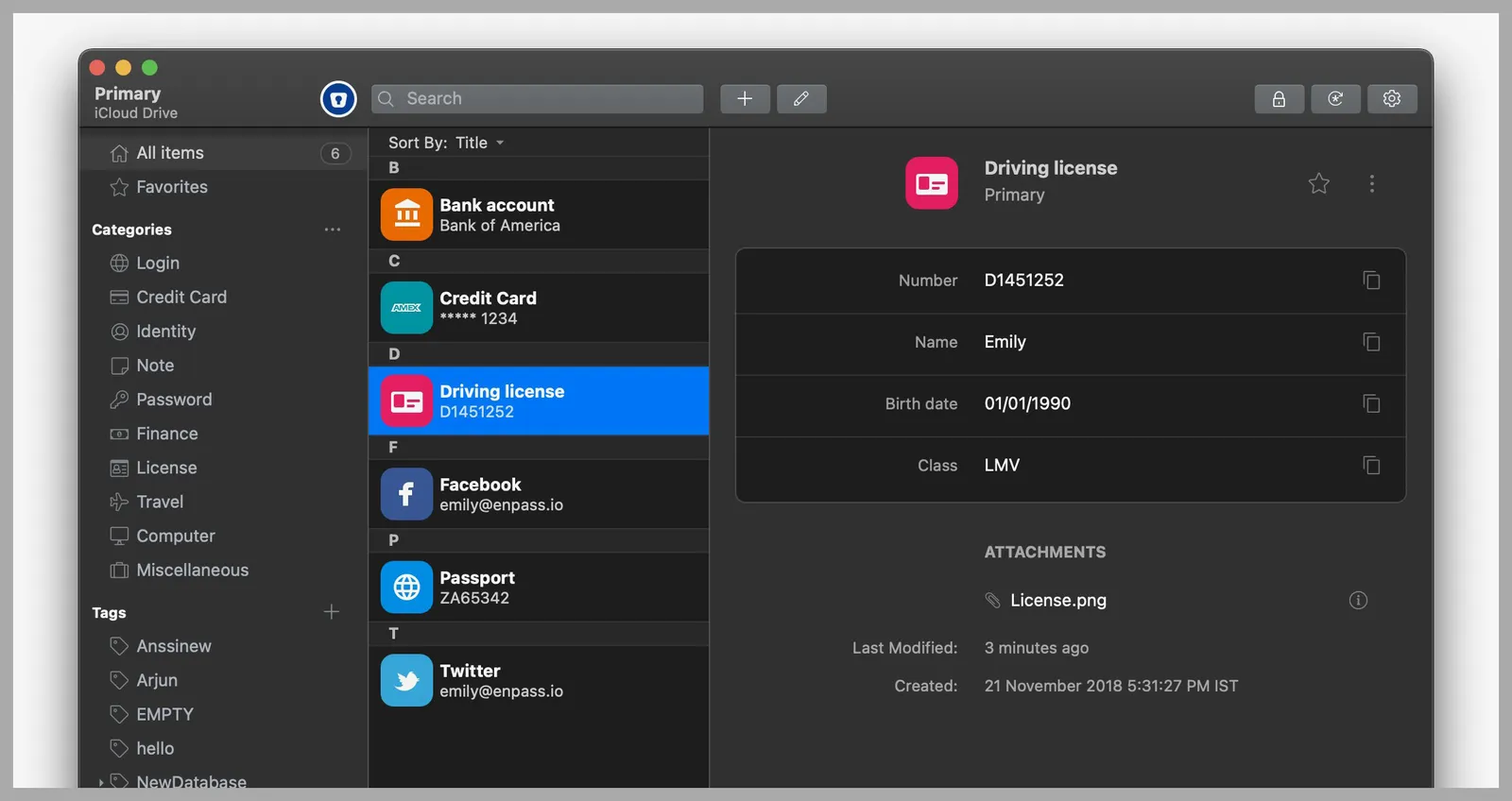
- Use a Password Manager: Consider using a reputable password manager to generate and store unique passwords.
Google Smart Lock: A Convenient Password Manager
If you’re an Android user, Google Smart Lock is a great option for password management. This free service allows you to save your passwords on the cloud and sync them across all devices connected to your Google account.
To set up Google Smart Lock:
- Open the Settings app on your Android device.
- Scroll down to the Google section and tap on it.
- Select Smart Lock for Passwords and toggle it ON.
Icloud Keychain: A Secure Password Manager For Ios Users
If you’re an iPhone or iPad user, iCloud Keychain is a fantastic option for password management. This feature allows you to save your passwords, credit card numbers, and other sensitive information on the cloud and sync them across all devices connected to your Apple ID.
To set up iCloud Keychain:
- Open the Settings app on your iOS device.
- Tap on your name at the top of the screen.
- Select iCloud and toggle Keychain ON.
Third-party Password Managers: The Ultimate Solution
While Google Smart Lock and iCloud Keychain are excellent options, they might not be enough for everyone. That’s where third-party password managers come in. Here are some top-notch options:
- Nordpass: A highly secure and user-friendly password manager with a zero-knowledge proof protocol.
- 1Password: A robust password manager that integrates seamlessly with all popular browsers.
- Lastpass: A feature-rich password manager with advanced security features like two-factor authentication.
Conclusion
Password management is no longer a daunting task. With these secure and convenient options, you can enjoy the benefits of digital convenience without compromising on security. Remember, a strong password is just the beginning – make sure to use a reputable password manager and follow best practices for password security.


