
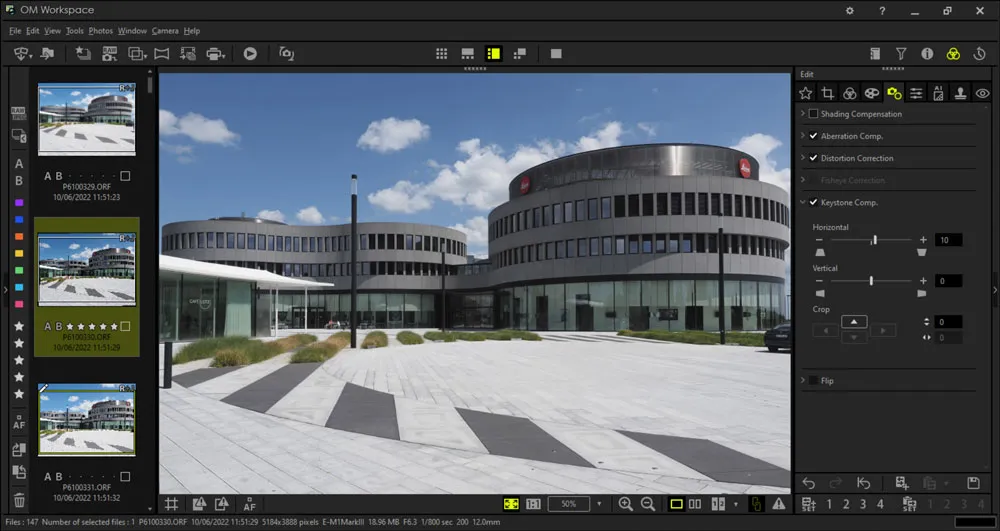
The Ultimate Guide to Photo Editing: Top 10 Programs And Apps
Are you tired of using default editing software on your smartphone or computer? Do you want to take your photo editing skills to the next level? Look no further! In this article, we’ll explore the top 10 programs and apps for photo editing, both free and paid, that can help you achieve professional-looking results.
H1: Introduction
Photo editing has become an essential skill in today’s digital age. With the rise of social media, everyone wants to share perfect photos with their friends and family. But what if you could take your photo editing skills to the next level? What if you could make your photos stand out from the crowd?
H2: Free Photo Editing Software
If you’re on a tight budget or prefer not to spend money on software, there are plenty of free options available.
Gimp (Windows, Macos, Linux)
GIMP is one of the most popular and versatile photo editing software available. It’s free, open-source, and offers advanced features like layers, filters, and effects. GIMP is perfect for both beginners and professionals who want to take their photo editing skills to the next level.
Photoshop (Windows, Macos)
Adobe Photoshop is the industry standard for photo editing. It’s a paid software, but it’s worth every penny. With its advanced features like layers, filters, and effects, you can achieve professional-looking results in no time. If you’re serious about photo editing, Photoshop is the way to go.
Other Free Photo Editing Software
- Krita (Windows, macOS, Linux): A free software for digital painting and photo editing.
- Paint.NET (Windows): A free software that combines the classic Paint with advanced features like filters and effects.
- Pixelmator Pro (macOS): A paid software that offers advanced features like layers, filters, and effects. You can try it for free for 7 days.
H3: Online Photo Editing Software
If you prefer not to download and install software on your computer, there are plenty of online options available.
Photopea (Web)
Photopea is a web-based photo editing software that offers advanced features like layers, filters, and effects. It’s free, but with a subscription to Premium, you can unlock extra features.
Other Online Photo Editing Software
- Fotor: A comprehensive online photo editing software that offers filters, effects, and more.
- Polarr: An online photo editor that allows you to apply filters and edit images in various parameters like color, contrast, etc.
- IPiccy: Another free online photo editor that’s easy to use and offers advanced features.
H4: Mobile Photo Editing Apps
If you prefer editing photos on your smartphone or tablet, there are plenty of apps available for both iOS and Android devices.
Snapseed (iOS, Android)
Snapseed is one of the most popular mobile photo editing apps. It’s free, offers advanced features like filters, effects, and more. You can use it to edit photos in various parameters like color, contrast, etc.
Other Mobile Photo Editing Apps
- VSCO: A popular app that allows you to edit photos using pre-installed patterns and filters.
- Pixlr: An app that offers a range of photo editing tools and effects.
- Afterlight: Another app that allows you to edit photos in various parameters like color, contrast, etc.
Conclusion
In conclusion, photo editing has become an essential skill in today’s digital age. With the rise of social media, everyone wants to share perfect photos with their friends and family. By using these top 10 programs and apps for photo editing, both free and paid, you can take your photo editing skills to the next level and achieve professional-looking results.
Faqs
- What is the best photo editing software available?
- The best photo editing software available depends on your budget, skill level, and preferences. If you’re a beginner, GIMP or Paint.NET might be a good starting point.
- Can I use online photo editing software for free?
- Yes, there are plenty of online photo editing software options that offer free versions. Photopea is one such option.
- What mobile app should I use for photo editing?
- Snapseed is an excellent choice for mobile photo editing. It’s free and offers advanced features like filters, effects, and more.
- How do I get started with photo editing?
- Start by learning the basics of photo editing software or apps. Practice using them to edit your photos and experiment with different techniques.
- Can I use photo editing software for commercial purposes?
- Yes, you can use photo editing software for commercial purposes. Some software like Photoshop requires a subscription to Creative Cloud, but it’s worth every penny for professional results.
- How much does photo editing software cost?
- The cost of photo editing software varies depending on the software and your location. GIMP is free, while Adobe Photoshop requires a subscription to Creative Cloud.
- Can I use mobile apps for commercial purposes?
- Yes, you can use mobile apps for commercial purposes. Some apps like Snapseed are free, while others may require in-app purchases or subscriptions.
- How do I choose the best photo editing software or app for my needs?
- Choose the software or app that suits your budget, skill level, and preferences. Consider factors like features, user interface, and customer support when making a decision.
By following these tips and using these top 10 programs and apps for photo editing, you can take your skills to the next level and achieve professional-looking results. Happy editing!


