
Concealing Histories on Instagram: A Step-by-step Guide
Are you tired of having your personal histories on Instagram visible to the entire world? Do you want to regulate who can see your posts, stories, and other content on the social media platform? Look no further! In this tutorial, we will guide you through the process of concealing your histories on Instagram.
Why Conceal Histories on Instagram?
Before we dive into the step-by-step instructions, let’s talk about why you might want to conceal your histories on Instagram. Maybe you’re concerned about privacy and don’t want certain users to see your posts. Perhaps you’re sharing sensitive information that you only want specific people to access. Whatever your reason, concealing your histories is a simple and effective way to control who sees what on Instagram.
How to Conceal Histories on Instagram
Concealing histories on Instagram is a relatively straightforward process. Here’s how to do it:
Step 1: Open The Instagram App
To get started, open the Instagram app on your device. This can be done by tapping on the icon in your home screen or searching for “Instagram” in your app drawer.
Step 2: Access Your Account
Once you’re in the app, tap on the profile picture or username of the account you want to conceal histories for. If you’re not logged in, enter your login credentials to access your account.
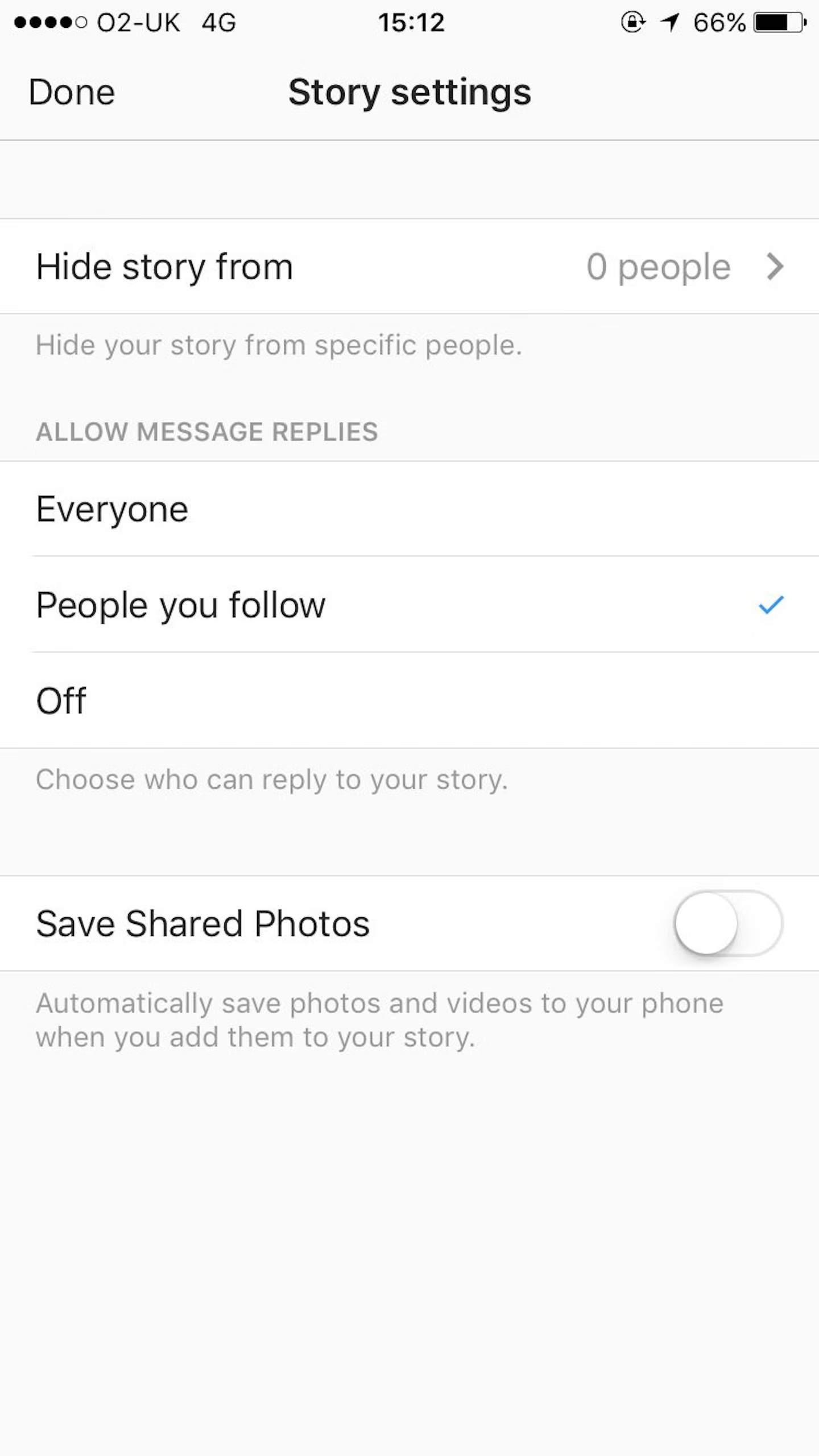
Step 3: Swipe Left And Tap on History
Swipe left from the main screen to reveal the camera interface. Then, tap on the gear icon (⚙️) located at the top-right corner of the screen. From the menu that appears, select “History.”
Step 4: Conceal Histories
In the History section, you’ll see a list of options related to your histories. Tap on the one labeled “Conceal history” and then choose who you want to conceal the histories from.
How to Conceal Histories From Specific Users
If you only want to conceal histories from specific users, follow these steps:
- In the History section, tap on the three dots (⋯) located at the top-right corner of the screen.
- Select “Conceal history” and then choose who you want to conceal the histories from.
How to Conceal Histories From All Users
If you want to conceal histories from all users, follow these steps:
- In the History section, tap on the three dots (⋯) located at the top-right corner of the screen.
- Select “Conceal history” and then choose “Everyone.”
How to Conceal Histories of Other Users
If you want to conceal histories from other users, follow these steps:
- Open the profile page of the user whose histories you want to conceal.
- Tap on the three dots (⋯) located at the top-right corner of the screen.
- Select “Silence” and then choose “Histories.”
Benefits of Concealing Histories on Instagram
Concealing histories on Instagram provides several benefits, including:
- Improved Privacy: By concealing your histories from specific users or all users, you can maintain a level of anonymity that’s not possible with public profiles.
- Control Over Sensitive Content: If you’re sharing sensitive information or engaging in discussions that are not intended for the public eye, concealing your histories ensures that only those who need to see it will have access.
- Reduced Online Harassment: By controlling who sees your posts and stories, you can minimize the risk of online harassment and other negative interactions.
Conclusion
Concealing histories on Instagram is a simple process that allows you to control who sees what on the platform. Whether you’re concerned about privacy, sensitive content, or online harassment, following these steps will help you maintain a level of anonymity that’s not possible with public profiles.


