
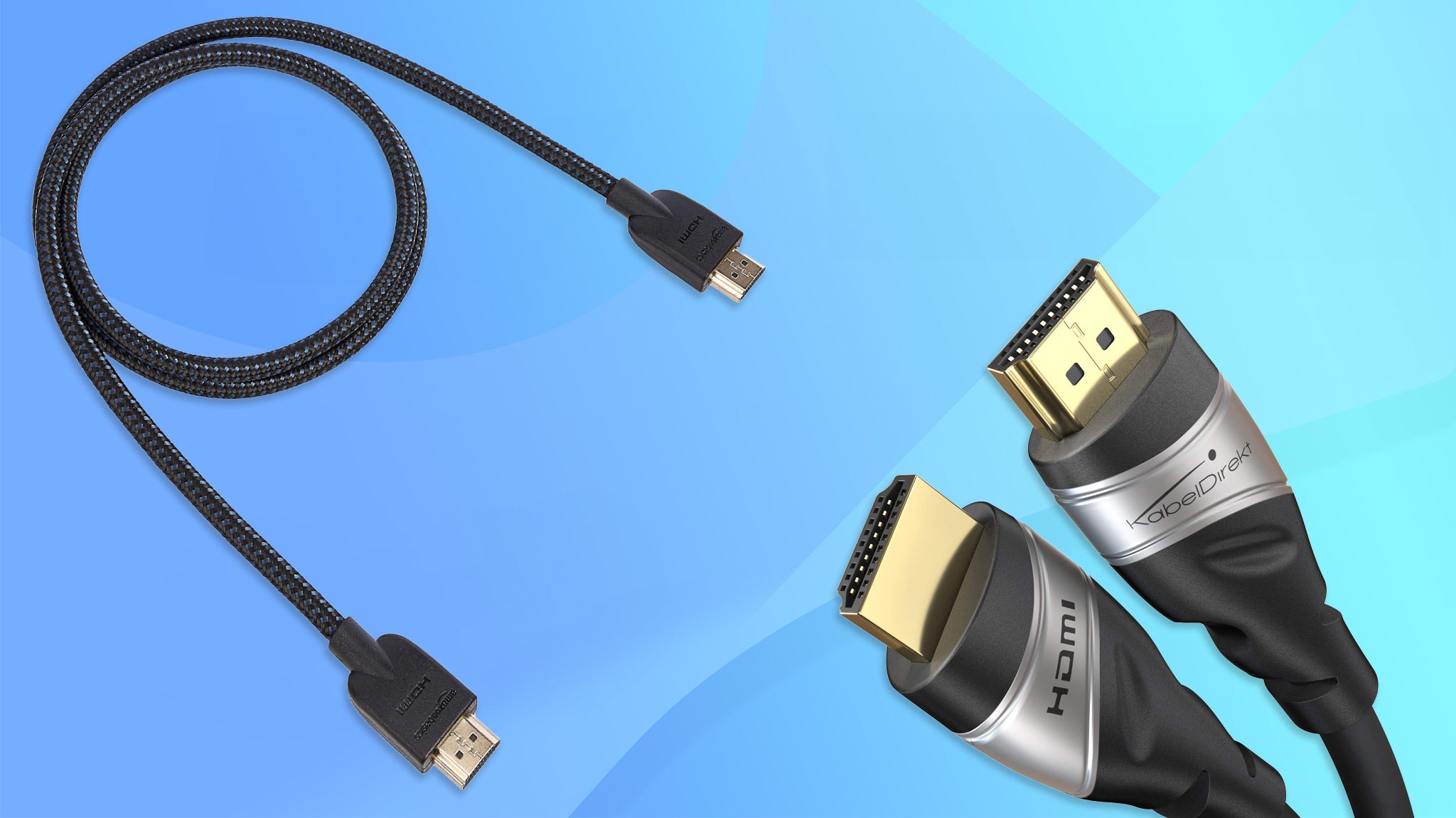
Better Cables: A Guide to Choosing The Best Hdmi Cable
Are you tired of compromising on video and audio quality? Do you want to unlock the full potential of your devices? Look no further than a high-quality HDMI cable! In this article, we’ll explore the world of HDMI cables, from the basics to the latest technologies, and help you choose the perfect one for your needs.
Understanding Hdmi
HDMI (High Definition Multimedia Interface) is a standard for transmitting audio and video signals between devices. It’s widely used in modern electronics, including TVs, projectors, gaming consoles, and more. With HDMI, you can enjoy stunning high-definition video and immersive audio, making it the perfect choice for home entertainment.
Types of Hdmi Cables
There are several types of HDMI cables available, each with its own set of features and capabilities. Here’s a brief overview:
- Standard: This is the most common type of HDMI cable, suitable for standard HD resolutions like 720p and 1080i.
- High Speed: These cables support higher resolutions, such as Full HD (1080p) and 3D video.
- Premium High Speed: These cables are designed for 4K resolution and HDR (High Dynamic Range) content. They offer faster transfer speeds and improved video quality.
- Ultra High Speed: The latest generation of HDMI cables, these support resolutions up to 8K and feature even faster transfer speeds.
Choosing The Right Hdmi Cable
With so many options available, choosing the right HDMI cable can be overwhelming. Here are some key factors to consider:
- Resolution: If you have a device that supports 4K or 8K resolution, look for an HDMI cable with Premium High Speed or Ultra High Speed capabilities.
- Hdr Support: If you want to enjoy HDR content, make sure the HDMI cable you choose supports this feature.
- Transfer Speed: Faster transfer speeds mean smoother video playback and reduced lag. Look for cables with high bandwidths (e.G., 18 Gbps or higher).
- Compatibility: Ensure the HDMI cable is compatible with your devices and meets their specific requirements.
Top-rated Hdmi Cables
Here are some top-rated HDMI cables that meet the criteria above:
- Amazon Basics Cable Ultra HD Hdmi 2.0 0,9M
- High-speed HDMI cable for 4K resolution at 60Hz
- Supports Ethernet and ARC
- Compatible with PS5, PS4, Xbox One, and more
- Powerbear Cable Hdmi 4K 2m
- Premium high-speed HDMI cable for 4K resolution at 60Hz
- Supports HDR10+, Dolby Vision, and more
- Compatible with PS5, PS4, Xbox One, and more
- Ubluker Cable Hdmi 48Gbps 2M
- Ultra-high-speed HDMI cable for 8K resolution at 60Hz
- Supports HDR dynamic and static, eARC, and more
- Compatible with latest gaming consoles and TVs
Tips And Tricks
Here are some additional tips to help you choose the perfect HDMI cable:
- Check The Length: Make sure the HDMI cable is long enough for your setup. Typically, a 1-2 meter cable should suffice.
- Consider Compatibility: Ensure the HDMI cable is compatible with your devices and meets their specific requirements.
- Look For Certifications: Check if the HDMI cable has been certified by organizations like HDMI Licensing or CE (Conformité Européene).
- Read Reviews: Research and read reviews from other customers to get an idea of a product’s performance and reliability.
Conclusion
Choosing the right HDMI cable can be overwhelming, but with this guide, you’re now equipped to make an informed decision. Remember to consider factors like resolution, HDR support, transfer speed, compatibility, and length when selecting your next HDMI cable. Don’t compromise on video and audio quality – invest in a high-quality HDMI cable that will elevate your home entertainment experience.
Faqs
- What is The Difference Between Hdmi 2.0 And Hdmi 2.1?
- HDMI 2.1 Offers higher bandwidth (48 Gbps) and supports resolutions up to 8K.
- Do I Need a Premium High-speed Hdmi Cable For 4K Resolution?
- Yes, if you want to enjoy 4K content at its best, look for an HDMI cable with Premium High Speed capabilities.
- Can I Use an Hdmi Cable With my Older Device?
- Yes, many modern HDMI cables are backward compatible with previous versions of the standard.
- How do I Ensure my Hdmi Cable is Working Properly?
- Make sure the cable is securely connected to both devices and check for any damage or wear.
- Can I Use an Hdmi Cable With my Phone or Tablet?
- Yes, many HDMI cables are designed for mobile devices, but be aware that some may require additional adapters or converters.
- What is Hdr, And do I Need It?
- HDR (High Dynamic Range) enhances video quality by offering wider color gamuts and improved contrast ratios. If you want to enjoy immersive audiovisual experiences, consider investing in an HDMI cable with HDR support.
- Can I Use an Hdmi Cable For my Computer or Laptop?
- Yes, many HDMI cables are designed for desktop and laptop computers, but be aware that some may require additional adapters or converters.
I hope this article has been informative and helpful! If you have any further questions or concerns, feel free to ask.


