
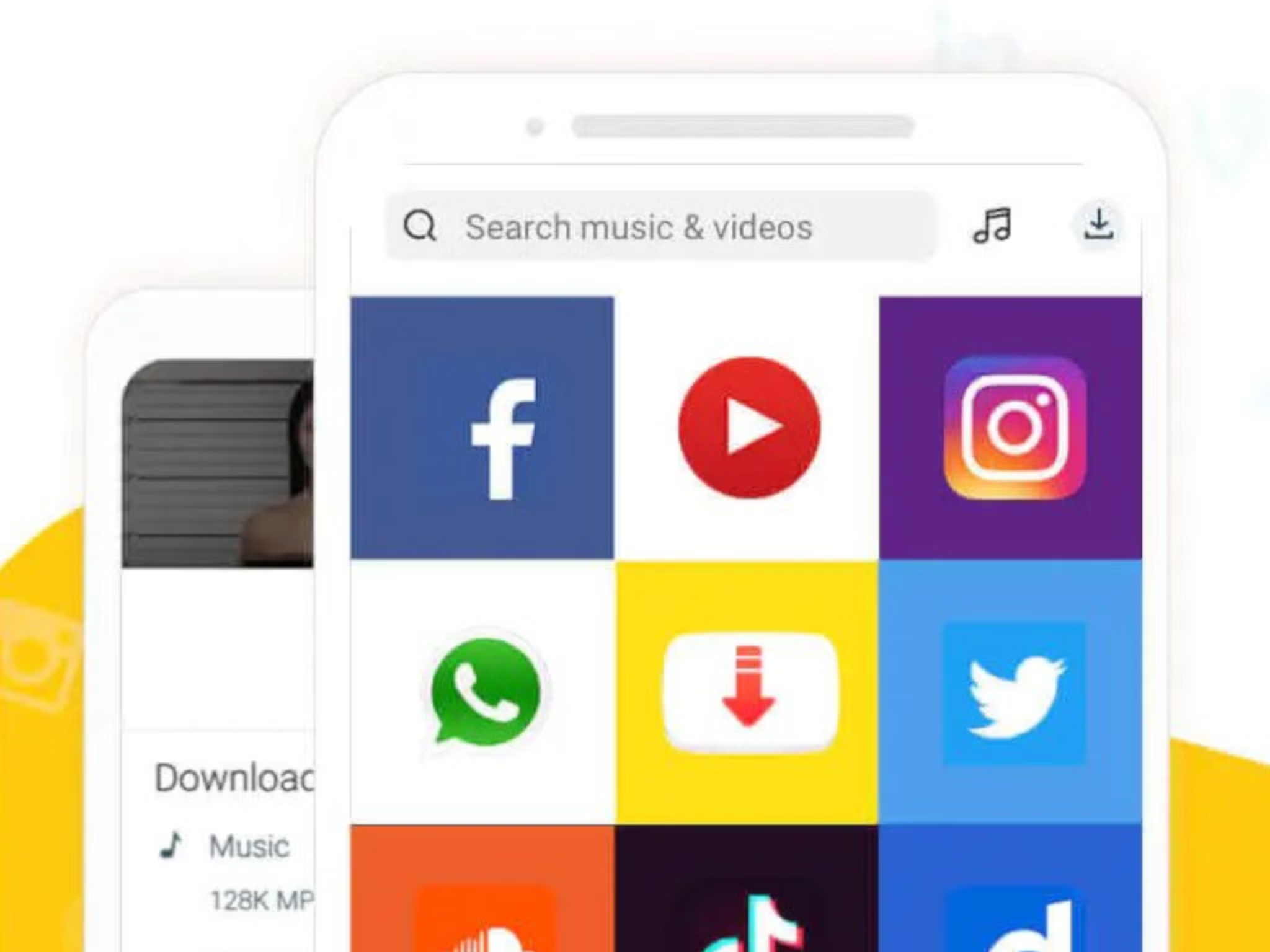
The Ultimate Guide to Downloading Videos From The Internet: A Comprehensive Review
Are you tired of watching videos on your phone or tablet only to have them disappear when you lose internet connection? Do you want to save your favorite videos for offline viewing, but don’t know how? Look no further! In this article, we will explore the best applications to download videos from the internet, making it easy and convenient for you to access your favorite content anytime, anywhere.
Introduction
Downloading videos from the internet has become increasingly popular in recent years. With the rise of video streaming services like YouTube, Facebook, and Instagram, it’s easier than ever to find and watch videos online. However, when you’re on a plane, train, or in an area with poor internet connectivity, it can be frustrating to have your favorite videos unavailable.
That’s where download managers come in – specialized applications that allow you to save videos from the internet for offline viewing. In this article, we’ll review some of the best download managers available for both Android and iOS devices.
What Are Download Managers?
Download managers are software applications that enable users to download files, including videos, from the internet. They can be used to save videos from popular streaming services like YouTube, Facebook, and Instagram, as well as other websites.
Top Download Managers For Android Devices:
- Total: Total is a versatile download manager available for both Android and iOS devices. It allows users to download files from various sources, including video streaming services.
- Features:
- Automatic file detection
- Integrated browser and download manager
- Support for multiple download streams
- Ability to schedule downloads
- Features:
- Firefox: Firefox is a popular web browser that also includes a built-in download manager. It allows users to save videos from websites, as well as other types of files.
- Features:
- Built-in download manager
- Automatic file detection
- Support for multiple download streams
- Features:
Top Download Managers For Ios Devices:
- Documents: Documents is a popular note-taking app that also includes a built-in download manager. It allows users to save videos from websites, as well as other types of files.
- Features:
- Built-in download manager
- Automatic file detection
- Support for multiple download streams
- Features:
Other Notable Mention:
- Amerigo: Amerigo is a feature-rich download manager available for both Android and iOS devices. It includes a built-in browser, download manager, and support for multiple services.
- Getthemall: GetThemAll is another popular download manager for Android devices. It allows users to save videos from websites, as well as other types of files.
How to Download Videos Using Total:
If you’re looking for an all-in-one solution, we recommend using Total. Here’s a step-by-step guide on how to use it:
- Download And Install: First, download and install the Total app from the Play Store or App Store.
- Launch The App: Launch the app and navigate to the settings menu.
- Configure Settings: Configure the settings according to your preferences. You can choose to save videos in a specific folder, set the video quality, and more.
- Access The Website: Access the website where you want to download the video.
- Play The Video: Play the video as usual.
- Download The Video: Tap on the “Download” button to initiate the download process.
How to Download Videos Using Firefox:
If you prefer using a web browser, we recommend using Firefox. Here’s how to use it:
- Open Firefox: Open Firefox and navigate to the website where you want to download the video.
- Play The Video: Play the video as usual.
- Right-click on The Video: Right-click on the video and select “Save Video As” from the context menu.
- Choose The Save Location: Choose the location where you want to save the video.
Conclusion
Downloading videos from the internet has never been easier, thanks to the numerous download managers available for both Android and iOS devices. Total and Firefox are two of our top recommendations, offering a range of features that make it easy to save your favorite videos for offline viewing.
Whether you’re on-the-go or just want to have access to your favorite content anywhere, we hope this article has provided you with the information you need to download videos from the internet. Happy downloading!
Frequently Asked Questions (FAQs):
- Q: What is a Download Manager?
A: A download manager is software that enables users to download files from the internet. - Q: How do I Download Videos Using Total?
A: To download videos using Total, launch the app, navigate to the settings menu, and configure your preferences. Then, access the website where you want to download the video and tap on the “Download” button. - Q: Can I Use Firefox to Download Videos?
A: Yes, you can use Firefox to download videos by right-clicking on the video and selecting “Save Video As.” - Q: Are There Any Other Download Managers Available For Android Devices?
A: Yes, there are several other download managers available for Android devices, including Amerigo, GetThemAll, and more. - Q: Can I Use a Download Manager to Save Videos From Facebook or Instagram?
A: While some download managers may not support these services directly, you can still use them to download videos by accessing the website where the video is hosted.


