
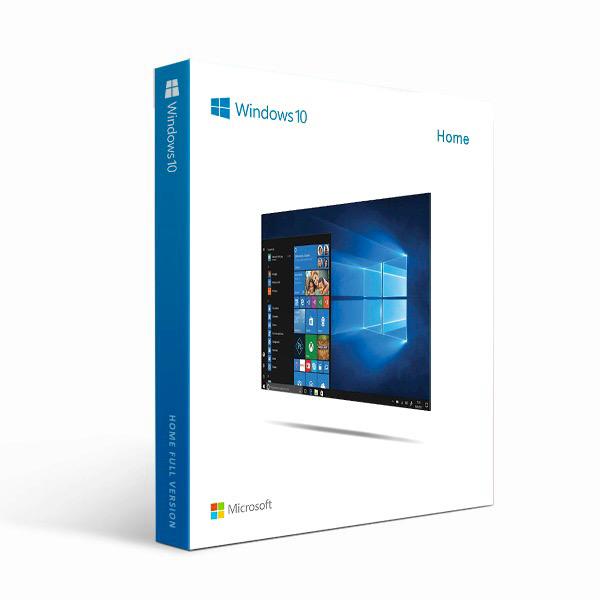
How to Acquire Windows 10: A Comprehensive Guide
Are you looking to acquire the latest operating system from Microsoft, Windows 10? Look no further! In this article, we will guide you through the process of buying Windows 10, covering various options and methods.
Introduction
Windows 10 is the most recent operating system developed by Microsoft. It offers a range of features and improvements over its predecessors, making it an attractive choice for users. However, purchasing Windows 10 can be a daunting task, especially with the numerous options available. In this article, we will walk you through the process of acquiring Windows 10, covering various methods and options.
Option 1: Buying From Microsoft Store
The first option is to purchase Windows 10 directly from the Microsoft Store. This method offers several advantages, including:
- Official License: By buying from the Microsoft Store, you can be sure that you are getting an official license.
- Easy Installation: The installation process is straightforward and easy to follow.
- Customer Support: If you encounter any issues during the installation or usage of Windows 10, Microsoft’s customer support team will be happy to assist.
To purchase Windows 10 from the Microsoft Store:
- Visit the Microsoft Store website.
- Click on the “Windows” tab and select “Windows 10”.
- Choose the edition you want (Home, Pro, or Enterprise).
- Follow the instructions to purchase and download Windows 10.
Option 2: Buying From Third-party Retailers
Another option is to buy Windows 10 from third-party retailers, such as Amazon or eBay. These retailers often offer competitive pricing and a range of options, including:
- Discounted Prices: You can find discounted prices for Windows 10 on these platforms.
- Variety of Options: Third-party retailers offer a range of options, including different editions and activation methods.
However, be cautious when buying from third-party retailers, as some may sell counterfeit or pirated copies of Windows 10. Make sure to:
- Buy from reputable sellers with high ratings and reviews.
- Check the product description carefully for any red flags.
- Ensure you receive an official license and activation key.
Option 3: Downloading The Iso File
If you already have a valid license or activation key, you can download the Windows 10 ISO file directly from Microsoft’s website. This method is useful if:
- You Have a Valid License: If you already have a valid license or activation key, you can skip the purchase process.
- You Want to Create a Bootable Usb Drive: You can use the ISO file to create a bootable USB drive for installing Windows 10.
To download the Windows 10 ISO file:
- Visit the Microsoft Download Center website.
- Search for “Windows 10” and select the correct edition (Home, Pro, or Enterprise).
- Choose the language and architecture you want (32-bit or 64-bit).
- Follow the instructions to download the ISO file.
Conclusion
Acquiring Windows 10 can be a straightforward process if you know what to do. By following these steps and options, you can ensure that you get an official license and enjoy the benefits of this powerful operating system.
Faqs
- Q: What is The Difference Between Windows 10 Home And Pro?
A: Windows 10 Home is suitable for personal use, while Windows 10 Pro offers additional features for business users. - Q: Can I Buy a Used or Refurbished Copy of Windows 10?
A: No, it is not recommended to buy used or refurbished copies of Windows 10, as they may be counterfeit or pirated. - Q: How do I Activate my Windows 10 License?
A: To activate your Windows 10 license, follow the instructions provided with your purchase or download. - Q: Can I Install Windows 10 on a Virtual Machine or Container?
A: Yes, you can install Windows 10 on a virtual machine or container using virtualization software such as VirtualBox or VMware. - Q: What is The Best Way to Protect my Windows 10 Installation From Malware And Viruses?
A: Use reputable antivirus software and keep your operating system up-to-date with the latest security patches.
Other Options
- Mr. Key Shop: A website that sells genuine licenses for Windows and Microsoft Office.
- Keycense: A platform that offers gift cards, prepaid cards, and software licenses, including Windows 10.
Always ensure you are buying from reputable sources to avoid any issues or problems.


