
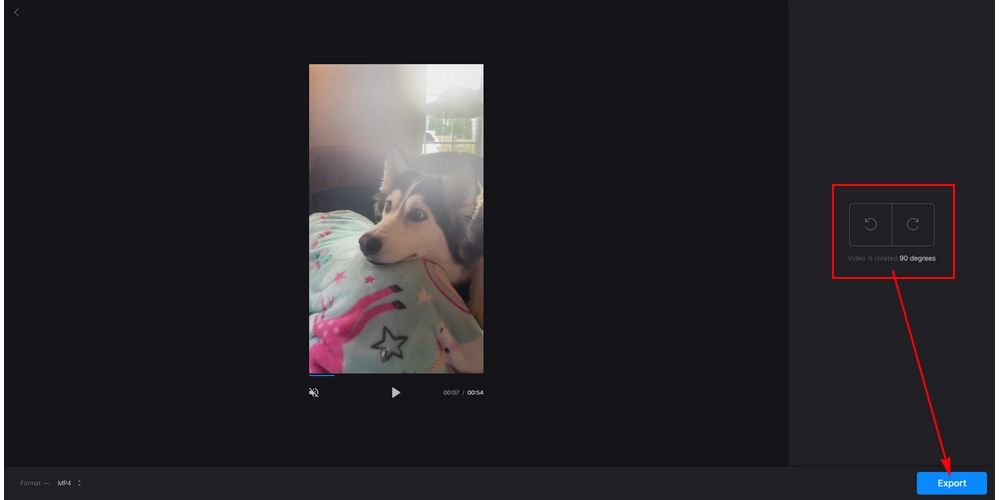
How to Spin a Video of 90 Degrees: A Step-by-step Guide
Are you tired of videos that seem to be spinning out of control? Do you want to know how to spin a video of 90 degrees on your smartphone, tablet, or computer? Look no further! In this article, we’ll show you how to rotate your videos with ease.
Why Spin a Video of 90 Degrees?
Spinning a video of 90 degrees can be useful in various situations. For example, if you’ve recorded a video with your phone and it’s rotated incorrectly, spinning it by 90 degrees can help you correct the orientation. Additionally, spinning a video of 90 degrees can also be useful when editing videos for YouTube or other online platforms.
Method 1: Spinning a Video of 90 Degrees on PC
If you’re using a computer, there are several software options available to spin a video of 90 degrees. Here are some of the most popular ones:
Avidemux (Windows/Mac/Linux)
Avidemux is a free and open-source video editor that allows you to apply filters and effects to your videos. To spin a video of 90 degrees using Avidemux, follow these steps:
- Download and install Avidemux from the official website.
- Launch the program and select the video file you want to edit.
- Click on the “Filters” tab and select the “Transform” filter.
- Choose the rotation option (90 degrees or 270 degrees) and click “OK.”
- Save the edited video by clicking on the “Save” button.
Vlc (Windows/Mac/Linux)
VLC is a popular media player that can also be used to spin a video of 90 degrees. Here’s how:
- Download and install VLC from the official website.
- Launch the program and select the video file you want to edit.
- Click on the “Media” menu and select “Convert/Save.”
- Choose the rotation option (90 degrees or 270 degrees) by clicking on the “Geometry” filter.
- Save the edited video by clicking on the “Save” button.
Rotatemyvideo (Online)
If you don’t want to install any software, you can use an online service called RotateMyVideo. This website allows you to upload your video file and rotate it by 90 degrees with just a few clicks. Here’s how:
- Go to the RotateMyVideo website.
- Upload your video file or enter the URL of the video.
- Select the rotation option (90 degrees or 270 degrees) and click “Rotate Video.”
- Download the edited video.
Method 2: Spinning a Video of 90 Degrees on Smartphone/tablet
If you’re using a smartphone or tablet, there are also several options available to spin a video of 90 degrees. Here are some of the most popular ones:
Google Photos (Android/iPhone/iPad)
Google Photos is a popular photo and video management app that allows you to rotate your videos by 90 degrees. Here’s how:
- Launch Google Photos on your device.
- Select the video file you want to edit.
- Tap on the “Edit” button.
- Tap on the rotation icon (represented by three circular arrows).
- Choose the rotation option (90 degrees or 270 degrees) and tap “Save.”
Photo (iOS/iPadOS)
If you’re using an iPhone or iPad, you can also use the Photo app to spin a video of 90 degrees. Here’s how:
- Launch the Photo app.
- Select the video file you want to edit.
- Tap on the “Edit” button.
- Tap on the rotation icon (represented by three circular arrows).
- Choose the rotation option (90 degrees or 270 degrees) and tap “Save.”
Conclusion
Spinning a video of 90 degrees can be a useful trick when editing videos for YouTube or other online platforms. Whether you’re using a computer, smartphone, or tablet, there are several options available to rotate your videos with ease. We hope this article has been helpful in showing you how to spin a video of 90 degrees.
Frequently Asked Questions
- What is The Purpose of Spinning a Video of 90 Degrees?
Spinning a video of 90 degrees can be useful when editing videos for YouTube or other online platforms. - How do I Spin a Video of 90 Degrees on my Computer?
You can use software like Avidemux, VLC, or RotateMyVideo to spin a video of 90 degrees on your computer. - Can I Spin a Video of 90 Degrees on my Smartphone or Tablet?
Yes, you can use apps like Google Photos, Photo (iOS/iPadOS), or Video Editor (Android) to spin a video of 90 degrees on your device. - How do I Rotate a Video by 90 Degrees Using Avidemux?
To rotate a video by 90 degrees using Avidemux, follow the steps outlined in this article. - Can I Rotate a Video by 270 Degrees Using Vlc?
Yes, you can rotate a video by 270 degrees using VLC by following the steps outlined in this article. - What is Rotatemyvideo?
RotateMyVideo is an online service that allows you to upload your video file and rotate it by 90 degrees with just a few clicks.
Note: The information provided in this article is for educational purposes only. We recommend using caution when editing videos, as changes can affect the overall quality of the video.


