
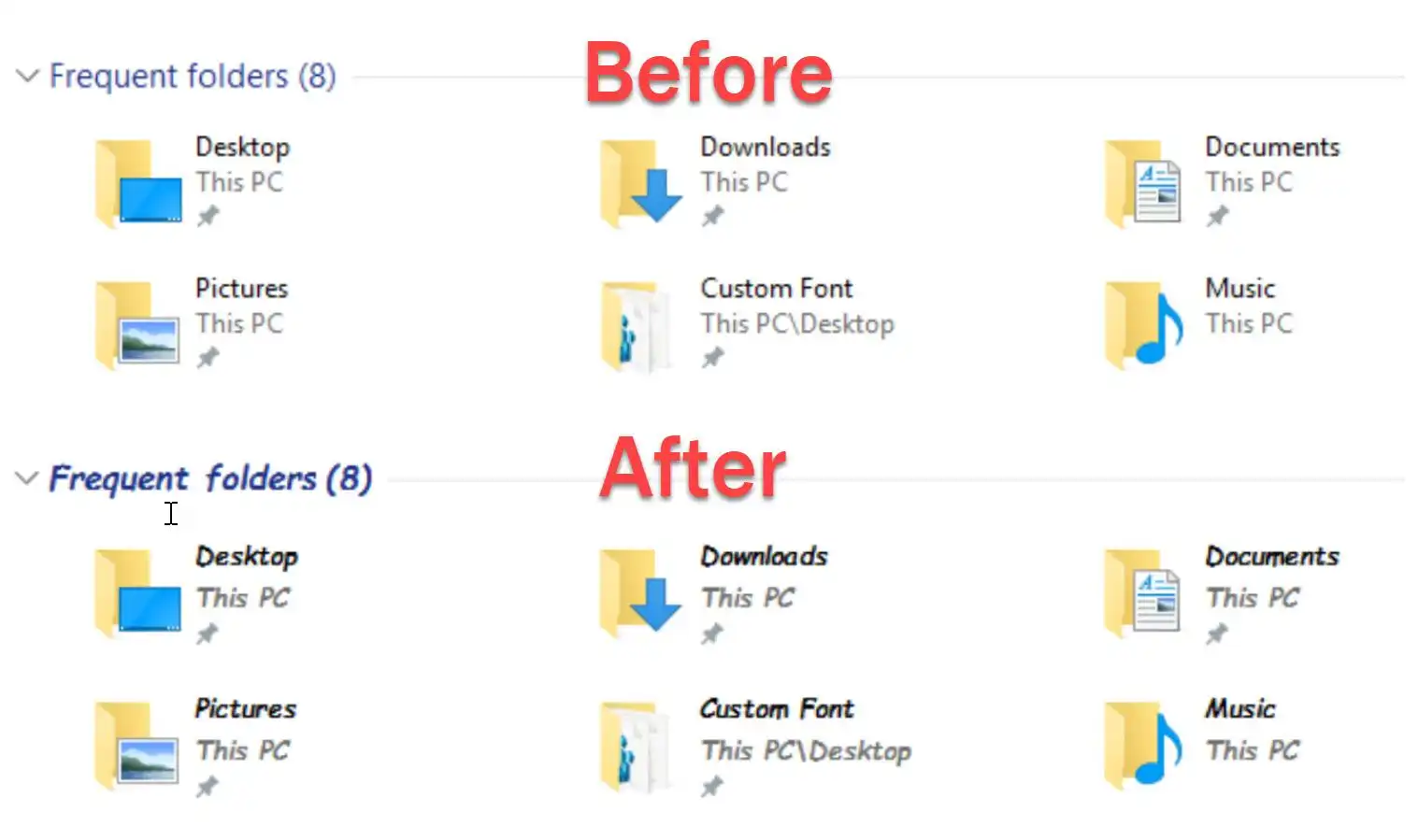
How to Capsize Font on Social Media Platforms And Smartphones
As a tech-savvy individual, you may have come across various social media platforms and apps that allow you to customize the font of your posts, messages, and other content. However, did you know that there are ways to capsize font on these platforms? In this article, we will explore how to do just that.
Introduction
In today’s digital age, social media has become an essential part of our lives. We use it to connect with friends and family, share updates, and showcase our creativity. However, the default fonts used by most social media platforms can be quite bland and uninteresting. That’s why we’ll show you how to capsize font on Instagram, WhatsApp, Facebook, smartphones, tablets, Android devices, iPhones, PCs, and Macs.
Capising Font on Instagram
If you want to add a touch of personality to your Instagram posts, you can use the “IGFonts” tool. This platform allows you to choose from various fonts and customize your text. Here’s how:
- Open the IGFonts website.
- Type in the message you want to post on Instagram.
- Select the font you prefer from the available options.
- Copy and paste the formatted text into the caption of your Instagram post.
Capising Font on Whatsapp
While there isn’t a direct way to capsize font on WhatsApp, you can use some special characters to achieve a similar effect. Here’s how:
- Open WhatsApp and start a new chat.
- Type in the message you want to send.
- Use the following symbols to create different fonts:
- Grassetto: Text
- Cursive: Text
- Barrato: ~Text~
- Monospaziato: “
Text“ - List numbered: 1. Text
- Elenco backed: – Text
- Codice:
Text
Capising Font on Facebook
Just like Instagram, you can use the “IGFonts” tool to capsize font on Facebook. Here’s how:
- Open the IGFonts website.
- Type in the message you want to post on Facebook.
- Select the font you prefer from the available options.
- Copy and paste the formatted text into the caption of your Facebook post.
Capising Font on Smartphones And Tablets
If you have a smartphone or tablet, you can modify the font size by accessing the settings menu. Here’s how:
- Go to Settings > Display > Text Size (for Android devices).
- Adjust the text size to your liking.
- You can also use third-party apps like HiFont or iFont to customize your font.
Capising Font on Android Devices
If you have an Android device, you can modify the font size by accessing the settings menu. Here’s how:
- Go to Settings > Display > Text Size (for most devices).
- Adjust the text size to your liking.
- You can also use third-party apps like HiFont or iFont to customize your font.
Capising Font on Iphones And Ipads
If you have an iPhone or iPad, you can modify the font size by accessing the settings menu. Here’s how:
- Go to Settings > Display & Brightness > Text Size (for most devices).
- Adjust the text size to your liking.
- You can also use third-party apps like HiFont or iFont to customize your font.
Capising Font on Pcs And Macs
If you have a PC or Mac, you can modify the font size by accessing the settings menu. Here’s how:
- For Windows 10 devices:
- Go to Settings > System > Display.
- Adjust the text size to your liking.
- For macOS devices:
- Click on the Apple logo and select System Preferences.
- Click on Displays.
- Adjust the text size to your liking.
Conclusion
In conclusion, capising font is a fun way to personalize your social media content and add some personality to your posts. By following these simple steps, you can customize your font on Instagram, WhatsApp, Facebook, smartphones, tablets, Android devices, iPhones, PCs, and Macs. Remember to always check the platform’s guidelines before making any changes.
Frequently Asked Questions (FAQs)
- Q: Can I Capsize Font on All Social Media Platforms?
A: Yes, you can capsize font on most social media platforms, including Instagram, WhatsApp, Facebook, and more. - Q: How do I Access The Settings Menu to Modify my Font Size?
A: The steps to access the settings menu vary depending on your device and operating system. Please refer to the instructions above for specific guidance. - Q: Can I Use Third-party Apps to Customize my Font?
A: Yes, there are many third-party apps available that allow you to customize your font size and style. - Q: Will Modifying my Font Size Affect Other Aspects of my Device or Platform?
A: In most cases, modifying the font size will not affect other aspects of your device or platform. However, it’s always a good idea to check the platform’s guidelines before making any changes. - Q: Can I Capsize Font on All Devices And Operating Systems?
A: Yes, you can capsize font on most devices and operating systems, including Windows, macOS, Android, and iOS. - Q: Will Modifying my Font Size Make it Easier to Read my Content?
A: Yes, modifying your font size can make it easier to read your content, especially for those with vision impairments or reading difficulties.
Additional Tips
- Always check the platform’s guidelines before making any changes to your font.
- Experiment with different font sizes and styles to find what works best for you.
- Consider using a consistent font style throughout your social media platforms to maintain brand recognition.


