
Measuring Blood Pressure With Apple Watch: A Comprehensive Guide
As a technophile, I recently acquired an Apple Watch to monitor my sporting activity and was thrilled to discover that the device can measure various vital parameters. However, I soon realized that measuring blood pressure with Apple Watch is not feasible, at least until now. In this article, we will explore why it’s challenging to measure blood pressure using only the Apple Watch and discuss some devices that can help overcome this limitation.
Why Measuring Blood Pressure is Complicated
To understand why measuring blood pressure with Apple Watch is complicated, let’s first look at how blood pressure measurement works. Blood pressure measurement requires a sensor positioned around the upper arm to read data from the brachial artery. This sensor needs to be placed in a specific location to accurately measure blood flow. The Apple Watch, on the other hand, is designed to be worn on the wrist, which makes it difficult to execute this type of measurement.
The Limitations of Apple Watch
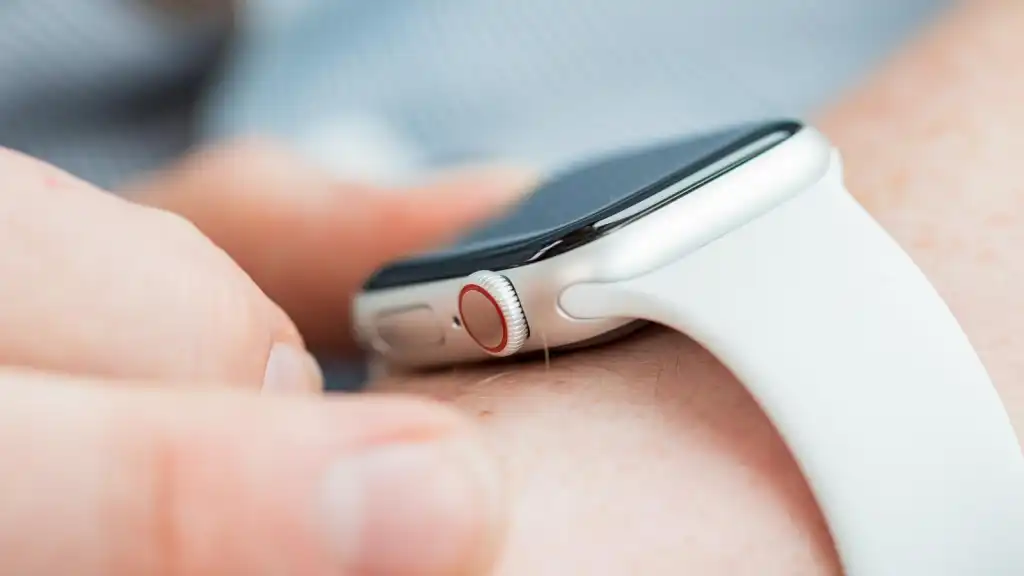
The reason why measuring blood pressure with Apple Watch is not feasible lies in its design. The device’s sensor is located on the back of the watch, where it measures heart rate and other vital signs. However, this location does not allow for accurate blood pressure measurements. To measure blood pressure, a separate device specifically designed for this purpose must be used.
Introducing Qardioarm
One of the most effective solutions to overcome the limitations of Apple Watch is QardioArm. This device is specifically designed to work with your iPhone and Apple Watch, allowing you to measure blood pressure, heart rate, and other vital signs. QardioArm has been clinically tested and provides accurate readings. With a price tag of 99.95 Euros, it’s an affordable solution for anyone looking to monitor their blood pressure.
How Qardioarm Works
Using QardioArm is relatively straightforward. First, you need to light up the device and insert your arm into the inflatable cuff. Next, ensure that the device is securely connected to your limb, much like a traditional blood pressure monitor. Once done, tap on the green “Start” button within the Qardio app (previously downloaded and configured on your Apple Watch). If the button appears grey instead of green, it’s likely that you haven’t correctly configured the app.
Getting Accurate Readings With Qardioarm
Once the measurement is complete, the results will be displayed directly on your Apple Watch. These readings are classified according to guidelines set by the World Health Organization (WHO) and the Italian Society of Hypertension (SIIA). The Qardio app also allows you to track past measurements, providing valuable insights into your blood pressure trends.
Additional Features of Qardio
What’s more, Qardio seamlessly integrates with the Health app on your Apple Watch. This means that all data collected by Qardio is automatically synced and can be viewed within the Health app. The app also enables you to record measurements taken using a traditional blood pressure monitor.
Conclusion
Measuring blood pressure with Apple Watch alone is not feasible without additional devices like QardioArm. However, this device provides an accurate and user-friendly solution for monitoring your blood pressure in conjunction with your Apple Watch. By following the simple steps outlined above, you can start tracking your vital signs and gaining a better understanding of your overall health.


