
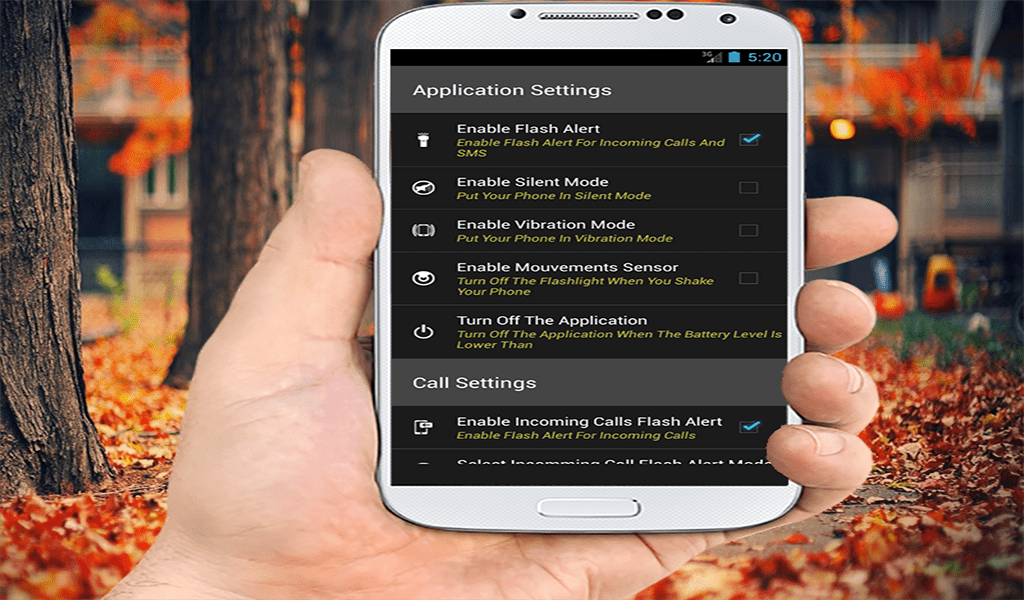
Why Do I Need a Flash Notification?
The article highlights the benefits of having a flash notification, such as being able to receive notifications discreetly during meetings or classes.
Section 1: Android – Contacting a Flash When You Call
This section explains how to enable flash notifications on Android devices by going to Settings > Accessibility and looking for the “Notify with Flash” option. It also mentions that users can customize other settings, such as flashing when receiving notifications from specific apps.
Section 2: Samsung – Contacting a Flash When You Call
This section provides similar instructions for Samsung devices, explaining how to enable flash notifications by going to Settings > Accessibility and looking for the “Notify with Flash” option.
Section 3: Xiaomi – Contacting a Flash When You Call
This section explains how to enable flash notifications on Xiaomi devices by going to Settings > App and Settings and looking for the “Settings in arrival” option. It also mentions that users can customize other settings, such as flashing when receiving notifications from specific apps.
Section 4: Huawei – Contacting a Flash When You Call
This section explains that Huawei devices may not have a native flash notification feature, but users can download and install third-party apps like “Flash 3” to enable this feature.
Section 5: Oppo – Contacting a Flash When You Call
This section explains how to use the Google Phone app to enable flash notifications on OPPO devices by going to Settings > Accessibility and looking for the “Flash when ring” option.
Section 6: Iphone – Contacting a Flash When You Call
This final section explains how to enable flash notifications on iPhone devices by going to Settings > Accessibility and looking for the “Flash LED for notices” option.
Conclusion
The article concludes that contacting a flash when you call is a feature that can be customized to suit individual needs, regardless of the smartphone brand.


