
How To Access Whatsapp On Another Phone: A Step-by-step Guide
Are you tired of missing important messages on your WhatsApp account because you don’t have your phone with you? Do you want to be able to access your WhatsApp conversations from another device, like a laptop or tablet? Look no further! In this article, we’ll show you how to access WhatsApp on another phone using two different methods: The WhatsApp feature and an app called Join.
What Is The Whatsapp Feature And How Does It Work?
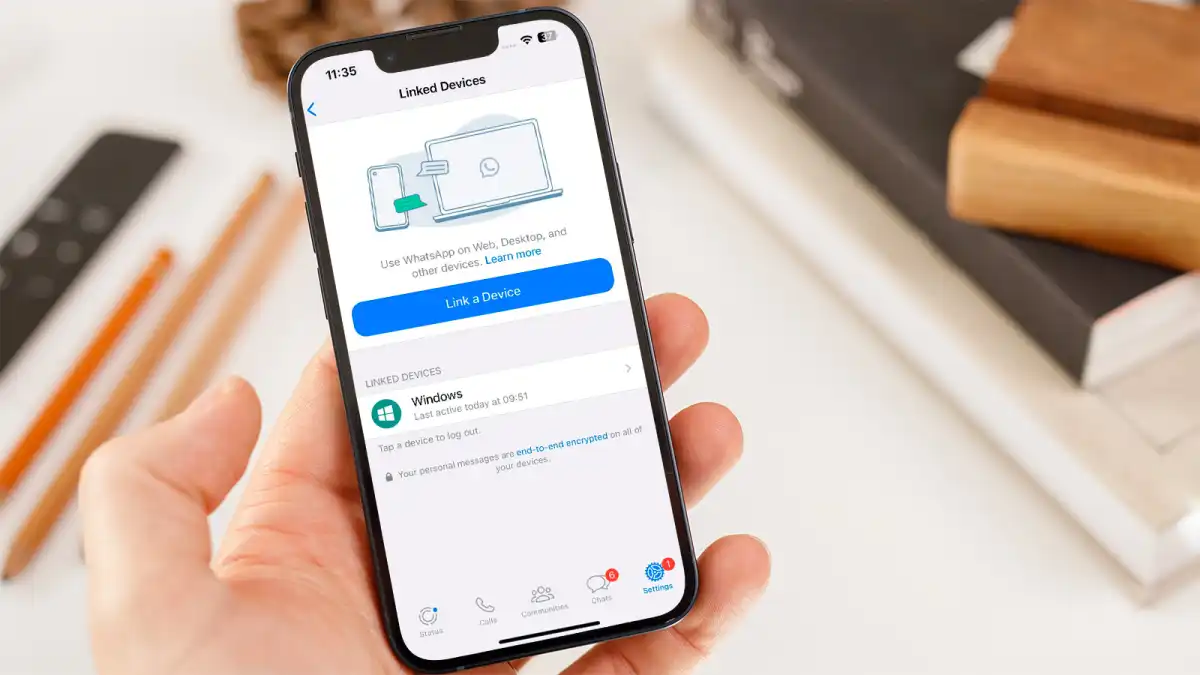
The WhatsApp feature allows you to link your account to multiple devices, including other phones. This means that you can use WhatsApp on one device, and still receive notifications and access your conversations on another device. To use this feature, follow these steps:
- Open Whatsapp On Your Primary Phone: First, open the WhatsApp app on your primary phone.
- Tap On The Three Vertical Dots: Tap on the three vertical dots in the top-right corner of the screen to access the menu.
- Select “Devices”: Select “Devices” from the menu to link another device to your account.
- Scan A QR Code: Scan a QR code displayed on the secondary phone using your primary phone’s camera.
- Configure The Secondary Device: Configure the secondary device by following the prompts to link it to your WhatsApp account.
What Is Join And How Does It Work?
Join is an app that allows you to sync notifications from your WhatsApp account across multiple devices. This means that you can see and respond to notifications on one device, even if you’re using a different phone. To use Join, follow these steps:
- Download The App: Download the Join app from the Google Play Store or Apple App Store.
- Install The App On Both Devices: Install the app on both your primary phone and secondary phone.
- Configure The App: Configure the app by linking it to your WhatsApp account using a Google account.
- Sync Notifications: Sync notifications across devices by following the prompts in the Join app.
Benefits Of Using The Whatsapp Feature Or Join
Using either the WhatsApp feature or Join has several benefits, including:
- Accessing Your Conversations On Another Device: You can access your WhatsApp conversations on another device, even if you don’t have your primary phone with you.
- Receiving Notifications: You’ll receive notifications on one device, even if you’re using a different phone.
- Convenience: Both methods are easy to use and require minimal setup.
Common Questions And Answers
Here are some common questions and answers about accessing WhatsApp on another phone:
- Q: Can I Access Whatsapp on Multiple Devices at Once?
A: Yes, you can link your account to up to 4 devices using the WhatsApp feature. - Q: Do I Need to Have my Primary Phone With me to Use Join?
A: No, you don’t need to have your primary phone with you to use Join. However, it’s recommended that you keep both phones connected to the internet to ensure seamless syncing of notifications. - Q: Is Join Free to Use?
A: Yes, Join is a free app. However, there are some premium features available for purchase.
Conclusion
Accessing WhatsApp on another phone is now easier than ever with the WhatsApp feature and Join. Both methods offer several benefits, including access to your conversations on multiple devices, receiving notifications across devices, and convenience. Whether you’re looking for a solution to stay connected while traveling or need to share messages between colleagues, these two options are definitely worth considering.
Frequently Asked Questions (FAQs)
Here are some additional FAQs about accessing WhatsApp on another phone:
- Q: How do I Disconnect my Secondary Device From my Whatsapp Account?
A: To disconnect a secondary device, go to the settings menu in WhatsApp and select “Devices” then tap on the “Disconnect” button. - Q: Can I Use Join With Multiple Whatsapp Accounts?
A: Yes, you can link multiple WhatsApp accounts to Join. - Q: Is Join Available For Desktop Devices?
A: No, Join is currently only available for mobile devices. - Q: How do I Troubleshoot Issues With The Whatsapp Feature or Join?
A: Check the WhatsApp website or Join app for troubleshooting guides and FAQs. - Q: Can I Use The Whatsapp Feature or Join With Other Messaging Apps?
A: No, these features are specifically designed for WhatsApp. - Q: How do I Cancel my Subscription to Join’s Premium Features?
A: To cancel your subscription, go to the settings menu in the Join app and select “Subscription” then tap on the “Cancel” button.
I hope this article has helped you understand how to access WhatsApp on another phone using either the WhatsApp feature or Join. If you have any further questions or need clarification on any of these points, feel free to ask!


