
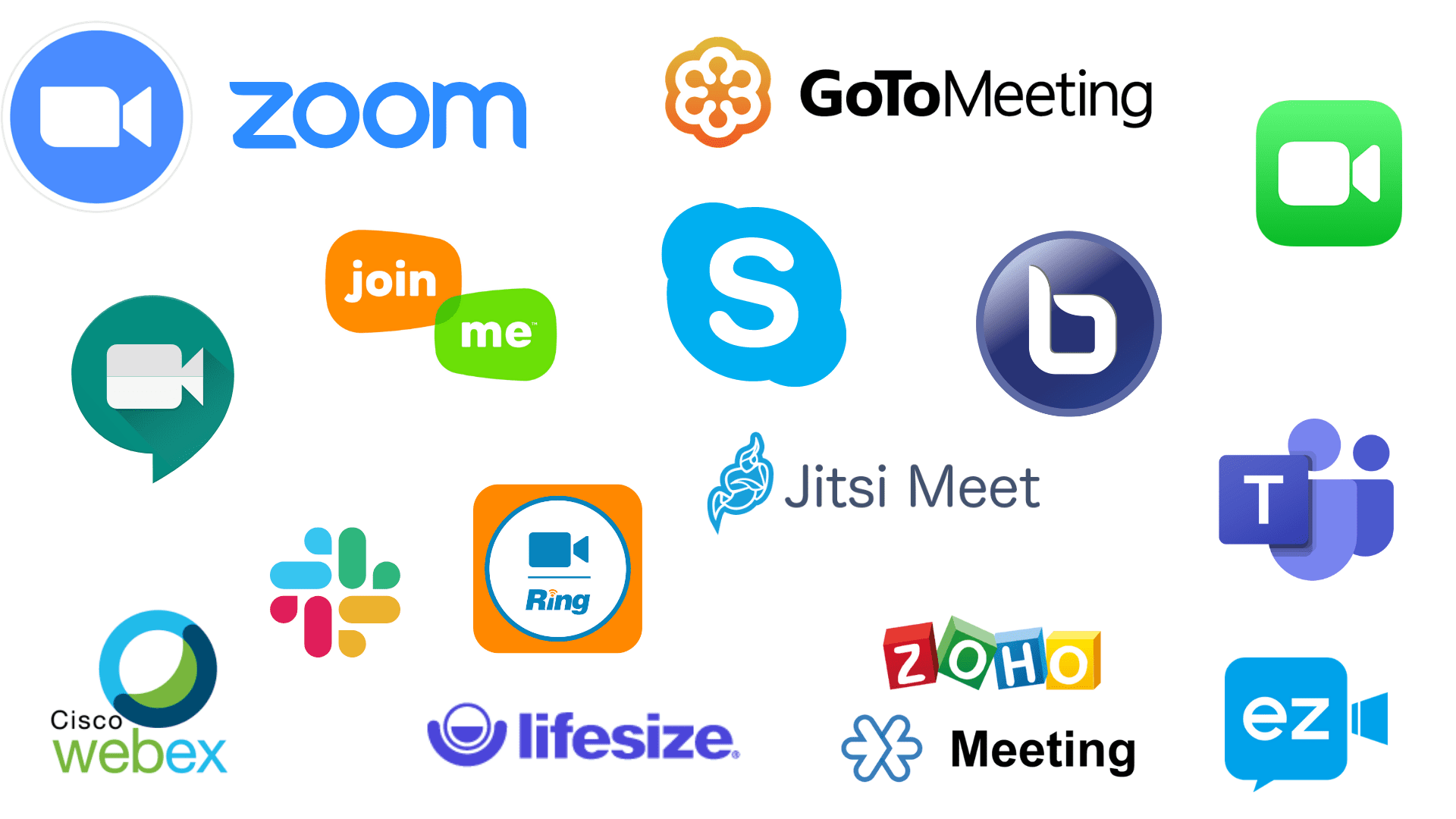
The Ultimate Guide to Videoconferencing Apps
Are you tired of traveling long distances or dealing with crowded meeting rooms? Do you want to hold meetings from the comfort of your own home or office? Look no further! In this article, we’ll explore the world of videoconferencing apps and provide you with a comprehensive guide on which ones to use.
Introduction
Videoconferencing has become an essential tool for businesses, organizations, and individuals alike. With the rise of remote work, virtual meetings have become the norm. But with so many options available, it can be overwhelming to choose the right one. That’s why we’ve compiled a list of the best videoconferencing apps on the market, along with their features and benefits.
Top Videoconferencing Apps
Google Meet (Android/iOS/iPadOS)
- Maximum participants: 100
- Features:
- Create and join meetings from Google Calendar
- Share screen and presentations
- Record meetings (beta feature)
- Integrate with other Google apps
Zoom (Android/iOS/iPadOS)
- Maximum participants: 100 (Free version), unlimited (paid version)
- Features:
- Video and audio conferencing
- Screen sharing and recording
- Meeting scheduling and calendar integration
- Chat and messaging features
Microsoft Teams (Android/iOS/iPadOS)
- Maximum participants: 100 (Free version), unlimited (paid version)
- Features:
- Video and audio conferencing
- Screen sharing and recording
- Meeting scheduling and calendar integration
- Chat and messaging features
- File sharing and collaboration tools
Jitsi Meet (Android/iOS/iPadOS)
- Maximum participants: 75
- Features:
- Video conferencing with screen sharing and recording
- Calendar integration and meeting scheduling
- Chat and messaging features
- Open-source and free to use
Other Videoconferencing Apps
- Skype: A popular video conferencing app with a maximum of 100 participants.
- Webex Meetings: A business-focused video conferencing app with screen sharing, recording, and meeting scheduling features.
- Whatsapp: A messaging app that also offers video conferencing capabilities with a maximum of 8 participants.
- Facetime: A popular video conferencing app for Apple devices.
Recording Videoconferences
If you want to record your video conferences, there are several apps available that can help you do so. Some of the top recording apps include:
- Tapeacall: An app that records both sides of a phone call or video conference.
- Call Recorder: An app that records incoming and outgoing calls, including video conferencing sessions.
- Screenflow: A screen recording app that can also record video conferencing sessions.
Conclusion
Choosing the right videoconferencing app for your needs can be overwhelming. With so many options available, it’s essential to consider factors such as maximum participants, features, and integrations. In this article, we’ve explored the top videoconferencing apps on the market, including Google Meet, Zoom, Microsoft Teams, Jitsi Meet, and others.
Frequently Asked Questions
- What is The Best Video Conferencing App For my Business?
- The best video conferencing app for your business depends on your specific needs and requirements. If you’re looking for a free option with a maximum of 100 participants, Google Meet or Zoom might be suitable.
- Can I Record Video Conferences Using These Apps?
- Some video conferencing apps offer recording capabilities, such as Google Meet (beta feature) or Zoom. However, not all apps provide this feature, so it’s essential to check the app’s documentation before recording a session.
- Do I Need an Account to Use These Apps?
- Most video conferencing apps require an account to use their services. Some apps, like Jitsi Meet, are open-source and free to use without any account requirements.
Conclusion
Videoconferencing has become an essential tool for businesses and individuals alike. With the rise of remote work, virtual meetings have become the norm. By choosing the right video conferencing app for your needs, you can hold productive meetings from anywhere in the world.


