
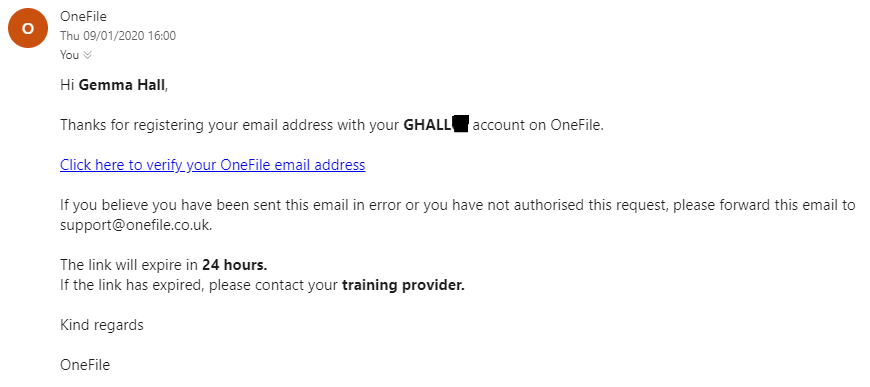
How to Check Email Validity: A Comprehensive Guide
Are you tired of sending important emails only to find out that the recipient’s address is invalid? Do you want to avoid the embarrassment of sending sensitive information to the wrong person? Look no further! In this article, we will guide you through the process of checking email validity using various online tools and services.
Why Check Email Validity?
Checking email validity is crucial in today’s digital age. With so many emails being sent every day, it’s easy to make mistakes or fall victim to phishing scams. By verifying the validity of an email address, you can ensure that your messages reach their intended recipients safely and securely.
Tools For Checking Email Validity
There are several online tools and services available that can help you check email validity. Here are some of the most popular ones:
- Check Email: This is a simple tool that allows you to enter an email address and verify its validity.
- Mailtester Ninja: This service provides a quick way to check if an email address exists or not.
- Verifyemailaddress.Org: This website offers a free verification service for email addresses.
- Check-email-address.Com: This site provides a simple interface for checking email validity.
How to Use These Tools
Using these tools is relatively easy. Here’s how:
- Enter the email address you want to verify into one of the above-mentioned tools.
- Click on the “Verify” button.
- Wait for the tool to process your request (this usually takes a few seconds).
- If the email address is valid, the tool will display a green checkmark or a positive message.
- If the email address is invalid, the tool will display a red cross or a negative message.
Other Services For Checking Email Validity
In addition to the above-mentioned tools, there are other services that can help you verify email validity. Here are some of them:
- Have I Been Pwned?: This service allows you to check if your email address has been compromised in a data breach.
- Nordpass: This password manager also offers a feature for verifying email addresses.
How to Check Email Validity on Specific Platforms
Some platforms, like UniCredit, INPS, PlayStation Network, and iCloud, have their own verification processes for checking email validity. Here’s how to do it:
- Unicredit: To check your email address on UniCredit, go to the website, log in, and follow the instructions to verify your email.
- Inps: On INPS, you’ll receive a code via email that you need to enter to complete the verification process.
- Playstation Network: To check your email address on PlayStation Network, go to the website, log in, and follow the instructions to verify your email.
- Icloud: On iCloud, you can verify your email address by entering a code sent to your email.
Conclusion
Checking email validity is an essential step in ensuring that your messages reach their intended recipients safely and securely. By using the tools and services mentioned above, you can verify email addresses quickly and easily. Remember to always be cautious when sending sensitive information via email, and never hesitate to seek help if you’re unsure about something.
Faqs
- Q: What is The Importance of Checking Email Validity?
A: Checking email validity ensures that your messages reach their intended recipients safely and securely. - Q: How do I Check Email Validity Using Check Email?
A: Simply enter the email address you want to verify into the tool, click on the “Verify” button, and wait for the result. - Q: What is Mailtester Ninja?
A: MailTester Ninja is a service that allows you to quickly verify if an email address exists or not. - Q: Can I Use These Tools to Check Email Validity For Free?
A: Yes, most of these tools offer free verification services. - Q: How do I Report a Phishing Scam?
A: If you suspect a phishing scam, report it to the authorities and mark the email as spam in your inbox. - Q: Can I Use Nordpass to Verify Email Addresses?
A: Yes, NordPass offers a feature for verifying email addresses. - Q: How do I Check my Email Address on Playstation Network?
A: Go to the PlayStation Network website, log in, and follow the instructions to verify your email address. - Q: What Should I do if my Email Account is Compromised?
A: Immediately change your password, report the incident to the authorities, and take necessary steps to secure your account.
I hope this article has helped you understand the importance of checking email validity and provided you with the tools and services needed to do so. If you have any further questions or concerns, please don’t hesitate to reach out!


