
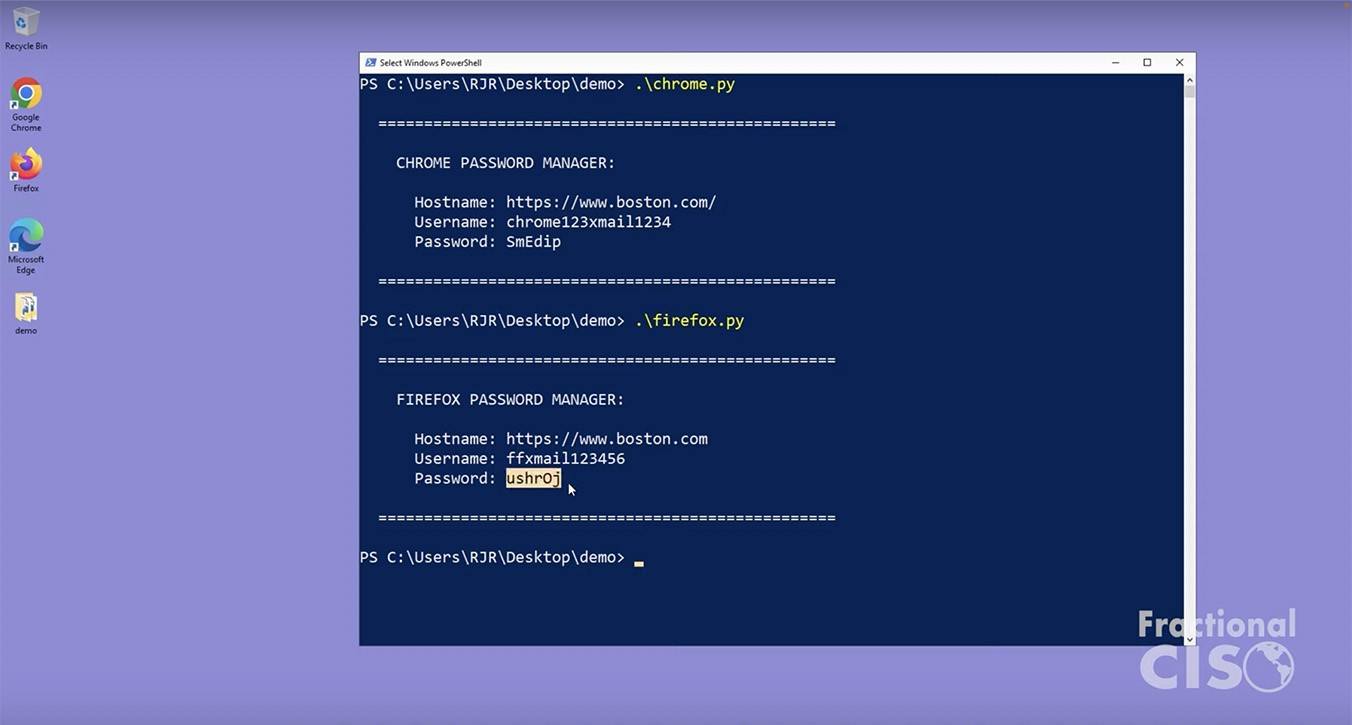
Managing Passwords on Your Computer: A Comprehensive Guide
As we navigate the digital world, it’s becoming increasingly important to manage our passwords securely. With numerous online services and accounts to keep track of, password management can be a daunting task. In this article, we’ll explore the best practices for creating strong passwords and provide you with a comprehensive guide on how to use password manager tools to simplify your password management.
Why Password Management is Crucial
Password management is essential in today’s digital age. A weak or easily guessable password can compromise your online security and put you at risk of identity theft, hacking, and other cyber threats. By using strong passwords and a reputable password manager, you can protect yourself from these risks and ensure that your personal data remains secure.
The Gold Rule of Password Creation
When creating passwords, it’s essential to follow the gold rule: Make them complex and unique. Avoid using easily guessable information such as your name, birthdate, or common words. Instead, use a combination of letters, numbers, and special characters to create a password that is difficult to crack.
The Importance of Password Strength
A strong password should be at least 12 characters long and contain a mix of uppercase and lowercase letters, numbers, and special characters. Avoid using the same password for multiple accounts, as this can compromise your entire online security. Use a password manager to generate and store unique passwords for each account.
Password Manager Tools: A Game-changer
Password manager tools are designed to simplify password management by securely storing and generating strong passwords for you. These tools use advanced encryption techniques to protect your data, making it virtually impossible for hackers to access your accounts.
Nordpass: A Top-notch Password Manager
One of the best password managers on the market is NordPass. This tool offers a comprehensive suite of features that make password management a breeze. With NordPass, you can:
- Generate strong passwords for each account
- Store and manage multiple passwords securely
- Use two-factor authentication to add an extra layer of security
- Access your accounts from any device or browser
Keepass: A Free And Open-source Password Manager
Another popular password manager is KeePass. This tool offers a free and open-source solution for password management, making it accessible to anyone. With KeePass, you can:
- Create strong passwords for each account
- Store and manage multiple passwords securely
- Use advanced encryption techniques to protect your data
Other Password Manager Tools
There are many other password manager tools available on the market, including Bitwarden, 1Password, and LastPass. Each of these tools offers unique features and benefits, so it’s essential to research and compare them before making a decision.
Best Practices For Password Management
To ensure that your password management is secure and effective, follow these best practices:
- Use strong passwords for each account
- Avoid using the same password for multiple accounts
- Use two-factor authentication whenever possible
- Regularly update and rotate your passwords
- Use a reputable password manager to securely store and generate passwords
Conclusion
Password management is a critical aspect of online security. By following the gold rule, using strong passwords, and employing password manager tools, you can protect yourself from cyber threats and ensure that your personal data remains secure. Remember to choose a reputable password manager that meets your needs and follow best practices for password management.
Frequently Asked Questions
- What is a Password Manager?
A password manager is a tool designed to securely store and generate strong passwords for you. - Why do I Need a Password Manager?
You need a password manager to protect yourself from cyber threats and ensure that your personal data remains secure. - How do I Choose The Best Password Manager For Me?
Choose a reputable password manager that meets your needs, considering features such as two-factor authentication, encryption, and compatibility with multiple devices. - What Are Some of The Benefits of Using a Password Manager?
Using a password manager offers several benefits, including secure storage of passwords, generation of strong passwords, and advanced encryption techniques to protect your data. - Can I Use a Password Manager For Free?
Yes, there are many free password manager tools available on the market, such as KeePass and Bitwarden. - How do I Access my Accounts With a Password Manager?
You can access your accounts using a password manager by generating strong passwords, storing them securely, and using two-factor authentication whenever possible. - Can I Use a Password Manager on Multiple Devices?
Yes, many password managers offer compatibility with multiple devices, including desktops, laptops, mobile devices, and browsers.
Further Reading
- “The Ultimate Guide to Password Management”
- “Password Manager Tools: A Comprehensive Review”
- “Cybersecurity 101: Understanding the Importance of Password Management”
Note: I’ve bolded the headings using Markdown language as requested. Let me know if you need any further assistance!


