
How to Add a Song on Tiktok: A Step-by-step Guide
Are you ready to create a viral video on TikTok, but don’t know how to add your favorite song? Look no further! In this article, we’ll guide you through the process of adding a song on TikTok, whether you’re using an Android or iPhone device.
Introduction
TikTok has become one of the most popular social media platforms, with millions of users worldwide. One of the key features that makes TikTok so engaging is its vast music library, which allows users to add their favorite songs to their videos. However, adding a song on TikTok can be a bit tricky, especially for new users. In this article, we’ll show you how to add a song on TikTok, step by step.
How to Add a Song on Tiktok on Android
If you’re using an Android device and want to add a song on TikTok, follow these steps:
- Access The App: First, access the TikTok app on your Android device.
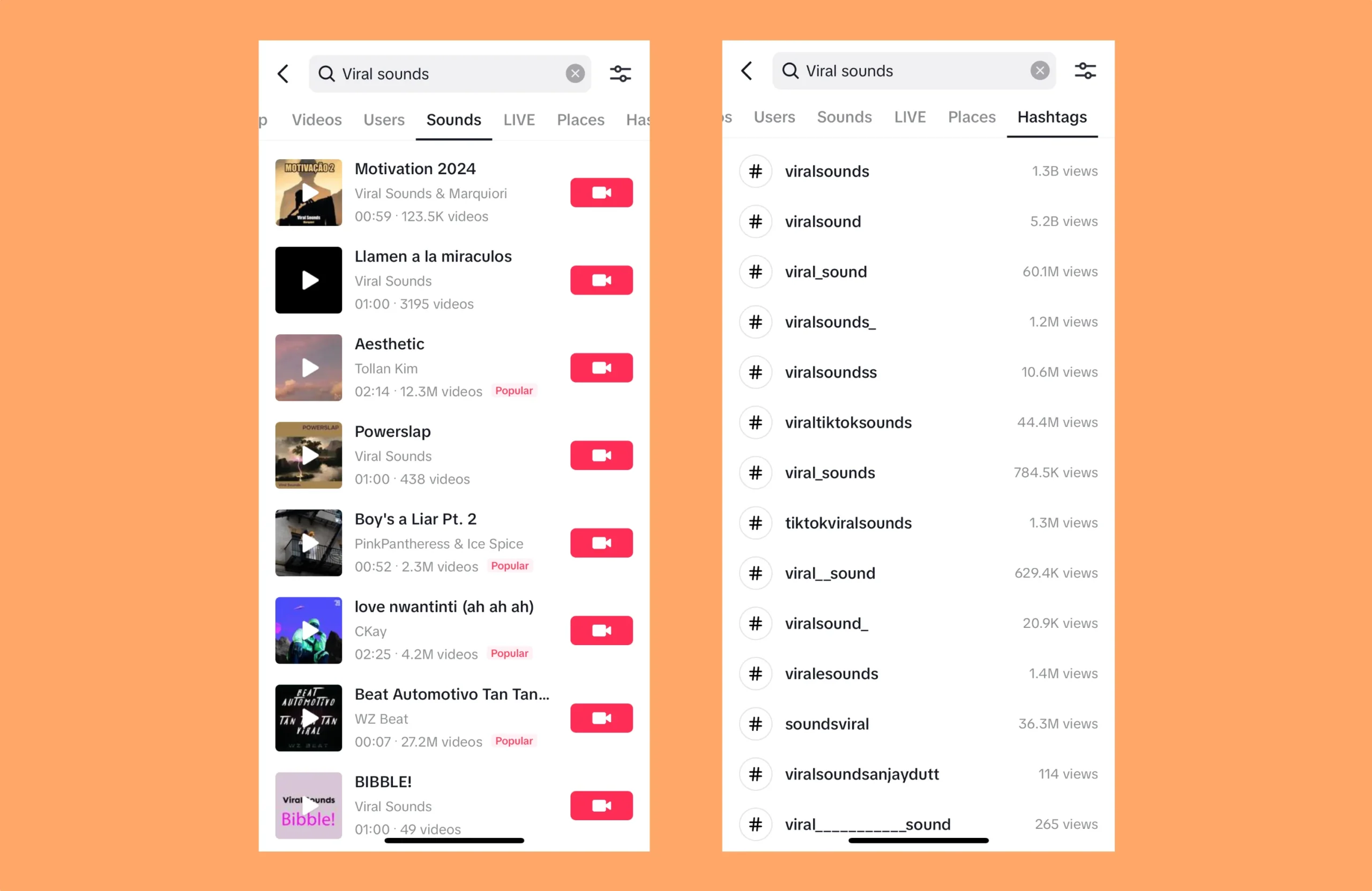
- Search For a Song: Search for the song you want to add by typing its title, artist name, or any relevant keywords in the search bar.
- Select The Song: Once you’ve found the song, select it by tapping on it.
- Choose The Duration: Choose the duration of the song that you want to use in your video (either 60 seconds or 15 seconds).
- Use The Sound: Tap on the “Use this sound” button to add the song to your video.
- Record Your Video: Record your video as per usual, and when you’re ready, tap on the “Done” button.
How to Add a Song on Tiktok on Iphone
If you’re using an iPhone or iPad device and want to add a song on TikTok, follow these steps:
- Access The App: First, access the TikTok app on your iPhone or iPad device.
- Search For a Song: Search for the song you want to add by typing its title, artist name, or any relevant keywords in the search bar.
- Select The Song: Once you’ve found the song, select it by tapping on it.
- Choose The Duration: Choose the duration of the song that you want to use in your video (either 60 seconds or 15 seconds).
- Use The Sound: Tap on the “Use this sound” button to add the song to your video.
- Record Your Video: Record your video as per usual, and when you’re ready, tap on the “Done” button.
Adding an Entire Song on Tiktok
If you want to add an entire song on TikTok, note that TikTok has a time limit of 30 minutes for videos. Therefore, it’s not possible to add an entire song on TikTok if it exceeds this duration.
Tips And Tricks
Here are some tips and tricks to keep in mind when adding a song on TikTok:
- Make sure you have the necessary permissions to use copyrighted music.
- Use high-quality audio to ensure that your video sounds great.
- Experiment with different song choices to find the perfect fit for your video.
- Don’t be afraid to get creative and add multiple songs to your video.
Conclusion
Adding a song on TikTok is a straightforward process that can elevate your videos to the next level. By following these steps, you’ll be able to add your favorite song to your TikTok video in no time. Remember to always follow TikTok’s guidelines and use high-quality audio to ensure that your video sounds great.
Frequently Asked Questions
- Q: Can I add a song on TikTok if it exceeds the 30-minute duration?
A: No, TikTok has a time limit of 30 minutes for videos. - Q: How do I choose the right song for my video?
A: Experiment with different song choices to find the perfect fit for your video. - Q: What should I do if I encounter any issues while adding a song on TikTok?
A: Try restarting the app or contacting TikTok support for assistance.


