
Are you tired of your Google account? Perhaps you’ve transferred your Gmail to another service or want to start fresh with a new online identity. Whatever the reason, it’s time to learn how to delete a Google account safely and permanently.
In this article, we’ll guide you through the process of deleting a Google account, covering all aspects from backing up your data to canceling subscriptions and services associated with your account.
Why Delete a Google Account?
Before we dive into the steps, let’s quickly explore why someone might want to delete their Google account. Here are some possible reasons:
- You’ve transferred your email service to another provider.
- You’re looking for a fresh start or a new online identity.
- You’re concerned about data security and want to erase all associated information.
Backing Up Your Data: A Crucial Step
Before deleting your Google account, it’s essential to back up any important data, such as emails, contacts, or files stored in Google Drive. Here’s how to do it:
- Google Takeout: Go to the Google Takeout page and sign in with your Google account.
- Choose the type of data you want to export (e.G., Gmail, Contacts, Google Drive files).
- Select the format for exporting your data (e.G., CSV, JSON, or XML).
- Click on “Next” and follow the prompts to create a zip file containing your exported data.
Permanently Deleting Your Google Account
Now that you’ve backed up your data, it’s time to delete your Google account. Follow these steps:
- Sign in to Your Google Account: Go to the Google Account sign-in page.
- Click on “Data & Personalization”: Scroll down and click on the “Data & personalization” tab.
- Select “Delete my Account”: Click on the “Delete my account” button at the bottom of the page.
- Confirm Your Decision: Review the information provided, check the boxes to confirm you’re aware of the consequences, and click on “Delete account.”
- Wait For Confirmation: Google will send a verification email to the primary email address associated with your account.
Canceling Subscriptions And Services
If you have any active subscriptions or services linked to your Google account (e.G., Google Play Music, Google Photos), cancel them before deleting your account. Here’s how:
- Google Play: Go to the Google Play Store and click on “Account” > “Subscriptions.”
- Cancel Subscriptions: Select the subscription you want to cancel and follow the prompts.
- Services Like Google Photos: Visit the respective service page, sign in with your Google account, and cancel any associated services.
Closing Your Google Account: The Final Steps
You’re almost done! After deleting your Google account, it may take some time for all services and data to be removed. Be patient, as this process can take up to 90 days.
To confirm that your account has been deleted, try signing in to the Google Account sign-in page. If you’re unable to log in, it’s likely that your account has been successfully deleted.
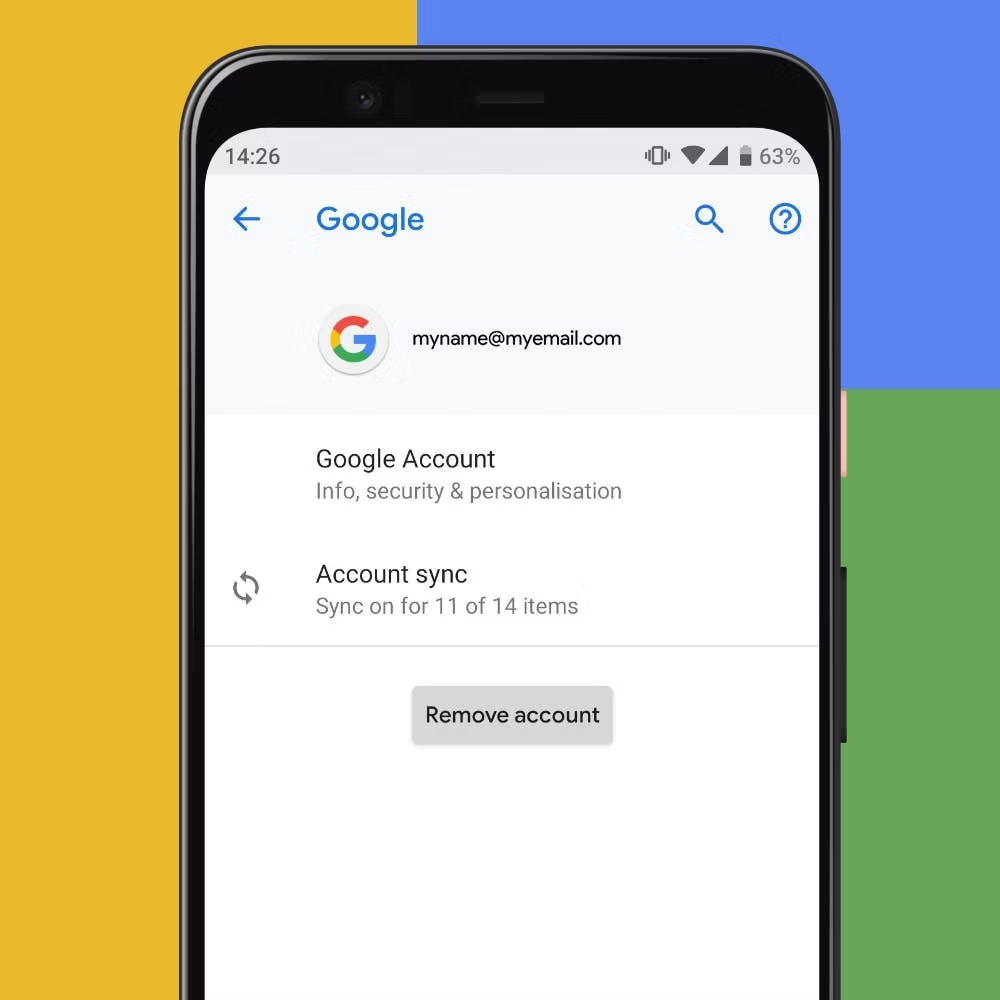
Deleting a Google Account From a Device
What if you want to delete a Google account associated with a specific device? Here are the steps:
Deleting a Google Account on Android:
- Settings: Go to Settings > Google settings and sign in with your Google account.
- Gestisci Account: Select “Manage accounts” and choose the Google account you want to delete.
- Disattiva: Tap on “Disable” and confirm that you want to remove the account.
Deleting a Google Account on Ios:
- Settings: Go to Settings > Google settings and sign in with your Google account.
- Gestisci Account: Select “Manage accounts” and choose the Google account you want to delete.
- Disattiva: Tap on “Disable” and confirm that you want to remove the account.
Deleting a Google Account on Gmail:
- Sign in to Your Gmail Account: Go to the Gmail sign-in page.
- Click on The Gear Icon: At the top right corner of the inbox, click on the gear icon and select “Settings.”
- Account Settings: Click on the “Accounts and Import” tab.
- Remove Account: Select the Google account you want to delete and click on “Remove account.”
How to Delete a Google Account: Conclusion
Deactivating your Google account is a straightforward process that involves backing up important data, canceling subscriptions and services, and confirming the deletion of your account. If you’re unsure about any step or need more information, refer back to this article.
By following these guidelines, you’ll be able to delete your Google account safely and efficiently.


