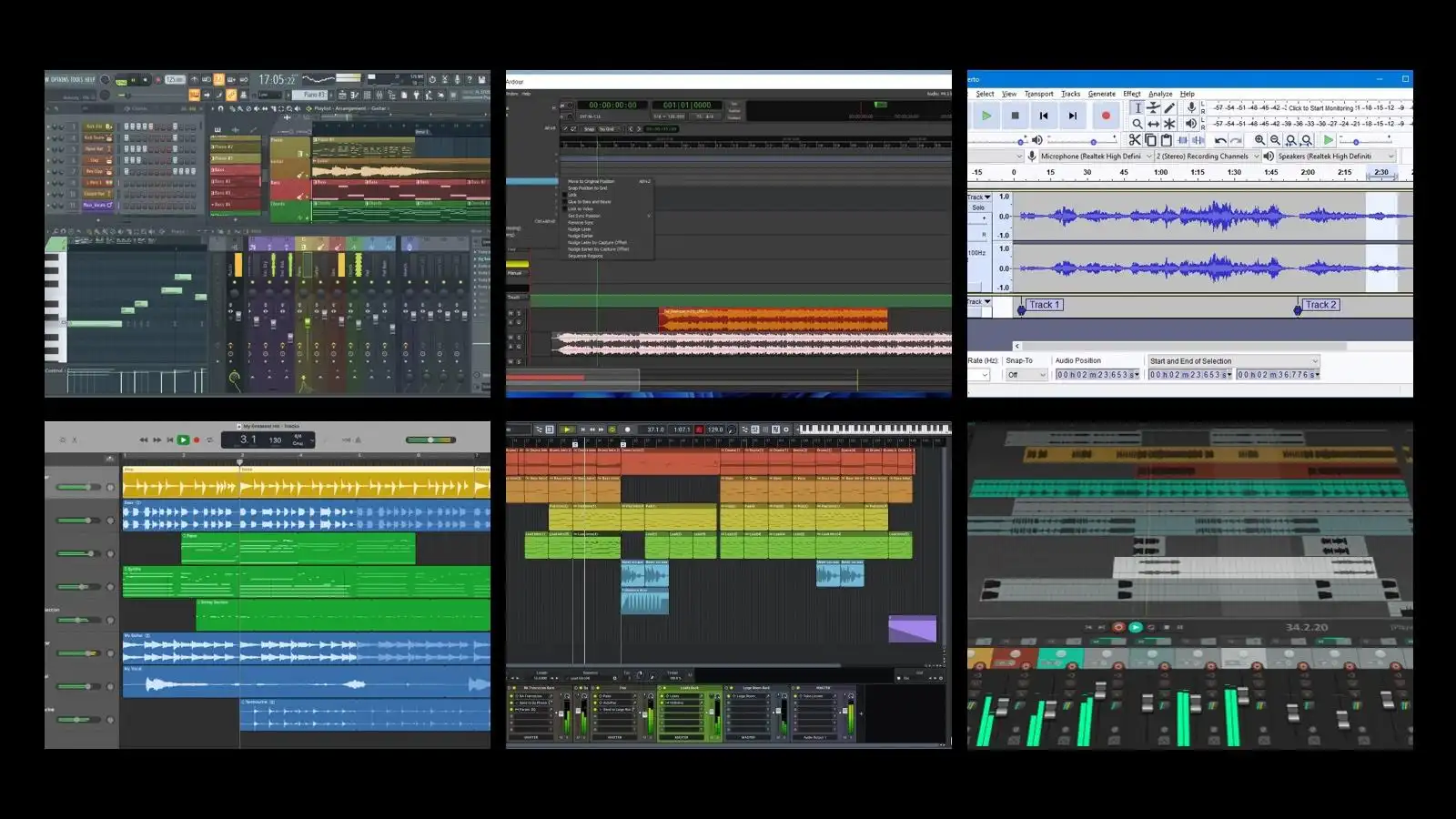
The Ultimate Guide to Cutting Songs: Top Programs And Apps
Are you tired of searching for a reliable program or app to cut your favorite songs? Look no further! In this comprehensive guide, we’ll explore the top programs and apps that will help you trim, edit, and save your musical masterpieces.
Why Cut Songs in The First Place?
Cutting songs can be useful for various purposes:
- Removing unwanted parts or imperfections
- Creating a personalized playlist or mixtape
- Preparing music for video editing or social media content
Programs to Cut Songs on Windows, Macos, And Linux
- Audacity: A free, open-source program available for Windows, macOS, and Linux.
- Mp3directcut: A lightweight software specifically designed for cutting MP3 files on Windows.
Audacity: The Ultimate Cutting Tool
Audacity is an excellent choice for any level of user. Its intuitive interface and extensive features make it a must-have for:
- Removing unwanted parts or imperfections
- Creating a personalized playlist or mixtape
- Preparing music for video editing or social media content
To use Audacity, follow these steps:
- Download and install the program from FossHub.
- Open the software and select the “Open” option to import your audio file.
- Use the zoom tool to highlight the desired portion of the song.
- Click on the “Edit” menu and select “Cut” to trim the unwanted parts.
Mp3directcut: The Lightweight Cutting Solution
MP3DirectCut is a lightweight software designed specifically for cutting MP3 files on Windows. Its features include:
- Removing unwanted parts or imperfections
- Creating a personalized playlist or mixtape
- Preparing music for video editing or social media content
To use MP3DirectCut, follow these steps:
- Download and install the software from FossHub.
- Open the program and select the “Open” option to import your audio file.
- Use the markers to highlight the desired portion of the song.
- Click on the “Play” button to preview the cut.
Programs to Cut Songs Online
- Cut Audio: A free online service that allows you to cut songs without downloading any software.
- Audio Trimmer: An easy-to-use online tool for cutting and editing audio files.
Cut Audio: The Convenient Cutting Solution
Cut Audio is a convenient online service that allows you to cut songs without downloading any software. Its features include:
- Removing unwanted parts or imperfections
- Creating a personalized playlist or mixtape
- Preparing music for video editing or social media content
To use Cut Audio, follow these steps:
- Visit the website and select the “Open” option to import your audio file.
- Use the cursors to highlight the desired portion of the song.
- Click on the “Cut” button to trim the unwanted parts.
Audio Trimmer: The Easy-to-use Online Cutting Tool
Audio Trimmer is an easy-to-use online tool for cutting and editing audio files. Its features include:
- Removing unwanted parts or imperfections
- Creating a personalized playlist or mixtape
- Preparing music for video editing or social media content
To use Audio Trimmer, follow these steps:
- Visit the website and select the “Open” option to import your audio file.
- Use the cursors to highlight the desired portion of the song.
- Click on the “Crop” button to trim the unwanted parts.
Apps to Cut Songs on Android And Ios
- Mp3 Cutter: A free app available for Android devices that allows you to cut MP3 files.
- Garageband: A music creation app available for iOS devices that includes cutting features.
Mp3 Cutter: The Convenient Cutting Solution on Android
MP3 Cutter is a convenient app available for Android devices that allows you to cut MP3 files. Its features include:
- Removing unwanted parts or imperfections
- Creating a personalized playlist or mixtape
- Preparing music for video editing or social media content
To use MP3 Cutter, follow these steps:
- Download and install the app from the Google Play Store.
- Open the program and select the “Open” option to import your audio file.
- Use the cursors to highlight the desired portion of the song.
- Click on the “Play” button to preview the cut.
Garageband: The Music Creation App With Cutting Features
GarageBand is a music creation app available for iOS devices that includes cutting features. Its features include:
- Removing unwanted parts or imperfections
- Creating a personalized playlist or mixtape
- Preparing music for video editing or social media content
To use GarageBand, follow these steps:
- Download and install the app from the App Store.
- Open the program and select the “New Project” option to create a new project.
- Use the markers to highlight the desired portion of the song.
- Click on the “Play” button to preview the cut.
Conclusion
Cutting songs can be a fun and creative process, whether you’re removing unwanted parts or creating a personalized playlist. With the top programs and apps listed above, you’ll have everything you need to edit and save your musical masterpieces.
Faqs
- What is The Best Program to Cut Songs?
The best program to cut songs depends on your specific needs and preferences. Audacity is an excellent choice for any level of user, while MP3DirectCut is a lightweight software designed specifically for cutting MP3 files. - Can I Use Online Services to Cut Songs?
Yes, there are several online services available that allow you to cut songs without downloading any software. Cut Audio and Audio Trimmer are two popular options. - What Apps Can I Use on Android And Ios to Cut Songs?
MP3 Cutter is a free app available for Android devices that allows you to cut MP3 files, while GarageBand is a music creation app available for iOS devices that includes cutting features. - How do I Remove Unwanted Parts or Imperfections From a Song?
To remove unwanted parts or imperfections from a song, use the zoom tool in Audacity or markers in MP3DirectCut to highlight the desired portion of the song, then click on the “Cut” button to trim the unwanted parts. - Can I Create a Personalized Playlist or Mixtape Using These Programs And Apps?
Yes, you can create a personalized playlist or mixtape using these programs and apps by cutting and editing your favorite songs. - How do I Prepare Music For Video Editing or Social Media Content?
To prepare music for video editing or social media content, use the cutting features in Audacity or MP3DirectCut to trim unwanted parts, then export the edited audio file. - What is The Difference Between Cutting And Trimming a Song?
Cutting and trimming a song are similar concepts that refer to removing unwanted parts or imperfections from a song. However, cutting typically involves separating the desired portion of the song from the rest, while trimming involves shortening the overall length of the song. - Can I Use These Programs And Apps For Free?
Yes, many of these programs and apps are available for free download or online use.