
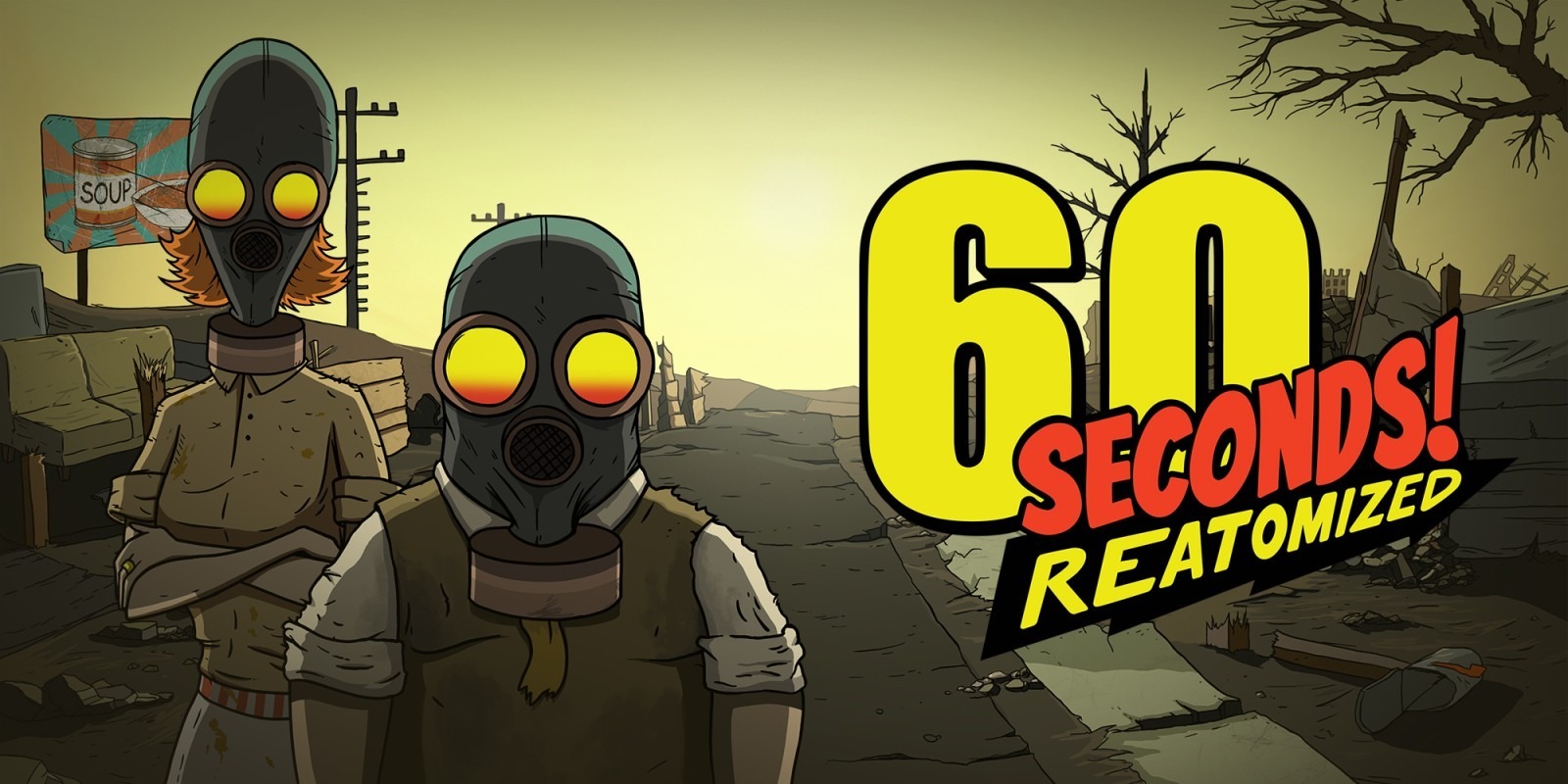
Welcome to 60 Seconds! – A Thrilling Game of Survival
Are you ready to test your survival skills in a world gone mad? Look no further than 60 Seconds!, the thrilling game of survival that will keep you on the edge of your seat. In this article, we’ll guide you through the process of downloading and installing this gripping game on various devices.
What is 60 Seconds!?
60 Seconds! is a game developed by Robot Gentleman, an indie game studio known for their creative and engaging games. The game takes place in a post-apocalyptic world where you play as Ted, a father trying to save his family from the impending doom of an atomic bomb. Your objective is to guide Ted through a series of challenges and puzzles to reach safety.
Available Versions And Devices
Before we dive into the downloading process, let’s take a look at the available versions and devices compatible with 60 Seconds!.
- 60 Seconds! (2015): The original version of the game, available for PC Windows and macOS.
- 60 Seconds! Reatomized (2018): An updated version of the game, featuring improved graphics and new challenges. Available for PC Windows, macos, smartphone, tablet, and console for video games.
How to Download 60 Seconds! on PC
To download 60 Seconds! on your PC, follow these steps:
- Steam: First, you’ll need to install Steam, the popular digital distribution platform.
- Login to Steam: If you already have a Steam account, log in. If not, create a new account and follow the prompts.
- Search For 60 Seconds! Reatomized: In the Steam store, search for “60 Seconds! Reatomized” and select the game from the results.
- Purchase And Download: Follow the prompts to purchase and download the game.
How to Download 60 Seconds! on Mac
To download 60 Seconds! on your Mac, follow these steps:
- Mac App Store: First, you’ll need to install the Mac App Store app.
- Search For 60 Seconds! Reatomized: In the Mac App Store, search for “60 Seconds! Reatomized” and select the game from the results.
- Purchase And Download: Follow the prompts to purchase and download the game.
How to Download 60 Seconds! on Android
To download 60 Seconds! on your Android device, follow these steps:
- Google Play Store: First, you’ll need to install the Google Play Store app.
- Search For 60 Seconds! Reatomized: In the Google Play Store, search for “60 Seconds! Reatomized” and select the game from the results.
- Purchase And Download: Follow the prompts to purchase and download the game.
How to Download 60 Seconds! on Iphone/ipad
To download 60 Seconds! on your iPhone or iPad, follow these steps:
- App Store: First, you’ll need to install the App Store app.
- Search For 60 Seconds! Reatomized: In the App Store, search for “60 Seconds! Reatomized” and select the game from the results.
- Purchase And Download: Follow the prompts to purchase and download the game.
How to Download 60 Seconds! on Console
To download 60 Seconds! on your console, follow these steps:
- Playstation Store (PS4): First, you’ll need to install the PlayStation Store app.
- Search For 60 Seconds! Reatomized: In the PlayStation Store, search for “60 Seconds! Reatomized” and select the game from the results.
-
Purchase And Download: Follow the prompts to purchase and download the game.
-
Xbox Store (Xbox): First, you’ll need to install the Xbox Store app.
- Search For 60 Seconds! Reatomized: In the Xbox Store, search for “60 Seconds! Reatomized” and select the game from the results.
-
Purchase And Download: Follow the prompts to purchase and download the game.
-
Nintendo Eshop (Nintendo Switch): First, you’ll need to install the Nintendo eShop app.
- Search For 60 Seconds! Reatomized: In the Nintendo eShop, search for “60 Seconds! Reatomized” and select the game from the results.
- Purchase And Download: Follow the prompts to purchase and download the game.
Conclusion
In conclusion, downloading and installing 60 Seconds! is a straightforward process on various devices. Whether you’re playing on PC, Mac, Android, iPhone/iPad, or console, you can enjoy this thrilling game of survival. Remember to check for available versions and devices compatible with your device before initiating the download.
Frequently Asked Questions (FAQs)
- What is 60 Seconds!?
- 60 Seconds! is a game developed by Robot Gentleman where you play as Ted, trying to save his family from an impending doom.
- How do I Download 60 Seconds!?
- You can download 60 Seconds! on various devices, including PC Windows, macOS, Android, iPhone/iPad, and console (PS4, Xbox, Nintendo Switch).
- What is The Difference Between 60 Seconds! (2015) And 60 Seconds! Reatomized (2018)?
- The original version of the game, released in 2015, has been updated with improved graphics and new challenges in the 2018 release.
- Can I Play 60 Seconds! For Free?
- Yes, you can download a free demo of 60 Seconds! on various devices.
We hope this article has helped you navigate the process of downloading and installing 60 Seconds! on your device. Happy gaming!


