
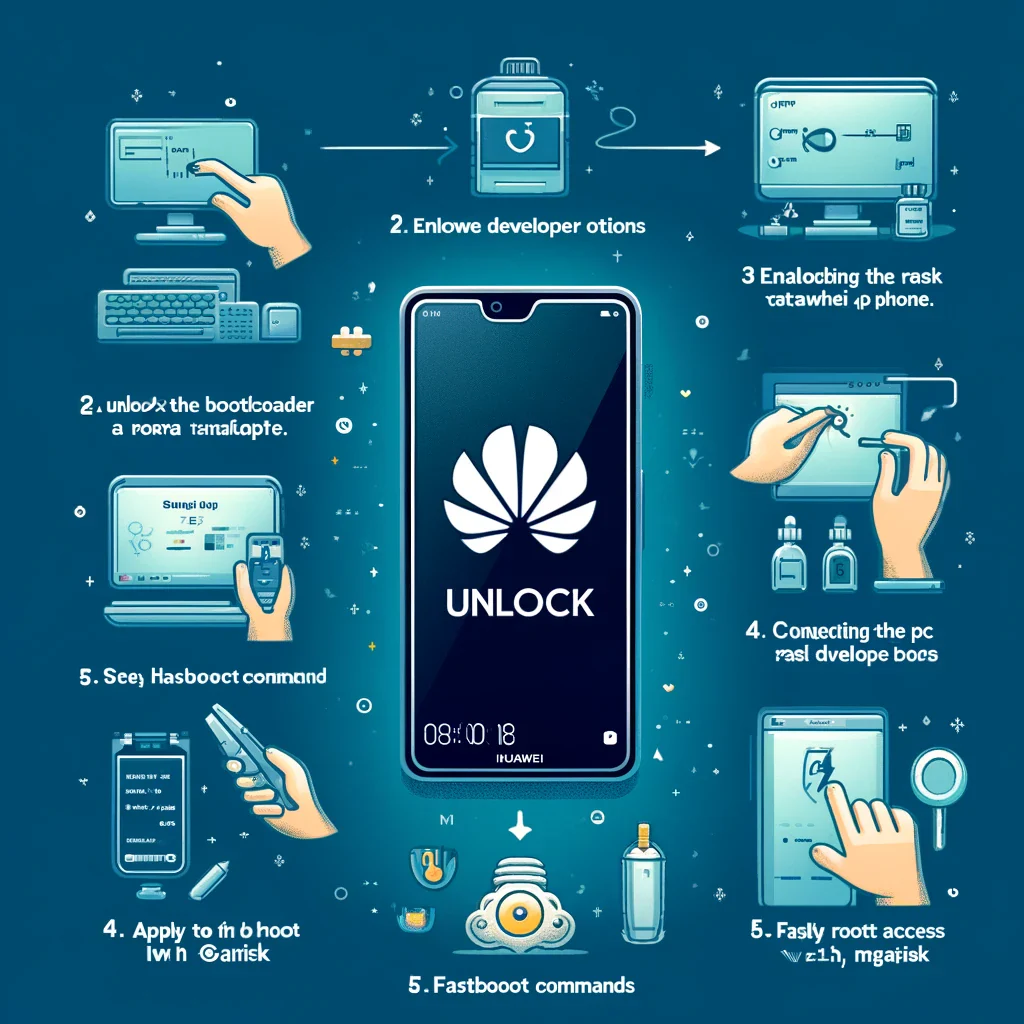
How to Unblock Your Huawei Smartphone: A Step-by-step Guide
Are you tired of being locked out of your HUAWEI smartphone? Do you want to know how to unblock it without losing any data? Look no further! In this article, we will guide you through the process of unblocking your HUAWEI device in various scenarios.
Table 1: How to Unblock Your Huawei Smartphone
| Scenario | Step-by-Step Guide |
|---|---|
| Forgot PIN or Password | Use Google Account, Find My Device, or Recovery Mode to unlock your phone. |
| Blocked with Google Account | Try recovering your Google account password using the “Forgot Password” feature. |
| Locked with HUAWEI Account | Reset your device remotely using the HUAWEI website and follow the instructions provided. |
How to Unblock Your Huawei Smartphone With a Google Account
If you have forgotten your PIN or password, you can try unlocking your phone using your Google account. Here’s how:
- Open the Settings app on your phone.
- Tap on “Google” and then select “Account.”
- Enter your Google account credentials to unlock your device.
How to Unblock Your Huawei Smartphone With Find My Device
If you have a HUAWEI smartphone with Google services enabled, you can use the “Find My Device” feature to locate and unlock your phone.
- Open the Find My Device website on your computer.
- Sign in with your Google account credentials.
- Select your device from the list of available devices.
- Tap on the “Lock” button to lock your device remotely.
- Enter a new PIN or password to unlock your device.
How to Unblock Your Huawei Smartphone With Recovery Mode
If you have forgotten your PIN or password and are unable to use the above methods, you can try unlocking your phone using Recovery Mode.
- Turn off your phone completely.
- Press and hold the Power button for 10 seconds to boot your device in Recovery Mode.
- Select “Wipe data/factory reset” from the menu.
- Follow the on-screen instructions to complete the process.
How to Root Your Huawei Smartphone
If you want to gain superuser access to your phone, you can try rooting it using a tool like KingRoot or SuperSU.
- Download and install the root tool on your computer.
- Connect your phone to your computer using a USB cable.
- Run the root tool and follow the on-screen instructions to complete the process.
Preliminary Operations Before Rooting
Before you begin the rooting process, make sure you have completed the following operations:
- Backup your data using Google Drive or a third-party backup app.
- Activate Developer Options on your phone by going to Settings > About phone > Tap 7 times on the Build number.
- Enable USB Debugging on your phone by going to Settings > Developer options > USB debugging.
- Download and install HiSuite on your computer.
Using Huawei Fine-tool to Unblock Your Bootloader
If you have forgotten your bootloader PIN, you can try using HUAWEI Fine-Tool to unlock it.
- Download and install HUAWEI Fine-Tool on your computer.
- Connect your phone to your computer using a USB cable.
- Run HUAWEI Fine-Tool and select the “Bootloader” option from the menu.
- Enter the bootloader PIN code provided by DC Unlocker (approximately 15 euros).
Installing Twrp Recovery
If you want to gain superuser access to your phone, you can try installing TWRP recovery.
- Download and install HUAWEI Fine-Tool on your computer.
- Connect your phone to your computer using a USB cable.
- Run HUAWEI Fine-Tool and select the “Recovery” option from the menu.
- Select the TWRP recovery image for your device from the list of available images.
Conclusion
In this article, we have provided you with step-by-step guides on how to unblock your HUAWEI smartphone in various scenarios. We have also covered the preliminary operations required before rooting your phone and the process of installing TWRP recovery. If you have any further questions or concerns, please don’t hesitate to ask.
Frequently Asked Questions
Q: How do I unlock my HUAWEI phone if I forgot my PIN or password?
A: You can try using Google Account, Find My Device, or Recovery Mode to unlock your phone.
Q: What is the difference between rooting and unrooting a phone?
A: Rooting gives you superuser access to your phone, while unrooting removes this access.
Q: Can I use HUAWEI Fine-Tool to root my phone?
A: Yes, but make sure you have completed all the preliminary operations before attempting to root your device.
Q: How do I install TWRP recovery on my HUAWEI phone?
A: You can download and install the TWRP recovery image for your device using HUAWEI Fine-Tool.
Q: What are some of the risks associated with rooting my phone?
A: Rooting your phone can void your warranty, cause system instability, or even brick your device. Please proceed with caution!


