
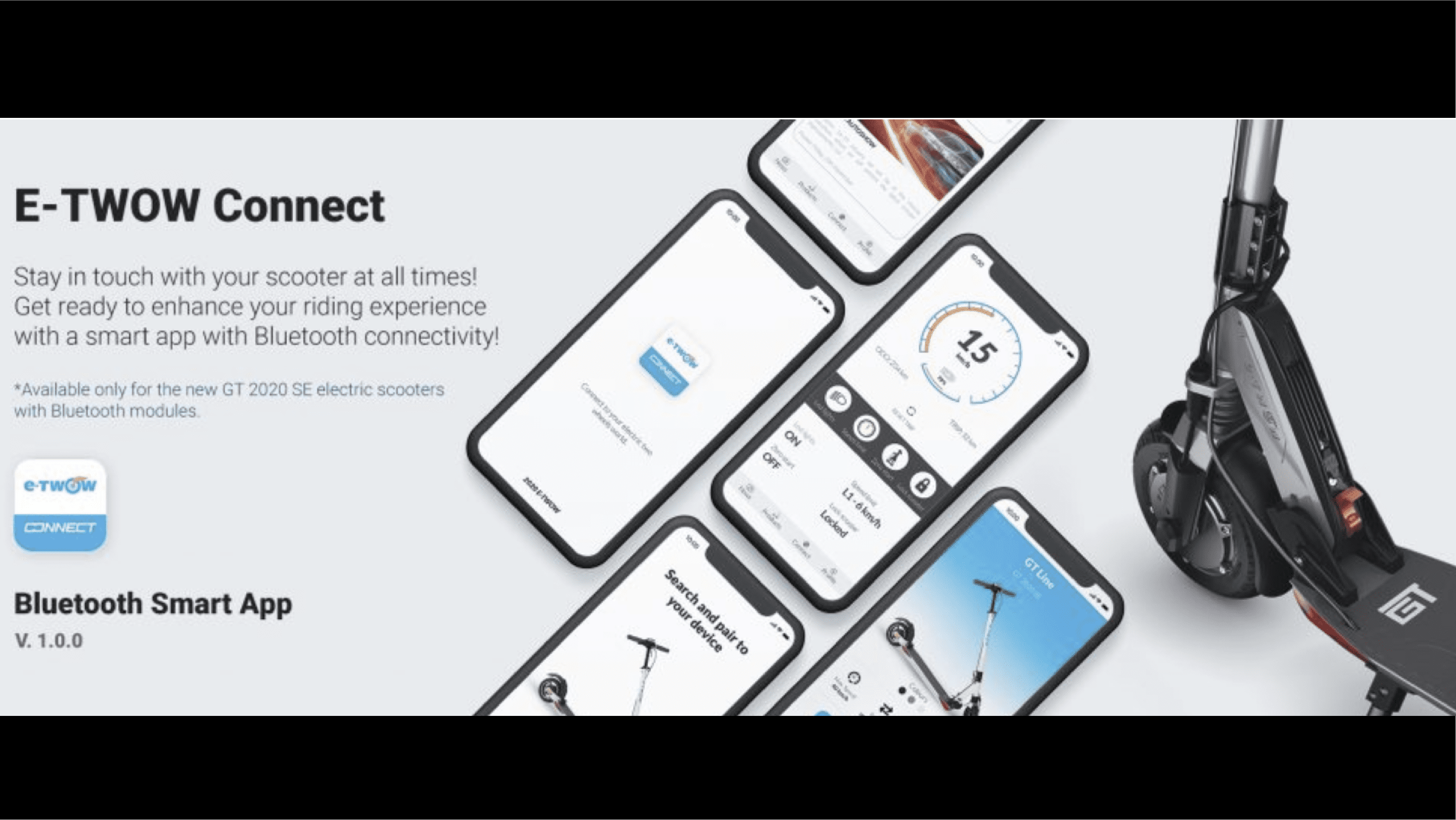
Lighting The Bluetooth on Your Electric Scooter: A Comprehensive Guide
Are you struggling to connect your electric scooter to your smartphone or access advanced settings? Look no further! In this guide, we’ll walk you through the steps to light the Bluetooth on various popular electric scooter models, including Xiaomi, Ducati, Aprilia, Lexgo, and Nilox.
Why Light The Bluetooth on Your Electric Scooter?
Lighting the Bluetooth on your electric scooter allows you to connect it to your smartphone or tablet via the corresponding app. This enables you to monitor performance, update firmware, and access advanced settings, making your riding experience more enjoyable and safe.
How to Light The Bluetooth on Your Electric Scooter: A Step-by-step Guide
General Instructions For All Models
- Ensure your electric scooter is turned off.
- Locate the lighting/sleep button on the handlebar of your scooter.
- Press and hold the button for a few seconds until the Bluetooth light activates.
Specific Instructions For Each Model
Xiaomi Electric Scooter
- To activate the Bluetooth, press the lighting/sleep button on the handlebar.
- Wait for a few seconds for the Bluetooth light to come on.
- You can now connect your scooter to the Xiaomi Home app (available for Android, iOS, and iPadOS) on your smartphone or tablet.
Ducati Electric Scooter
- Press and hold the lighting/sleep button on the handlebar for a few seconds.
- The Bluetooth light will activate automatically.
- You can now connect your scooter to the Ducati Urban and Mobility app (available for Android and iPhone).
Aprilia Electric Scooter
- On the eSR2, eSR2 Evo, Tuareg, and eSRZ AS models, the Bluetooth activates automatically when you turn on the device.
- The Bluetooth icon will appear on the LCD display.
- You can now connect your scooter to the Aprilia Smart Movement app (available for Android and iOS).
Lexgo Electric Scooter
- Press and hold the lighting/sleep button six consecutive times.
- The Bluetooth light will activate, allowing you to connect your scooter to the LEXGO app (available for Android) or LEXGO MOBILITY (available for iPhone).
Nilox Electric Scooter
- When you turn on the device, the Bluetooth light will automatically activate.
- A dedicated icon on the LCD display indicates that the Bluetooth is active.
- You can now connect your scooter to the NILOX And-Scooter app (available for Android and iOS).
Troubleshooting Tips
If you encounter issues connecting your electric scooter to your smartphone or accessing advanced settings, try the following:
- Check your scooter’s manual for specific instructions.
- Ensure your smartphone is running the latest version of the corresponding app.
- Restart both devices and try again.
Conclusion
Lighting the Bluetooth on your electric scooter is a straightforward process that enables you to connect it to your smartphone or tablet, access advanced settings, and enhance your riding experience. By following the step-by-step guides provided for each model, you’ll be able to overcome any connectivity issues and enjoy a smoother ride. Happy riding!


