
How to Open a Link in Bio on Instagram
Are you tired of struggling to open links in your bio on Instagram? Do you wish there was an easier way to share your content with your followers? Look no further! In this article, we will guide you through the process of opening a link in your bio on Instagram, both on Android and iOS devices.
Why Can’t I Open Links in My Bio?
You’re not alone. Many users have reported difficulties in opening links in their bio on Instagram. But don’t worry, it’s an easy fix! To start, make sure you’ve opened the app and accessed your account. If necessary, log in to your account.
How to Open a Link in Bio on Android
To open a link in your bio on Android, follow these simple steps:
- Access Your Account: Log in to your Instagram account using your username and password.
- Find The User’s Profile: Search for the user whose profile you want to access by using the search bar.
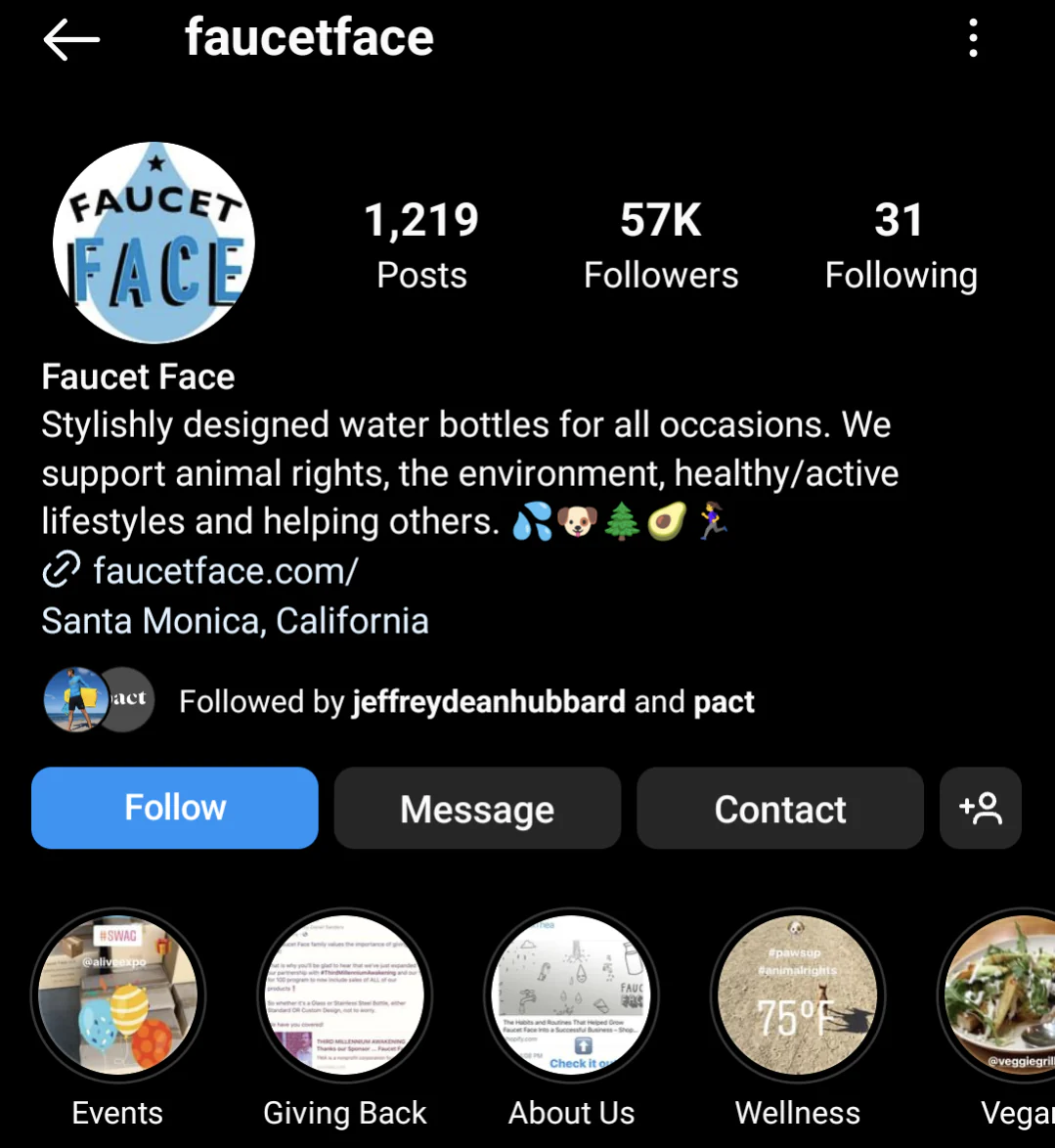
- Go to Their Profile: Tap on the user’s profile picture to go to their page.
- Open The Link: Tap on the link in their bio to open it.
How to Open a Link in Bio on Ios
The process is similar on iOS devices:
- Access Your Account: Log in to your Instagram account using your username and password.
- Find The User’s Profile: Search for the user whose profile you want to access by using the search bar.
- Go to Their Profile: Tap on the user’s profile picture to go to their page.
- Open The Link: Tap on the link in their bio to open it.
How to Open a Link in Bio on PC
If you’re accessing Instagram from your computer, follow these steps:
- Log In to Your Account: Access your Instagram account using your username and password.
- Find The User’s Profile: Search for the user whose profile you want to access by using the search bar.
- Go to Their Profile: Click on the user’s profile picture to go to their page.
- Open The Link: Click on the link in their bio to open it.
What is a Link to Tree?
A link to tree, also known as a “link with multiple URLs,” is a type of link that has multiple links within it. To open this type of link, you’ll need to click on the link first, and then click on the inner link to access it.
How Do I Create a Link in My Bio?
To create a link in your bio on Instagram, follow these steps:
- Access Your Account: Log in to your Instagram account using your username and password.
- Find The Profile Section: Go to the profile section of your account.
- Add a Link: Tap or click on the “Add Link” button.
- Enter The Url: Enter the URL you want to add to your bio.
- Save Changes: Save changes by tapping or clicking on the “Done” button.
What Can I Add as a Link in My Bio?
You can add any type of link, including:
- External links
- Links to your Facebook profile
- Links to other profiles
How Do I Add Multiple Links to My Bio?
To add multiple links to your bio on Instagram, you’ll need to use a service like Linktree or a similar third-party tool. This will allow you to create a link with multiple URLs within it.
Troubleshooting Tips
If you’re having trouble opening links in your bio on Instagram, try the following:
- Make sure your account is logged in.
- Check that the link is correct and functioning properly.
- Try accessing the link from a different device or browser.
By following these simple steps and tips, you should be able to open links in your bio on Instagram with ease. Happy sharing!


