
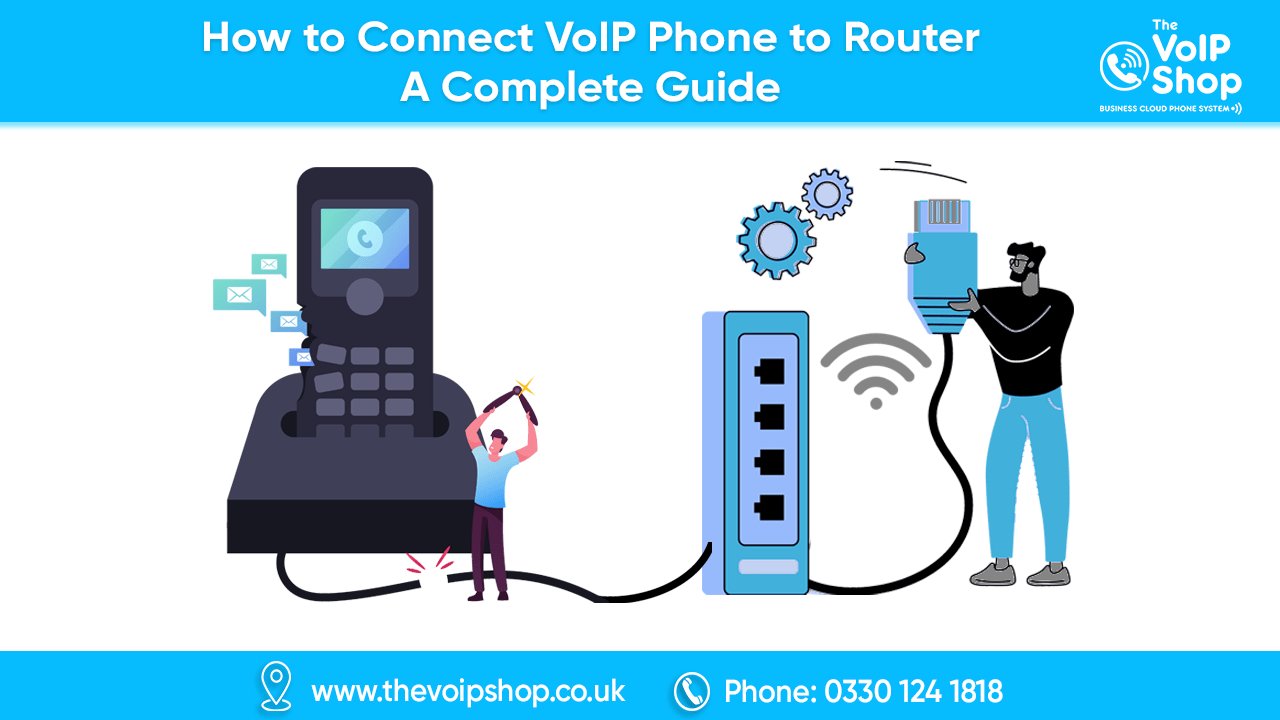
Are you experiencing difficulties setting up your Fastweb NeXXt modem? Look no further! In this comprehensive guide, we’ll walk you through the process of installing your modem and connecting it to your phone.
Why Can’t I Connect My Phone to My Fastweb Nexxt Modem?
You’ve just installed your new Fastweb NeXXt modem, but your phone isn’t working. What’s going on? This is a common issue, especially when dealing with VoIP technology. Don’t worry; we’re here to help.
What Do I Need to Connect My Phone to My Fastweb Nexxt Modem?
Before we dive into the step-by-step guide, make sure you have the following:
- A phone (fixed or cordless)
- The Fastweb NeXXt modem
- A modem cable (RJ11)
- Optional: A splitter RJ11 if you need to connect multiple phones
Step 1: Direct Link to The Modem
The most straightforward method is to connect your phone directly to the modem. This will allow you to use VoIP technology and make calls using your internet connection.
To do this, simply plug the modem cable (RJ11) into the PHONE 1 port on the back of the Fastweb NeXXt modem. Make sure it’s securely connected to avoid any signal disruptions.
Step 2: Using a Splitter Rj11
If you need to connect multiple phones or devices, you’ll require a splitter RJ11. This handy device allows you to connect two or more phones to the same modem.
To use a splitter RJ11, simply plug it into the PHONE 1 port on your Fastweb NeXXt modem and then connect each phone to the individual ports on the splitter.
Step 3: Prolonging Your Modem Cable
If you need to place your phone at a distance from the modem, consider using a prolonga RJ11 male/female cable. This will allow you to extend the length of the cable and keep it hidden from view.
Why Is My Phone Not Working?
Are you experiencing problems with your phone not connecting to the modem or VoIP lines? Don’t worry! This is often due to compatibility issues between your phone and VoIP technology.
To resolve this issue, make sure to check the specifications of your phone against the requirements for VoIP functionality. You may need to upgrade to a newer model that supports VoIP.
How Do I Connect My Phone to a Secondary Line?
If you’re experiencing problems connecting your phone to a secondary line, try performing a ribaltamento (or “reversal”) of the taken. This operation involves resetting the connection between the modem and the secondary line.
What If I Still Have Problems?
If none of the above solutions work, it’s time to contact Fastweb technical support for assistance. They’ll be able to guide you through any issues and ensure your modem is working correctly.
Conclusion: Installing Your Fastweb Nexxt Modem
Installing your Fastweb NeXXt modem can seem daunting at first, but with this comprehensive guide, you should now have a clear understanding of how to connect your phone. Remember to check for compatibility issues, use the right cables and equipment, and don’t hesitate to reach out if you encounter any problems.
Frequently Asked Questions (FAQs)
Q: Why can’t I connect my phone to my Fastweb NeXXt modem?
A: This is often due to compatibility issues between your phone and VoIP technology. Make sure to check the specifications of your phone against the requirements for VoIP functionality.
Q: How do I perform a ribaltamento (reversal) of the taken?
A: Contact Fastweb technical support for assistance with this operation. They’ll be able to guide you through any issues and ensure your modem is working correctly.
Q: Can I use multiple phones with my Fastweb NeXXt modem?
A: Yes! Using a splitter RJ11 will allow you to connect two or more phones to the same modem.


