
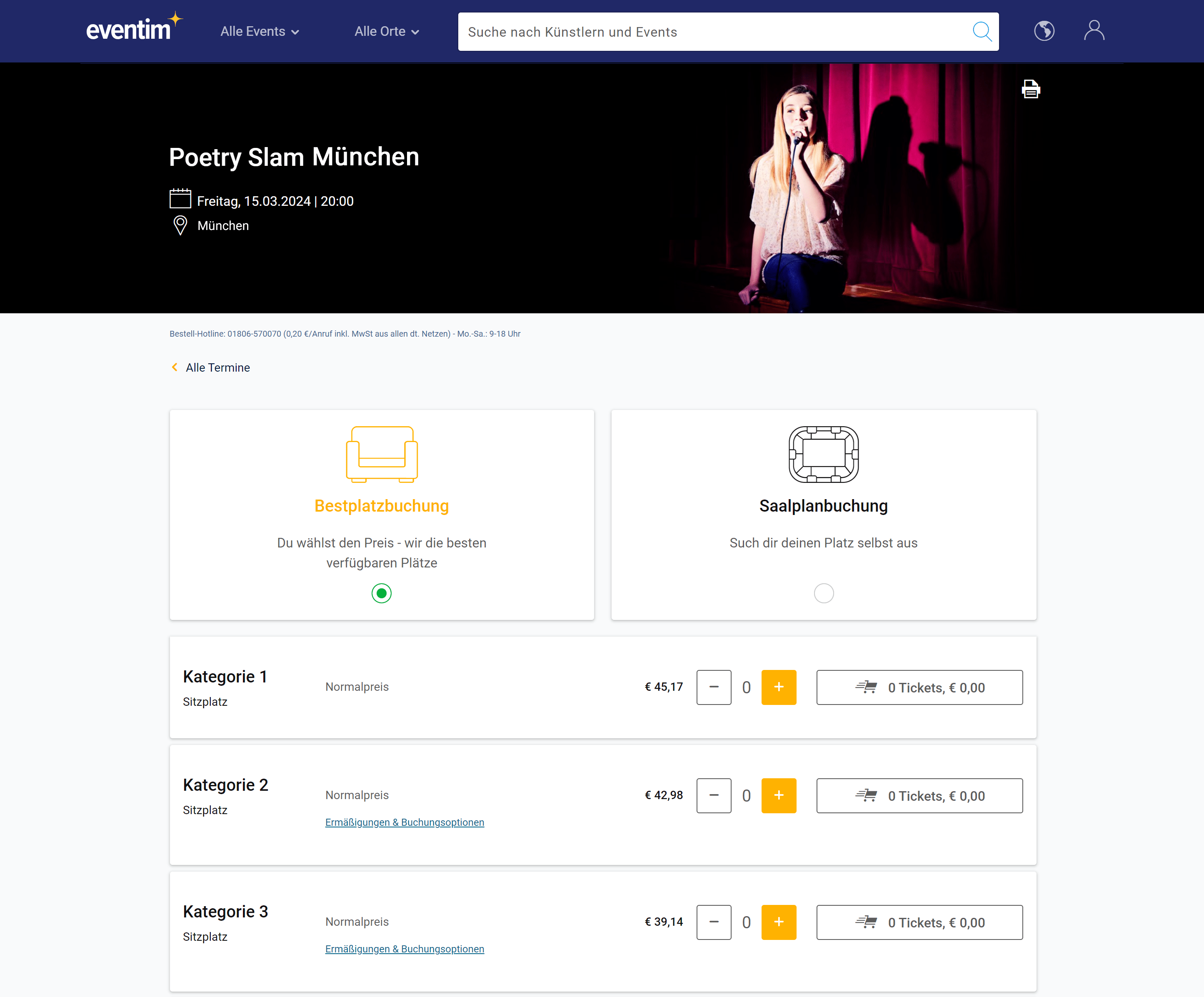
Selling Tickets on Ticketone: A Step-by-step Guide
Are you a music lover who can’t attend a concert because of unforeseen circumstances? Don’t worry, we’ve got you covered! In this article, we’ll guide you through the process of selling tickets on TicketOne.
Understanding The Need to Sell Tickets
Have you ever dreamed of attending a concert by your favorite artist but couldn’t due to various reasons? Maybe you had bought tickets for an event that was sold out, or perhaps you had changed your plans unexpectedly. Whatever the reason may be, it’s essential to know that selling tickets on TicketOne is possible and can be done with ease.
The Benefits of Using Fansale
FanSALE is a trusted platform sponsored by TicketOne, where you can sell your tickets safely and transparently. The process is straightforward, and you’ll get the best price for your ticket without any hassle. In case of any issues or doubts, you can always contact FanSALE’s customer support team.
Step-by-step Guide to Selling Tickets on Fansale
To start selling your tickets on FanSALE, follow these simple steps:
- Access Your Account: Go to the TicketOne website and access your account using your login credentials.
- Find The Ticket: Locate the ticket you want to sell and click on it.
- Insert Iban Details: Enter your IBAN details in the required field. This information will be used to identify your account with FanSALE.
- Enter Barcode Details: Insert the barcode number of your ticket, which can be found near the bar code.
- Proceed With Sale: Click on “Save” and proceed with selling your ticket.
Pricing Your Ticket
The price of your ticket will be determined by the buyer’s bid. You’ll receive the best possible price for your ticket without any commission fees.
Selling Nominative Tickets
If you’ve bought a nominative ticket, which has your name on it, you can sell it using FanSALE. However, keep in mind that some events may not allow nominative tickets to be sold or exchanged.
How to Change The Name on Your Ticket
In case you need to change the name on your ticket, follow these steps:
- Access Your Account: Go to the TicketOne website and access your account using your login credentials.
- Find The Ticket: Locate the ticket you want to change the name for and click on it.
- Change Name: Click on “Capsize Name” and enter the new name, surname, fiscal code, and barcode details.
Selling Tickets Online Using Facebook
Facebook is an excellent platform to sell tickets online. You can use Facebook’s marketplace or join ticket-selling groups to find potential buyers. Make sure to follow these tips:
- Use Relevant Keywords: Use relevant keywords like “tickets for sale,” “concert tickets,” and the artist’s name.
- Post a Clear Message: Post a clear message with the details of the concert, including the date, time, venue, and price.
- Add Photos or Videos: Add photos or videos to showcase the ticket and make it more appealing.
Conclusion
Selling tickets on TicketOne is a straightforward process that can be completed using FanSALE’s platform. By following these simple steps, you can get rid of your unwanted concert tickets and receive a fair price for them.
Frequently Asked Questions (FAQs)
Q: Can I sell my ticket if it’s nominative?
A: Yes, you can sell your nominative ticket on FanSALE, but keep in mind that some events may not allow it.
Q: What is the cost of selling a ticket on FanSALE?
A: The cost of selling a ticket on FanSALE is 6.71 Euros, which will be split between the seller and buyer.
Q: How do I change the name on my ticket?
A: To change the name on your ticket, access your account on TicketOne, find the ticket, and click on “Capsize Name.”
Q: Can I sell tickets online using Facebook?
A: Yes, you can sell tickets online using Facebook’s marketplace or join ticket-selling groups.
Q: What if I have any issues or doubts while selling my ticket?
A: If you have any issues or doubts, contact FanSALE’s customer support team for assistance.
Q: Can I cancel the sale of my ticket?
A: Yes, you can cancel the sale of your ticket before it’s sold. Simply go to the “My Bids” section on FanSALE and click on “Erase Bid.”
Q: How do I get paid for selling my ticket?
A: You’ll receive payment directly into your banking account once the ticket is sold.
Q: What if I have any other questions or concerns?
A: Contact us, and we’ll be happy to help!


