
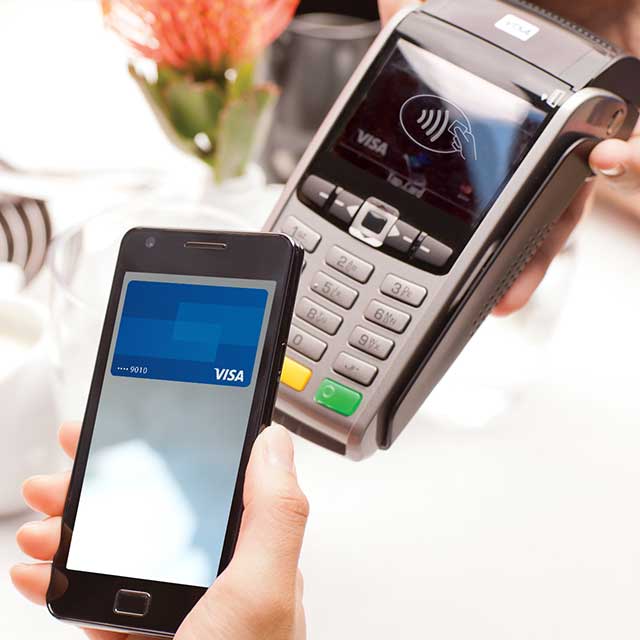
How to Pay With Telephone Credit on Your Smartphone
Are you tired of using credit cards or PayPal to make purchases on your smartphone? Do you want to know how to pay with telephone credit on your device? Look no further! In this article, we will guide you through the process of paying with telephone credit on various platforms, including Play Store, App Store, iTunes, and more.
What is Telephone Credit?
Before we dive into the details, let’s first understand what telephone credit is. Telephone credit refers to the prepaid balance stored on your SIM card or phone number. This balance can be used to make purchases on various online platforms, such as app stores and streaming services.
Paying With Telephone Credit on Play Store (Android)
If you own an Android device, you can pay for purchases on the Play Store using your telephone credit. To do this:
- Open the Play Store app on your device.
- Tap on the menu icon (three horizontal lines) and select “Settings”.
- Scroll down to the “Payment methods” section and tap on it.
- Select “Use turnover [name of the operator]” and follow the instructions to add your telephone credit as a payment method.
Paying With Telephone Credit on Play Store (iOS)
If you own an iOS device, you can pay for purchases on the App Store using your telephone credit. To do this:
- Open the Settings app on your device.
- Tap on your name at the top of the screen and select “Payment & Shipping”.
- Tap on “Add Payment Method” and select “Debit Card”.
- Enter your phone number and follow the instructions to add your telephone credit as a payment method.
Paying With Telephone Credit on Itunes
If you want to pay for purchases on iTunes using your telephone credit, you can do so by:
- Opening the iTunes app on your device.
- Selecting “Account” from the top menu bar.
- Clicking on “View My Account”.
- Selecting “Manage Payments” and clicking on “Add Payment Method”.
- Entering your phone number and following the instructions to add your telephone credit as a payment method.
Paying With Telephone Credit on Internet
Some online services, such as ticketing platforms, allow you to pay for purchases using your telephone credit. To do this:
- Visit the website of the service provider.
- Look for the option to pay using telephone credit and follow the instructions to add it as a payment method.
Paying With Telephone Credit on Netflix
If you want to pay for your Netflix subscription using your telephone credit, you can do so by:
- Contacting Vodafone customer support to inquire about their promotional offers.
- Following the instructions provided by Vodafone to set up your telephone credit as a payment method for your Netflix subscription.
Paying With Telephone Credit on Amazon
Unfortunately, it is not currently possible to pay for purchases on Amazon using your telephone credit. However, you can use other payment methods such as credit cards or PayPal.
Conclusion
In conclusion, paying with telephone credit on various platforms, including Play Store, App Store, iTunes, and more, is a convenient and secure way to make purchases online. By following the steps outlined in this article, you can enjoy seamless transactions using your prepaid balance stored on your SIM card or phone number.
Frequently Asked Questions
- Q: What is Telephone Credit?
A: Telephone credit refers to the prepaid balance stored on your SIM card or phone number. - Q: Can I Pay For Purchases on Amazon Using my Telephone Credit?
A: Unfortunately, it is not currently possible to pay for purchases on Amazon using your telephone credit. - Q: How do I Add my Telephone Credit as a Payment Method on Play Store?
A: To add your telephone credit as a payment method on Play Store, go to Settings > Payment methods and select “Use turnover [name of the operator]”. - Q: Can I Pay For my Netflix Subscription Using my Telephone Credit?
A: Yes, you can pay for your Netflix subscription using your telephone credit by contacting Vodafone customer support and following their instructions. - Q: What Are The Benefits of Paying With Telephone Credit?
A: The benefits of paying with telephone credit include convenience, security, and no risk of overspending. - Q: Can I Use my Telephone Credit to Pay For Purchases on Other Online Platforms?
A: Yes, you can use your telephone credit to pay for purchases on various online platforms, including ticketing platforms and streaming services. - Q: How do I Check my Telephone Credit Balance?
A: To check your telephone credit balance, visit the website of your service provider or contact their customer support. - Q: Can I Transfer my Telephone Credit to Another Account?
A: The answer depends on your service provider and their policies regarding telephone credit transfers.
Recommended Guides
- How to Check Telephone Credit Balance
- How to Transfer Telephone Credit to Another Account
- A Guide to Paying with Telephone Credit on Various Platforms


