
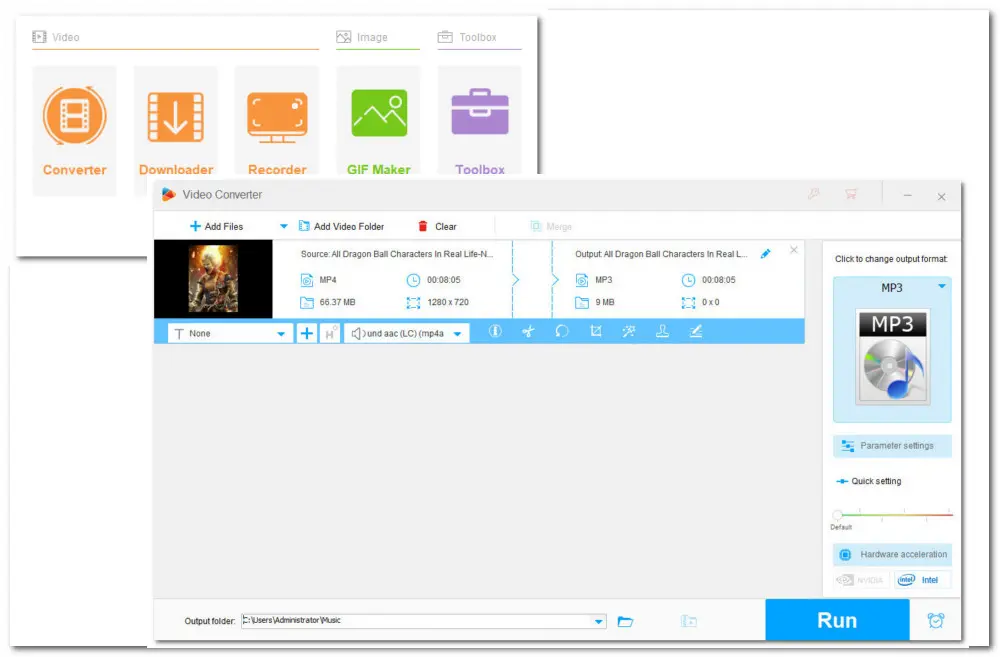
How to Extract Audio From Video: A Step-by-step Guide
Are you tired of watching videos without being able to extract the audio? Do you want to save your favorite video’s soundtrack as an MP3 file? Look no further! In this article, we’ll show you how to extract audio from video using various programs and online services.
Programs to Extract Audio From Video on Windows
-
Vlc: The first software that comes to mind when thinking of extracting audio from video is VLC. It’s a famous multimedia player that can play almost any format of video and audio without the need for additional codecs.
- Download VLC from its official website.
- Open VLC and navigate to Media > Convert/Save.
- Select the video you want to extract audio from, then click on the Add button.
- Choose the output format as Audio – MP3.
- Click on the Start button to begin the conversion process.
-
Adapter: Another great software for extracting audio from video is Adapter. It’s a free and easy-to-use converter that can convert video to audio without losing quality.
- Download Adapter from its official website.
- Open Adapter and navigate to File > Add Video/Audio.
- Select the video you want to extract audio from, then click on the Add button.
- Choose the output format as Audio – MP3.
- Click on the Convert button to begin the conversion process.
Other Programs to Extract Audio From Video on Windows
-
Fre:Ac: This is another free and open-source software that can extract audio from video with ease.
- Download Fre:Ac from its official website.
- Open Fre:Ac and navigate to File > Add Video/Audio.
- Select the video you want to extract audio from, then click on the Add button.
- Choose the output format as Audio – MP3.
- Click on the Convert button to begin the conversion process.
-
Mediahuman Audio Converter: This software is specifically designed for extracting audio from video without losing quality.
- Download MediaHuman Audio Converter from its official website.
- Open MediaHuman Audio Converter and navigate to File > Add Video/Audio.
- Select the video you want to extract audio from, then click on the Add button.
- Choose the output format as Audio – MP3.
- Click on the Convert button to begin the conversion process.
Programs to Extract Audio From Video on Mac
-
Quicktime Player: This is a pre-installed application on Mac that can extract audio from video with ease.
- Open QuickTime Player and navigate to File > Open.
- Select the video you want to extract audio from, then click on the Add button.
- Choose the output format as Audio – M4A.
- Click on the Save button to begin the conversion process.
-
Command Fast: This is an official application by Apple that can automate various tasks, including extracting audio from video.
- Open Command Fast and navigate to File > Convert Video in Audio.
- Select the video you want to extract audio from, then click on the Add button.
- Choose the output format as Audio – M4A.
- Click on the Save button to begin the conversion process.
How to Extract Audio From Video Online
- Audio Extractor: This is an online service that can extract audio from video without the need for additional software or plugins.
- Open Audio Extractor and navigate to File > Add Video/Audio.
- Select the video you want to extract audio from, then click on the Add button.
- Choose the output format as Audio – MP3.
- Click on the Download button to begin the conversion process.
How to Extract Audio From Video Using Apps
-
Mp3 Video Converter (Android): This is an app that can extract audio from video and save it in various formats, including MP3.
- Open MP3 Video Converter and navigate to File > Add Video/Audio.
- Select the video you want to extract audio from, then click on the Add button.
- Choose the output format as Audio – MP3.
- Click on the Save button to begin the conversion process.
-
Media Converter (iOS/iPadOS): This is an app that can extract audio from multiple videos and save it in various formats, including MP3.
- Open Media Converter and navigate to File > Add Video/Audio.
- Select the video you want to extract audio from, then click on the Add button.
- Choose the output format as Audio – MP3.
- Click on the Save button to begin the conversion process.
Conclusion
Extracting audio from video can be a bit tricky, but with the right software or online service, it’s quite easy. In this article, we’ve shown you various programs and services that can help you extract audio from video, including VLC, Adapter, Fre:Ac, MediaHuman Audio Converter, QuickTime Player, Command Fast, Audio Extractor, MP3 Video Converter, and Media Converter.
Faqs
Q: How do I extract audio from a video using VLC?
A: To extract audio from a video using VLC, follow these steps:
1. Open VLC and navigate to Media > Convert/Save.
2. Select the video you want to extract audio from, then click on the Add button.
3. Choose the output format as Audio – MP3.
4. Click on the Start button to begin the conversion process.
Q: How do I extract audio from a video using Adapter?
A: To extract audio from a video using Adapter, follow these steps:
1. Open Adapter and navigate to File > Add Video/Audio.
2. Select the video you want to extract audio from, then click on the Add button.
3. Choose the output format as Audio – MP3.
4. Click on the Convert button to begin the conversion process.
Q: How do I extract audio from a video online?
A: To extract audio from a video online, follow these steps:
1. Open Audio Extractor and navigate to File > Add Video/Audio.
2. Select the video you want to extract audio from, then click on the Add button.
3. Choose the output format as Audio – MP3.
4. Click on the Download button to begin the conversion process.
Q: How do I extract audio from a video using an app?
A: To extract audio from a video using an app, follow these steps:
1. Open the app (e.G., MP3 Video Converter or Media Converter) and navigate to File > Add Video/Audio.
2. Select the video you want to extract audio from, then click on the Add button.
3. Choose the output format as Audio – MP3.
4. Click on the Save button to begin the conversion process.
I hope this article has been helpful in showing you how to extract audio from video using various programs and online services!


