
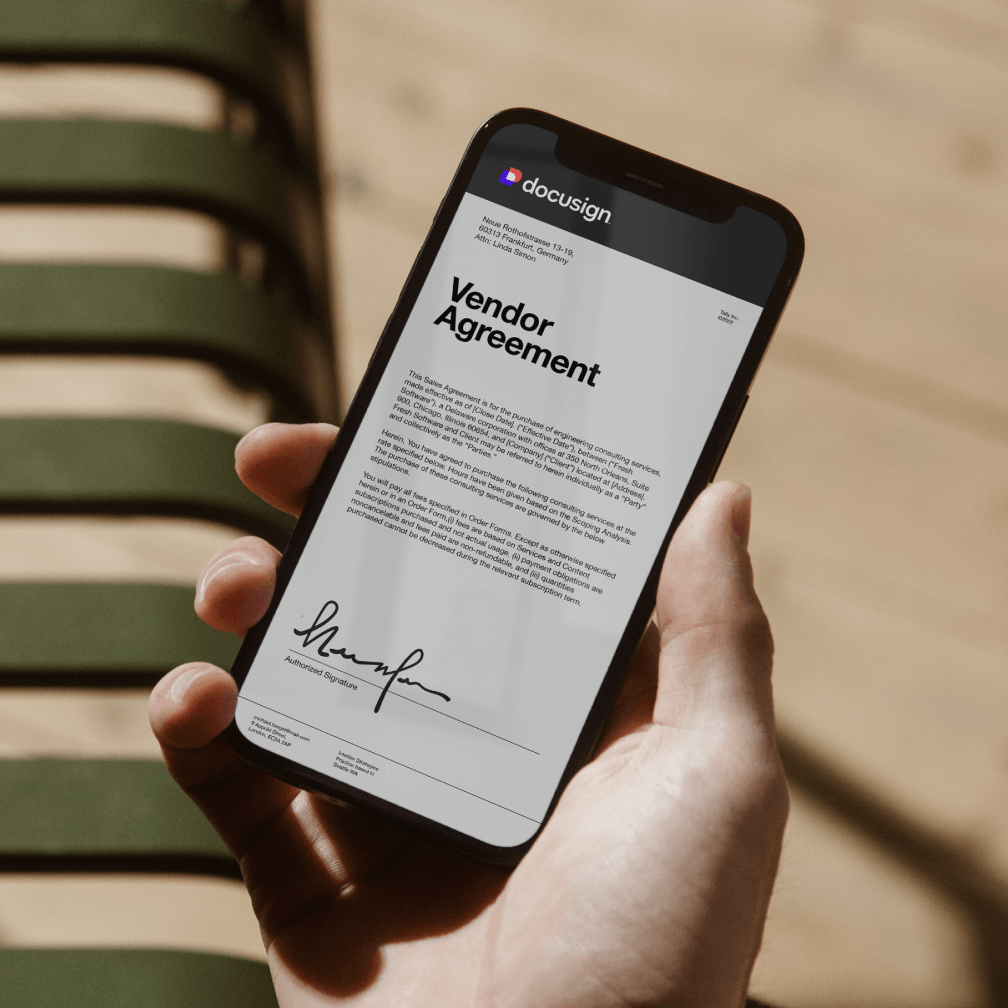
Signing Digitally: A Guide to The Best Apps
Are you tired of printing, signing, scanning, and emailing documents? Do you want to make your life easier and more efficient? Look no further! In this article, we will explore the world of digital signatures and show you the best apps to sign digitally.
What is a Digital Signature?
A digital signature is an electronic equivalent of a handwritten signature. It’s a way to authenticate the identity of the person signing a document and ensure its integrity. Unlike traditional signatures, digital signatures are more secure and can’t be forged or altered easily.
Why Do You Need a Digital Signature App?
In today’s fast-paced world, time is money! With digital signature apps, you can sign documents on-the-go, from anywhere in the world, at any time. No more waiting for signatures to arrive via email or postal mail. These apps also help reduce paperwork and make your life easier by automating tasks.
Top Digital Signature Apps
Here are some of the best digital signature apps available:
Adobe Fill & Sign (Android/iOS/iPadOS)
This is one of the most popular digital signature apps out there. It’s free, easy to use, and allows you to fill and sign PDF documents directly on your device.
How to Use Adobe Fill & Sign
- Download the app from the Google Play Store or Apple App Store.
- Create a new account or log in with an existing one.
- Select a document to edit and add your signature.
- Choose a font, color, and style for your signature.
- Add text and other elements as needed.
- Save and share your signed document.
Aruba Digital Signature (Android/iOS)
This app is designed for businesses and individuals who need a secure digital signature solution. It offers various types of signatures, including PAdES, CAdES, and XAdES.
How to Use Aruba Digital Signature
- Download the app from the Google Play Store or Apple App Store.
- Create an account with a certified entity (e.G., Aruba).
- Obtain a digital signature kit and activate it on your device.
- Select a document to sign and choose the type of signature you want.
- Add any additional information required (e.G., Timestamp).
- Save and share your signed document.
Put (Windows/macOS/Linux)
This is a software for computers that allows you to sign documents digitally using a digital signature kit. It’s compatible with Windows, macOS, and Linux operating systems.
How to Use Put
- Acquire the digital signature kit from an authorized provider.
- Activate the software on your device.
- Select a document to sign and choose the type of signature you want.
- Add any additional information required (e.G., Timestamp).
- Save and share your signed document.
Other Notable Apps
There are many other digital signature apps available, including:
- Docusign: A free app that allows you to sign PDF documents directly on your device.
- Signeasy: An alternative to DocuSign with similar features.
- Ilovepdf: A free app that offers various operations for PDF files, including electronic signatures.
Conclusion
In conclusion, digital signature apps are a game-changer in today’s fast-paced world. They make it easy and efficient to sign documents on-the-go, from anywhere in the world, at any time. With these apps, you can say goodbye to paper jams, ink smudges, and lost documents.
Frequently Asked Questions (FAQs)
Here are some frequently asked questions about digital signature apps:
Q: Are digital signatures secure?
A: Yes, digital signatures are more secure than traditional handwritten signatures.
Q: Do I need a digital signature app for personal use?
A: No, you can use a digital signature app for personal or business purposes.
Q: Can I use multiple digital signature apps at once?
A: Yes, most digital signature apps allow you to use them in conjunction with other apps and services.
Q: Are there any fees associated with using digital signature apps?
A: Some digital signature apps may charge fees for premium features or additional services.
Q: Can I share signed documents with others?
A: Yes, most digital signature apps allow you to share signed documents with others via email, messaging apps, or other means.
Q: Are digital signatures recognized by law enforcement and courts?
A: In some countries, including the US, digital signatures are recognized by law enforcement and courts as valid evidence. However, this may vary depending on local laws and regulations.
Q: Can I use a digital signature app for international documents?
A: Yes, most digital signature apps support international documents and allow you to sign them with electronic signatures.
Q: Are there any specific requirements or certifications needed to use a digital signature app?
A: Some digital signature apps may require specific certifications, licenses, or credentials to use their services. Always check the terms of service and local laws before using an app for sensitive or official purposes.


