
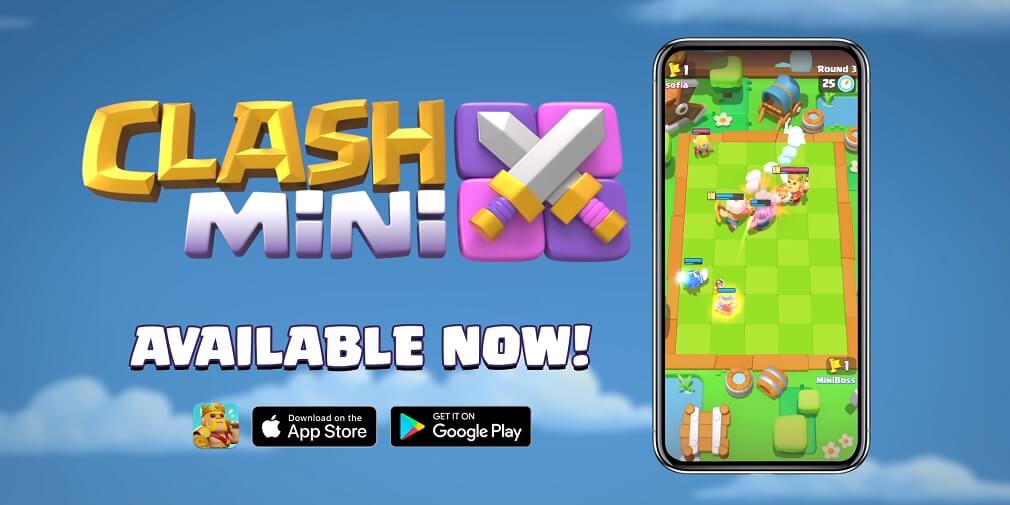
How to Download Clash Mini on Your Device
Are you excited about the new game, Clash Mini? This article will guide you through the process of downloading Clash Mini on your device, whether it’s an Android or iOS mobile device, or even a PC.
What is Clash Mini?
For those who might not know, Clash Mini is a simplified version of the famous video game, Clash Royale. Developed by Supercell, Clash Mini is designed to be more accessible and easy to play, making it perfect for both old and new gamers alike.
Downloading Clash Mini on Android Devices
To download Clash Mini on your Android device, you’ll need to follow these steps:
- Get a Vpn: First, you’ll need to get a Virtual Private Network (VPN) to camouflage your account as if you’re from another country where the game is available.
- Choose Your Vpn: Choose a reliable VPN service that works on all devices, such as NordVPN or Surfshark. These services have numerous servers and guarantee maximum performance and reliability.
- Download Freedome Vpn (Free): If you prefer a free solution, you can use Freedome VPN from F-Secure. Download the app from the Google Play Store, install it, and then open it to access its settings.
- Change Your Location: Select Finland as your location in the settings of Freedome VPN. This will allow you to access the game’s page on the Google Play Store.
- Create a New Gmail Account: To download Clash Mini, you’ll need to create a new Gmail account and add it to the Google Play Store using the VPN connection.
Downloading Clash Mini on Ios Devices
If you’re an iOS user, don’t worry; downloading Clash Mini is even easier for you! Here’s how:
- Open The App Store: Open the App Store on your iPhone or iPad.
- Change Your Country/region: Change your country or region to Finland, where the game is available in beta testing.
- Agree to Terms And Conditions: Agree to the terms and conditions of service for that specific region.
- Create a New Payment Method: Create a new payment method or ignore this step if you don’t want to add one.
- Download Clash Mini: Once you’ve completed these steps, you can download Clash Mini directly from the App Store.
Downloading Clash Mini on PC
Unfortunately, there’s no official version of Clash Mini available for download on PC (Windows or macOS). However, you can use an emulator like BlueStacks to play the game on your computer. For more information, check out my tutorial on the best Android emulators.
Conclusion
In conclusion, downloading Clash Mini is a bit tricky due to its limited availability in some countries. However, with these step-by-step guides, you should be able to access and download the game on both Android and iOS devices, as well as PC using an emulator.
Frequently Asked Questions (FAQs)
- Q: Is Clash Mini Available For Download on my Device?
A: Clash Mini is only available in beta testing in certain countries, such as Finland, Sweden, Norway, Denmark, and Iceland. - Q: Can I Download Clash Mini on Pc?
A: Unfortunately, there’s no official version of Clash Mini available for download on PC (Windows or macOS). - Q: How do I Get a Vpn to Download Clash Mini?
A: You can use a reliable VPN service like NordVPN or Surfshark to camouflage your account and access the game. - Q: Can I Use a Free Vpn to Download Clash Mini?
A: Yes, you can use Freedome VPN from F-Secure for free. - Q: How do I Change my Location on Ios Devices?
A: To change your country or region on an iOS device, go to Settings > [Your Name] > Password & Security > Country/Region. - Q: Do I Need to Create a New Gmail Account to Download Clash Mini?
A: Yes, you’ll need to create a new Gmail account and add it to the Google Play Store using a VPN connection.
Additional Resources
For more information on downloading Clash Mini or other related topics, feel free to check out my tutorials and guides on:
- The best Android emulators for PC
- How to change your location on iOS devices
- Tips and tricks for playing Clash Royale
If you have any questions or need further assistance, don’t hesitate to reach out!


