
How to Contact “Mi Like” on Instagram: A Step-by-step Guide
Are you looking for a way to express your appreciation for messages and comments on Instagram? Do you want to show your friends or family that you like their posts? Look no further! In this article, we will guide you through the process of contacting “mi like” on Instagram, both on your smartphone and PC.
Why Contact “Mi Like” on Instagram?
Contacting “mi like” on Instagram is a great way to show your appreciation for someone’s post or comment. It’s a simple and swift way to express your gratitude, and it can help build relationships and engage with your online community.
How to Contact “Mi Like” on Android And Ios
To contact “mi like” on Instagram using your smartphone, follow these steps:
- Open The Instagram App: Open the Instagram app on your smartphone. If you haven’t installed the app yet, download it from the Play Store (Android) or App Store (iOS).
- Access Your Account: Log in to your Instagram account by entering your username and password.
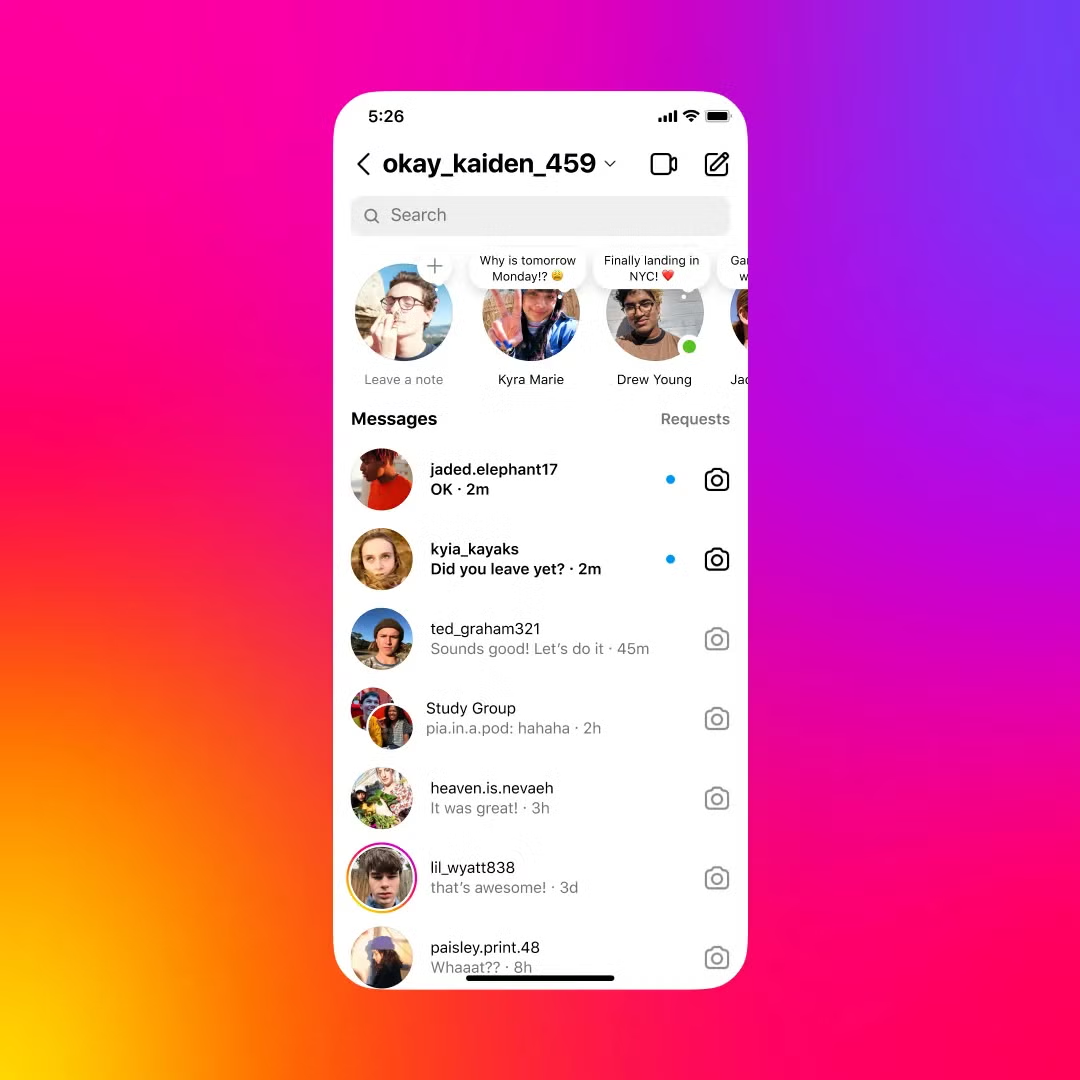
- Go to The Messages Section: Tap on the icon of the airplane situated in the top-right corner of the screen to access the messages section.
- Find The Conversation You Want to Contact “Mi Like” On: Browse through the conversations and find the one you want to contact “mi like” on.
- Double Tap on The Message: Double tap on the message you want to like, and a heart icon will appear beside it.
How to Contact “Mi Like” on PC
To contact “mi like” on Instagram using your PC, follow these steps:
- Open The Instagram Website: Open the Instagram website on your PC by going to www.Instagram.Com.
- Log in to Your Account: Log in to your Instagram account by entering your username and password.
- Go to The Messages Section: Click on the icon of the airplane situated in the top-right corner of the screen to access the messages section.
- Find The Conversation You Want to Contact “Mi Like” On: Browse through the conversations and find the one you want to contact “mi like” on.
- Double Click on The Message: Double click on the message you want to like, and a heart icon will appear beside it.
How to Contact “Mi Like” on Comments
You can also contact “mi like” on comments by following these steps:
- Open The Instagram App or Website: Open the Instagram app or website on your smartphone or PC.
- Access The Post You Want to Contact “Mi Like” On: Find the post you want to contact “mi like” on and click or tap on it.
- Find The Comment You Want to Like: Browse through the comments and find the one you want to like.
- Double Tap or Click on The Comment: Double tap or click on the comment you want to like, and a heart icon will appear beside it.
Conclusion
Contacting “mi like” on Instagram is a simple and swift way to express your appreciation for someone’s post or comment. Whether you’re using your smartphone or PC, following these steps will guide you through the process of contacting “mi like” on Instagram. Remember, liking comments and messages can help build relationships and engage with your online community.
Frequently Asked Questions (FAQs)
- Q: What is Contacting “mi Like” on Instagram?
A: Contacting “mi like” on Instagram means expressing your appreciation for someone’s post or comment by clicking or tapping the heart icon beside it. - Q: How do I Contact “mi Like” on Android And Ios?
A: To contact “mi like” on Android and iOS, open the Instagram app, access your account, go to the messages section, find the conversation you want to contact “mi like” on, and double tap on the message. - Q: How do I Contact “mi Like” on Pc?
A: To contact “mi like” on PC, open the Instagram website, log in to your account, go to the messages section, find the conversation you want to contact “mi like” on, and double click on the message. - Q: Can I Contact “mi Like” on Comments?
A: Yes, you can contact “mi like” on comments by following the steps outlined above. - Q: Why Should I Contact “mi Like” on Instagram?
A: Contacting “mi like” on Instagram is a great way to show your appreciation for someone’s post or comment and build relationships with your online community.
Bonus Tips
- Always log in to your Instagram account before contacting “mi like” on any post or comment.
- Make sure you have the latest version of the Instagram app or website installed on your smartphone or PC.
- If you’re having trouble contacting “mi like” on a particular post or comment, try restarting the app or clearing the cache.


