
How to Conceal Who Follows You on Instagram
Are you worried about your friends seeing who follows you on Instagram? Do you want to keep your online presence private without having to delete your account entirely? If so, this article will show you how to conceal who follows you on Instagram.
Why Can’t I Just Use a Feature to Hide Who Follows Me?
Unfortunately, there is no specific feature in Instagram that allows you to hide who follows you. However, don’t worry! We have some workarounds for you to maintain your online privacy without compromising your account’s visibility.
Solution 1: Make Your Account Private
One way to conceal who follows you on Instagram is to make your account private. When you privatize your account, only people you follow or have previously followed you can see your profile and posts. This means that new followers will not be able to see your profile unless they are approved by you.
How to Make Your Account Private
To make your account private on Instagram:
- Open the Instagram app for Android or iOS.
- Tap on your profile picture in the bottom right corner.
- Tap on the three horizontal lines (≡) in the top right corner of your profile page.
- Tap on “Settings and privacy.”
- Scroll down to the “Account” section.
- Toggle on “Private account.”
- Confirm by tapping on “OK.”
Solution 2: Block Users
Another way to conceal who follows you is to block users from viewing your profile. When you block someone, they will not be able to see your posts or profile.
How to Block a User
To block a user on Instagram:
- Open the Instagram app for Android or iOS.
- Tap on the three horizontal lines (≡) in the top right corner of your profile page.
- Tap on “Settings and privacy.”
- Scroll down to the “Users” section.
- Find the user you want to block and tap on their name.
- Tap on the “Block” button.
- Confirm by tapping on “Block.”
Can I Still See My Followers?
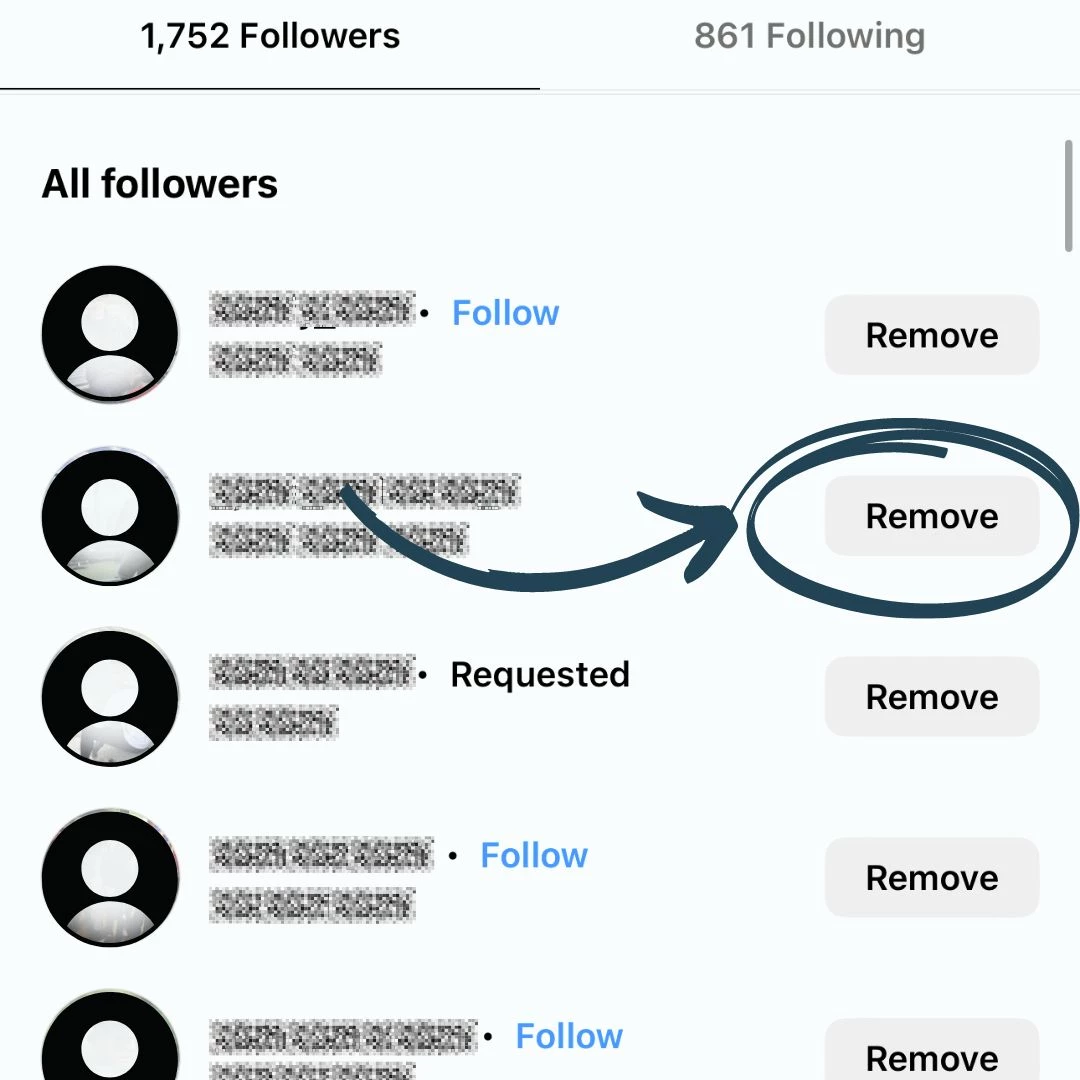
Yes, even if you make your account private or block users, you can still see your followers. However, new followers will not be able to see your profile unless they are approved by you.
What About The List of Blocked Users?
When you block a user, their name will appear in the list of blocked users on your profile page. You can access this list by tapping on the three horizontal lines (≡) and then selecting “Settings and privacy” > “Users” > “Blocked.”
Can I Unblock Someone Later?
Yes, you can unblock someone at any time. To do so:
- Tap on the three horizontal lines (≡) in the top right corner of your profile page.
- Tap on “Settings and privacy.”
- Scroll down to the “Users” section.
- Find the user’s name in the list of blocked users.
- Tap on their name.
- Tap on the “Unblock” button.
Conclusion
Concealing who follows you on Instagram can be a great way to maintain your online privacy without having to delete your account entirely. By making your account private or blocking users, you can control who sees your profile and posts. Remember that these methods are reversible, so if you change your mind later, you can simply unblock someone or change your account settings back.
Faqs
- Why Can’t I Just Hide Who Follows Me?
Unfortunately, there is no specific feature in Instagram to hide who follows you. - What Happens If I Make My Account Private?
When you privatize your account, only people you follow or have previously followed you can see your profile and posts. - Can I Still See My Followers Even If I Make My Account Private?
Yes, even if you make your account private, you can still see your followers. - What Is The Difference Between Making My Account Private And Blocking Users?
Making your account private means that new followers will not be able to see your profile unless they are approved by you. Blocking users, on the other hand, means that the blocked user will not be able to see your posts or profile. - Can I Unblock Someone Later?
Yes, you can unblock someone at any time by following the steps outlined above. - Will My Followers Be Notified If I Make My Account Private or Block Them?
No, your followers will not be notified if you make your account private or block them. - Can I Still See The List of Blocked Users?
Yes, you can still see the list of blocked users on your profile page by following the steps outlined above. - What If I Want to Reveal My Profile And Posts Again?
You can simply change your account settings back to public or unblock someone by following the steps outlined above.


