
Unlocking The Power of Free Graphic Effects For Windows Media Player
Are you looking for ways to enhance your music experience on Windows Media Player? Look no further! In this article, we will explore the world of free graphic effects that can be downloaded and installed on your computer. From spectacular abstract designs to magic landscapes, these visualizations can add a new dimension to your musical journey.
What Are Graphic Effects For Windows Media Player?
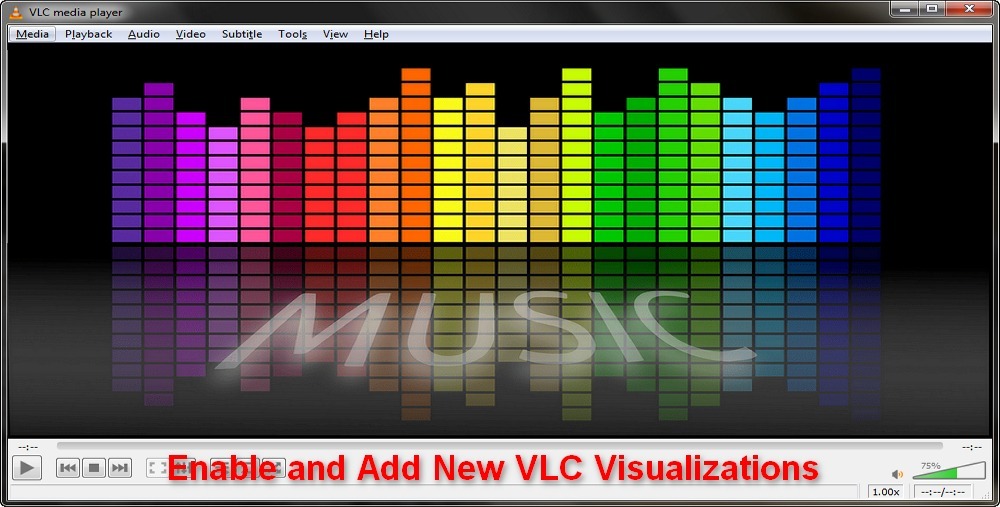
Graphic effects for Windows Media Player refer to the animations and visualizations that can be played back in sync with music or video files. These effects can range from simple geometric shapes to complex, intricate designs that can mesmerize and engage the viewer.
Why Use Graphic Effects With Windows Media Player?
Using graphic effects with Windows Media Player can enhance your overall media experience in several ways:
- Visual Interest: Graphic effects can add a visual dimension to your music or video, making it more engaging and interesting.
- Personalization: With a wide range of graphic effects available, you can choose the ones that fit your personal style and preferences.
- Creativity: Graphic effects can inspire creativity and imagination, especially when used with children’s educational content or artistic expression.
How to Download Free Graphic Effects For Windows Media Player
Downloading free graphic effects for Windows Media Player is a straightforward process:
- Visit the official Microsoft website dedicated to Windows Media Player.
- Search for “graphic effects” in the search bar.
- Browse through the list of available effects and select the ones you like.
- Click on the download link to retrieve the file.
- Follow the installation instructions to install the graphic effect.
Tips For Installing And Using Graphic Effects
To ensure a smooth experience with your graphic effects:
- Choose Effects That Suit Your Taste: Browse through the available options and select the ones that fit your style and preferences.
- Follow Installation Instructions: Carefully follow the installation instructions provided with each graphic effect to avoid any issues.
- Experiment With Different Effects: Try out different graphic effects to find the one that works best for you.
Alternatives to Windows Media Player
While Windows Media Player is a reliable media player, there are other options available:
- Vlc Media Player: A free and open-source media player that can play back a wide range of file formats.
- Mpc-hc Media Player: Another free and open-source media player that offers support for various file formats.
Conclusion
In conclusion, graphic effects for Windows Media Player are a great way to enhance your music experience. By downloading and installing these visualizations, you can add a new dimension to your musical journey. Remember to choose effects that suit your taste, follow installation instructions carefully, and experiment with different options to find the one that works best for you.
Frequently Asked Questions
- What Are Graphic Effects For Windows Media Player?
Graphic effects for Windows Media Player refer to the animations and visualizations that can be played back in sync with music or video files. - Why Use Graphic Effects With Windows Media Player?
Using graphic effects with Windows Media Player can enhance your overall media experience by adding a visual dimension, personalizing your content, and inspiring creativity. - How to Download Free Graphic Effects For Windows Media Player?
To download free graphic effects for Windows Media Player, visit the official Microsoft website dedicated to Windows Media Player, search for “graphic effects,” browse through the list of available options, select the ones you like, click on the download link, and follow the installation instructions. - What Are Some Tips For Installing And Using Graphic Effects?
Choose effects that suit your taste, follow installation instructions carefully, and experiment with different options to find the one that works best for you. - Are There Alternatives to Windows Media Player?
Yes, there are alternative media players available, such as VLC Media Player and MPC-HC Media Player.


