
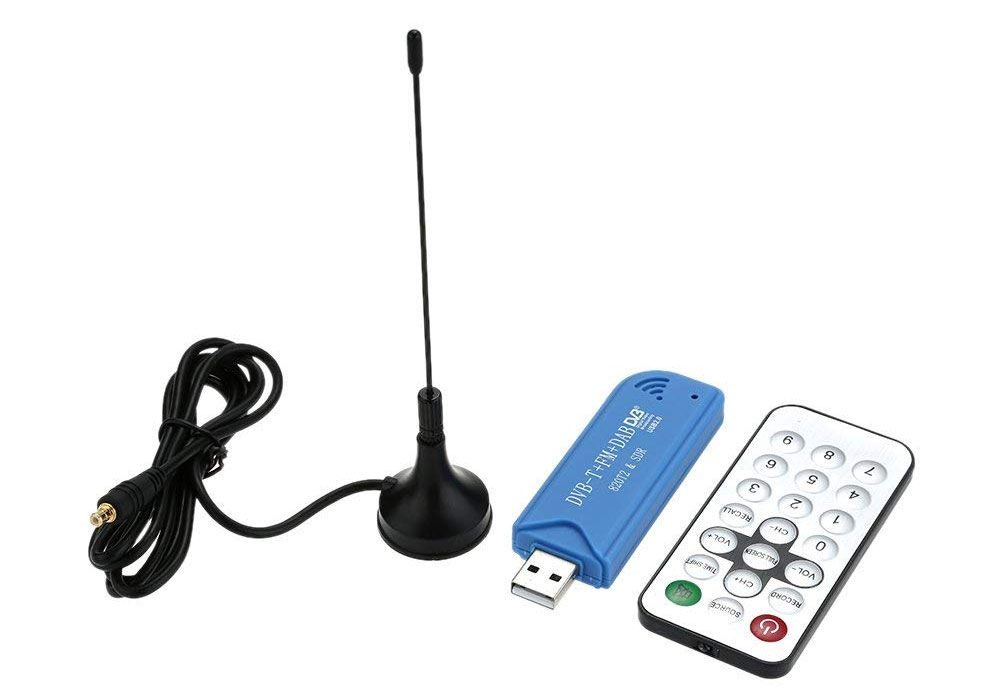
How to Watch TV on Your Pc: A Comprehensive Guide
Are you looking for a way to watch your favorite TV shows on your PC without having a traditional television? Look no further! In this article, we will explore the various options available to stream live TV and on-demand content directly to your computer.
Why Watch TV on Your Pc?
Watching TV on your PC offers several benefits. For one, it allows you to access a wide range of channels and programs from anywhere in the world, as long as you have a stable internet connection. Additionally, many online TV platforms offer more flexibility and customization options than traditional cable or satellite TV.
Top Online TV Platforms
Here are some of the top online TV platforms that allow you to watch live TV and on-demand content directly on your PC:
- Raiplay: RaiPlay is a popular online TV platform in Italy that offers live streaming of various channels, including Rai 1, Rai 2, and Rai 3. You can also access a wide range of on-demand content, including TV series, documentaries, and movies.
- Mediaset Infinity: Mediaset Infinity is another Italian online TV platform that allows you to watch live TV and on-demand content from various channels, including Canale 5, Italia 1, and Rete 4.
- Sky Go: Sky Go is a streaming service offered by Sky that allows you to access live TV and on-demand content from various channels, including Sky News, Sky Sports, and Sky Cinema.
Other Online TV Platforms
In addition to the platforms mentioned above, there are several other online TV platforms that offer live TV and on-demand content directly on your PC. These include:
- Discovery+: Discovery+ is a streaming service offered by Discovery Channel that allows you to access a wide range of on-demand content, including TV series, documentaries, and movies.
- La7: La7 is an Italian online TV platform that offers live streaming of various channels, including La 7 and Rete 4.
- Tv2000: TV2000 is another Italian online TV platform that allows you to watch live TV and on-demand content from various channels.
How to Watch Iptv on Your PC
IPTV (Internet Protocol Television) is a technology that allows you to watch live TV directly on your computer using an internet connection. Here’s how to set it up:
- Download And Install an Iptv Player: You’ll need to download and install an IPTV player, such as Kodi or VLC Media Player.
- Get an M3u List: An M3U list is a file that contains the URLs of various TV channels. You can get this file from various sources online.
- Configure Your Iptv Player: Configure your IPTV player to use the M3U list and start watching live TV.
Conclusion
Watching TV on your PC offers several benefits, including flexibility, customization options, and access to a wide range of content from anywhere in the world. With the platforms mentioned above, you can watch live TV and on-demand content directly on your computer, making it easier than ever to enjoy your favorite shows and movies.
Frequently Asked Questions
Here are some frequently asked questions about watching TV on your PC:
- Q: Do I Need a Subscription to Watch Live Tv?
A: Some online TV platforms require a subscription or payment to access live TV. - Q: Can I Access On-demand Content For Free?
A: Yes, many online TV platforms offer on-demand content for free, although some may require a subscription or payment. - Q: Is it Safe to Use Iptv Players?
A: While IPTV players can be safe to use, be aware that some may contain malware or viruses. Always download and install from reputable sources. - Q: Can I Watch TV on my PC Without an Internet Connection?
A: Some online TV platforms offer the option to cache content for offline viewing, but most require a stable internet connection.
Recommendations
Here are our top recommendations for watching TV on your PC:
- Use a Reliable Streaming Service: Choose a reputable and stable streaming service that offers live TV and on-demand content.
- Get an M3u List: Get an M3U list from various sources online to watch live TV directly on your computer using IPTV technology.
- Download And Install a Good Iptv Player: Use a reliable IPTV player, such as Kodi or VLC Media Player, to configure your IPTV setup.
I hope this article has helped you understand the various options available for watching TV on your PC. If you have any further questions or need more information, feel free to ask!


