
The Best Browser to Sail on Internet: A Comprehensive Guide
Are you tired of using a browser that doesn’t meet your expectations? Do you want to switch to a more famous browser that offers additional functionality? You’ve come to the right place! In this article, we’ll explore the best browsers for navigation on the internet and provide you with a comprehensive guide to help you make an informed decision.
Why Choose a Different Browser?
Using a subpar browser can be frustrating, especially when it comes to navigation on the internet. A good browser should be swift, reliable, and customizable to meet your needs. With so many options available, it’s essential to choose the right one that suits your requirements.
Top Browsers For Navigation on Internet
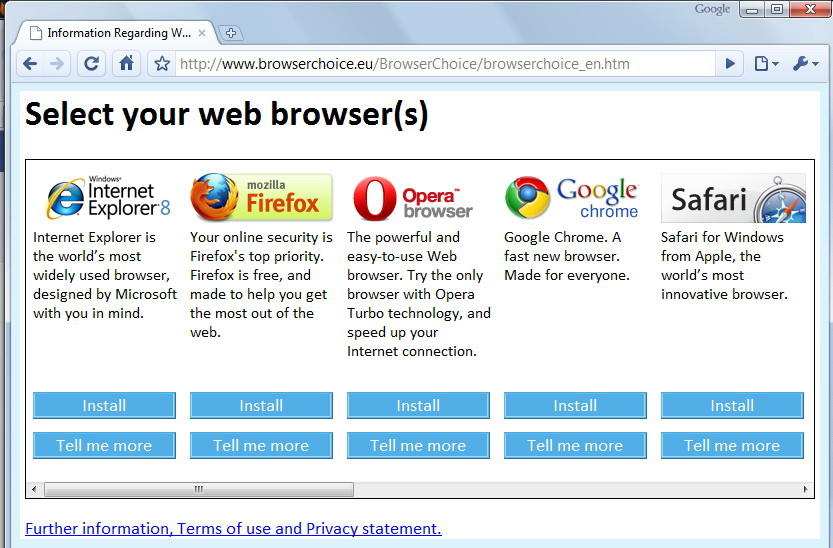
Here are some of the top browsers for navigation on the internet:
- Google Chrome (Mobile/PC)
- Mozilla Firefox (Mobile/PC)
- Microsoft Edge (Mobile/PC)
- Safari (Mac/iPhone/iPad)
Google Chrome: The Fastest Browser
Google Chrome is one of the most popular browsers, and for good reason. It’s fast, reliable, and offers a seamless user experience. With its integration with Google services and native availability on all devices, Chrome is an excellent choice.
Mozilla Firefox: A Safe And Customizable Option
Firefox is another top contender in the browser market. It’s free, open-source, and offers a high level of customization. With its emphasis on safety and privacy, Firefox is an excellent option for those who value these features.
Microsoft Edge: A Modern Browser With Advanced Features
Edge is Microsoft’s latest browser, and it’s packed with advanced features. Its integration with Microsoft services and native availability on all devices make it a compelling choice.
Safari: The Perfect Browser For Apple Devices
If you’re an Apple user, Safari is the perfect browser for you. Its seamless integration with Apple devices and services makes it a joy to use.
Better Browser to Sail in Incognito
When it comes to sailing in incognito mode, some browsers are better than others. Here’s what you need to know:
- Google Chrome: Blocks cookies, but collects data for targeted advertising.
- Microsoft Edge: Limits trackers and doesn’t collect personal data.
- Mozilla Firefox: Blocks trackers, cookies, and fingerprinters.
- Safari: Offers a high level of privacy and safety.
Better Browser For Privacy
If you’re concerned about online privacy, here are some tips:
- Use a Vpn: A Virtual Private Network can provide an additional layer of protection when surfing the web.
- Choose a Browser With Advanced Features: Firefox, Edge, and Safari offer more advanced features that prioritize user privacy.
Conclusion
Choosing the right browser for your needs is crucial. With so many options available, it’s essential to consider factors like speed, reliability, customization, and safety. By reading this article, you’ll be well-equipped to make an informed decision and find the perfect browser for your navigation needs.
Frequently Asked Questions (FAQs)
Here are some frequently asked questions related to browsers:
- What is The Best Browser For Mobile Devices?
- Google Chrome and Microsoft Edge are excellent options for mobile devices.
- Which Browser Offers The Most Advanced Features?
- Firefox, Edge, and Safari offer more advanced features that prioritize user safety and privacy.
- Can I Use a Vpn With my Browser?
- Yes, you can use a Virtual Private Network (VPN) with any browser to add an extra layer of protection when surfing the web.
- Which Browser is Best For Incognito Mode?
- Firefox, Edge, and Safari offer more restrictive policies in incognito mode than Google Chrome.
- Can I Customize my Browser’s Interface?
- Yes, most browsers allow you to personalize your interface with extensions, themes, or other customizations.
By following this guide, you’ll be able to make an informed decision about which browser is best for you and start navigating the internet with confidence!


