
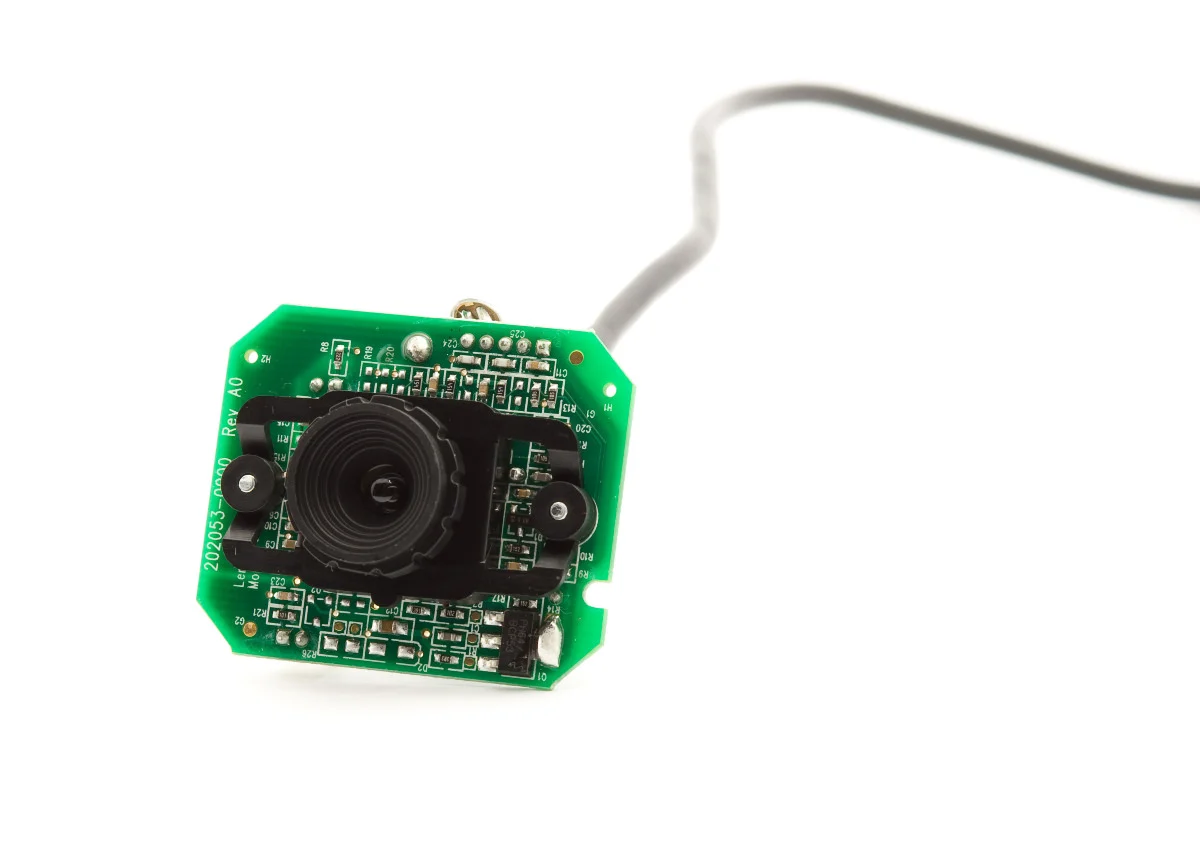
Understanding If You’re Being Spied on by Your Home Surveillance Camera
As technology advances, our homes become more connected, and our personal lives are under surveillance. While home security cameras can provide peace of mind, there’s a growing concern about their potential to be hacked and used for nefarious purposes.
In this article, we’ll explore the possibility of being spied on by your home surveillance camera, and what you can do to protect yourself from such an invasion of privacy.
How Surveillance Cameras Can Be Hacked
Surveillance cameras that use cloud-based technologies to store their data are particularly vulnerable to hacking. When data is stored on servers that can be accessed by hackers, it’s like leaving the door open for unwanted guests.
Not all companies that manufacture surveillance cameras are transparent about how they collect and utilize data from these devices. Some may even sell this information without your consent.
Understanding If You’re Being Spied On
While there’s no foolproof way to detect if someone is spying on you using your home surveillance camera, there are some telltale signs that might indicate something fishy is going on.
- Checking The Router: You can monitor your router’s traffic to see if any suspicious devices are connected. If you notice any unusual activity or unknown devices, it could be a sign that someone is trying to access your camera.
- Verifying Device Connections: Check the list of devices connected to your Wi-Fi network. If you find any unfamiliar devices, it might indicate that someone has gained unauthorized access to your camera.
- Monitoring Service Performance: Keep an eye on your surveillance service’s performance. If you notice any unusual delays, lagging, or artifacts in recorded videos, it could be a sign that someone is using the system remotely.
- Checking Credentials And Access Attempts: Monitor your account for any unauthorized access attempts. If you receive alerts about suspicious login attempts or password reset requests, it’s likely that someone is trying to gain access to your camera.
How to Protect Yourself
To avoid being spied on by your home surveillance camera, follow these precautions:
- Update Firmware Regularly: Ensure your camera’s firmware is up-to-date, as this can help patch security vulnerabilities.
- Use a Separate Wi-fi Network: Set up a separate network for your surveillance cameras to minimize the risk of unauthorized access.
- Choose a Reliable Company: Research and select a reputable company that prioritizes data security and transparency.
Conclusion
While the possibility of being spied on by your home surveillance camera is concerning, there are steps you can take to protect yourself from such an invasion of privacy. By understanding how surveillance cameras can be hacked, monitoring your router’s traffic, verifying device connections, checking service performance, and taking precautions like updating firmware regularly, choosing a reliable company, and using a separate Wi-Fi network, you can ensure that your personal data remains secure.
Frequently Asked Questions
- Q: How Can I Detect if Someone is Spying on me With my Home Surveillance Camera?
A: You can check the router’s traffic, verify device connections, monitor service performance, and check credentials and access attempts. - Q: What are some signs that someone might be using your surveillance camera for nefarious purposes?
A: Unusual delays, lagging, or artifacts in recorded videos, suspicious login attempts, and password reset requests can indicate unauthorized access. - Q: How can I protect myself from being spied on by my home surveillance camera?
A: Update firmware regularly, use a separate Wi-Fi network, choose a reliable company, and monitor your account for suspicious activity. - Q: Are all companies that manufacture surveillance cameras transparent about how they collect and utilize data?
A: Not all companies are transparent about their data collection practices, which makes it essential to research and select a reputable company. - Q: Can I use my home surveillance camera to monitor who is connected to my Wi-Fi network?
A: Yes, you can check the list of devices connected to your Wi-Fi network to see if any unfamiliar devices are present. - Q: How often should I update my camera’s firmware to ensure security vulnerabilities are patched?
A: Update your camera’s firmware regularly to stay ahead of potential security threats.


