
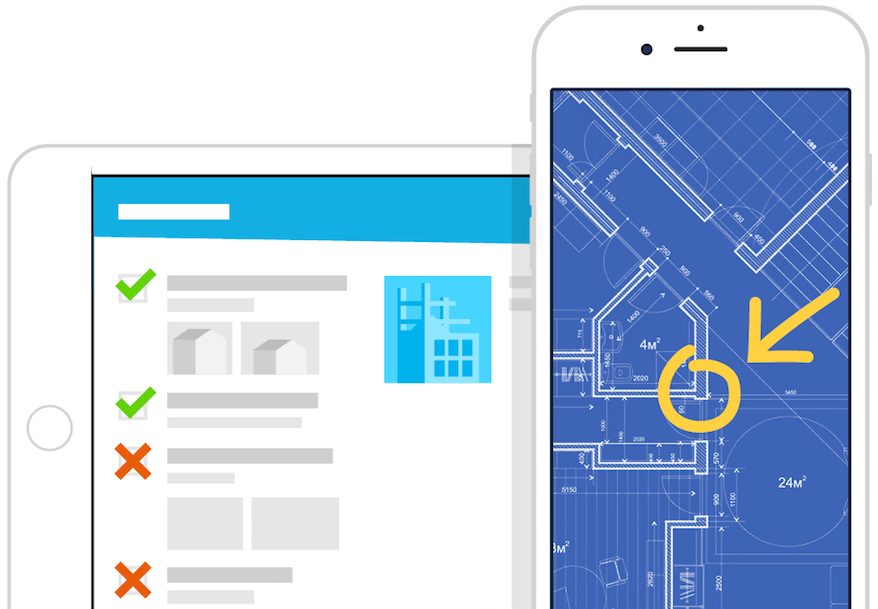
The Ultimate Guide to Apps For Architects: Enhancing Your Design Process
As an architect, staying updated on the latest technologies and integrating new tools into your practice is essential for success. One of the most significant ways to enhance your design process is by utilizing mobile apps specifically designed for architects. In this article, we will explore some of the best apps for architects that can facilitate their work from initial outlines to final planimetries.
Why Use Mobile Apps For Architects?
Mobile apps have revolutionized the way architects work, providing them with a range of tools and features that can streamline their design process. These apps enable architects to create high-quality 2D and 3D designs, collaborate with colleagues and clients in real-time, and access a vast library of templates and resources.
Top Apps For Architects
- Autocad (Android/iOS/iPadOS)
AutoCAD is a popular mobile app developed by Autodesk that allows architects to create, edit, and manage 2D and 3D designs directly on their smartphone or tablet. The app integrates with Dropbox, Box, Google Drive, and OneDrive, enabling seamless collaboration and data sharing.
Features of Autocad:
- Create new blueprints, measure distances, and utilize the snap-to-objects feature for precise design
- Access a vast library of templates and resources
- Integrate with cloud storage services for easy collaboration and data sharing
Pricing: 7-Day free trial; Premium subscription (4.99 Euros/month or 49.99 Euros/year) or Ultimate plan (99.99 Euros/year)
- Bimx (Android/iOS/iPadOS)
BIMx is a mobile app that integrates the navigation of blueprints in 2D and 3D into a single, unified platform. The app enables architects to coordinate work, control measures, and revisions directly on their device.
Features of Bimx:
- Integrate with ArchiCAD software for seamless collaboration
- Create and manage 2D and 3D designs in a single platform
- Access a vast library of templates and resources
Pricing: Free; Pro plan (10.99 Euros/month or 54.99 Euros/year) available via in-app purchase
- Magicplan (Android/iOS/iPadOS)
Magicplan is a mobile app that allows architects to create, edit, and manage blueprints directly on their smartphone or tablet. The app provides a range of features, including photo measurement, design planimetry, and cost estimation.
Features of Magicplan:
- Create new blueprints, measure distances, and utilize the snap-to-objects feature for precise design
- Access a vast library of templates and resources
- Integrate with cloud storage services for easy collaboration and data sharing
Pricing: 7-Day free trial; Pro plan (9.99 Euros/month or 29.99 Euros/year) available via in-app purchase
- Planner 5D (Android/iOS/iPadOS)
Planner 5D is a mobile app that allows architects to create, edit, and manage interior designs directly on their smartphone or tablet. The app provides a range of features, including photo measurement, design planimetry, and cost estimation.
Features of Planner 5D:
- Create new blueprints, measure distances, and utilize the snap-to-objects feature for precise design
- Access a vast library of templates and resources
- Integrate with cloud storage services for easy collaboration and data sharing
Pricing: Free; Pro plan (9.99 Euros/month or 29.99 Euros/year) available via in-app purchase
- Other Apps For Architects
Other notable apps for architects include Home Design 3D, Shapr3D, Floor Plan Creator, Morpholio Trace, and Concepts. These apps offer a range of features and tools that can enhance your design process.
Conclusion:
In conclusion, mobile apps have revolutionized the way architects work, providing them with a range of tools and features that can streamline their design process. From AutoCAD to BIMx, Magicplan to Planner 5D, there are numerous apps available for architects that can facilitate their work from initial outlines to final planimetries.
Frequently Asked Questions (FAQs):
- What is The Best App For Architects?
The best app for architects depends on your specific needs and preferences. Some popular options include AutoCAD, BIMx, Magicplan, and Planner 5D.
- How Much do These Apps Cost?
Pricing varies depending on the app and plan chosen. Many of these apps offer free trials or basic plans, while others require a subscription or in-app purchase for premium features.
- Can I Use These Apps on Multiple Devices?
Yes, many of these apps are compatible with multiple devices, including smartphones, tablets, and desktop computers.
- Do These Apps Integrate With Cloud Storage Services?
Yes, most of these apps integrate with popular cloud storage services like Dropbox, Box, Google Drive, and OneDrive.
- Can I Collaborate With Colleagues And Clients Using These Apps?
Yes, many of these apps enable real-time collaboration and data sharing, making it easy to work with colleagues and clients remotely.
- Are There Any Free Versions or Trials Available For These Apps?
Yes, most of these apps offer a free trial or basic plan that allows you to try them out before committing to a premium subscription.
- Can I Export my Designs From These Apps?
Yes, most of these apps enable you to export your designs in various formats, including images, PDFs, and CAD files.
- Do These Apps Have Customer Support?
Yes, all of these apps offer customer support through their websites or in-app interfaces.


