
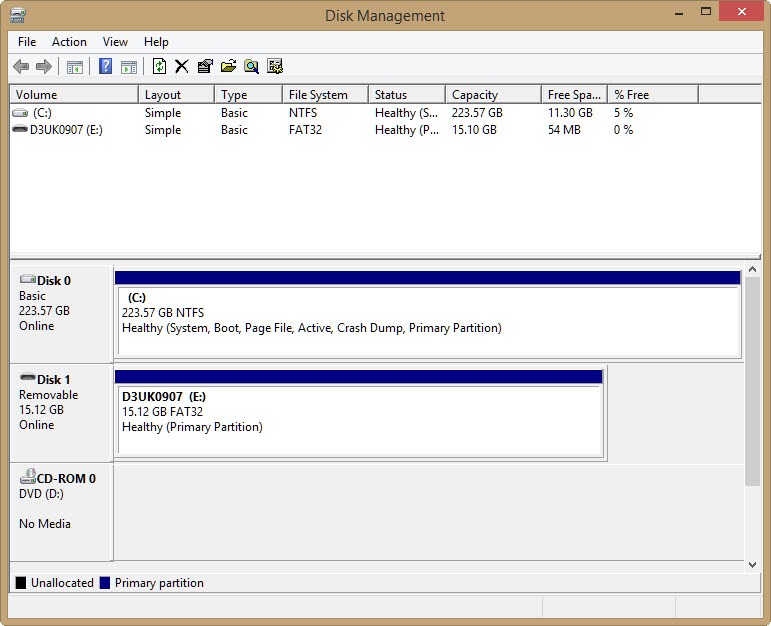
Recovering deleted files from an SD card is possible if done correctly. Here are the steps and methods involved:
Understanding SD Cards
SD cards use file systems to organize data. When deleting files, they’re not erased but marked as free space. If sectors aren’t overwritten with new information, recovery might be possible.
Software For Recovering Deleted Files
Several programs can help recover deleted files from an SD card. Some popular options include:
Photorec
PhotoRec is a free program designed for recovering photos and other file types. It’s available for Windows, macOS, and Linux.
To download PhotoRec:
- Visit the official website (https://Www.Cgsecurity.Org) and click on the “Download” link.
- Choose the correct version for your operating system (Windows, macOS, or Linux).
- Follow the installation instructions to install PhotoRec.
Disk Drill
Disk Drill is another option that supports various file types and can be used on Windows, macOS, and other systems.
To download Disk Drill:
- Visit the official website (https://Diskdrill.Com) and click on the “Download” link.
- Choose the correct version for your operating system (Windows or macOS).
- Follow the installation instructions to install Disk Drill.
Other Solutions
If PhotoRec and Disk Drill don’t work, other options are available:
- EaseUS Data Recovery Wizard
- Recuva (for Windows computers)
Apps For Recovering Deleted Files
For Android devices, there’s the DiskDigger app. However, this is not available for iOS devices.
Conclusion
Recovering deleted files from an SD card requires caution and the right software. Minimize the use of the SD card after deletion to increase recovery chances.
Frequently Asked Questions (FAQs)
- Q: Can I Recover Deleted Files if They’ve Been Overwritten?
A: No, once data is written over a sector, it’s lost forever. - Q: What software works for recovering deleted files from an SD card?
A: Options include PhotoRec, Disk Drill, EaseUS Data Recovery Wizard, and Recuva (for Windows computers). - Q: Is There a Dedicated App For Android Devices to Recover Deleted Files?
A: Yes, the DiskDigger app is available. - Q: What’s The Best Software For Recovering Deleted Files From an SD Card?
A: Each option has its strengths and weaknesses; choose the one that suits your needs. - Q: Are there any risks associated with using data recovery software?
A: Most programs are safe, but be cautious when selecting software to avoid malware.
Disclaimer
While every effort has been made to ensure accuracy, the effectiveness of data recovery software depends on individual circumstances.


