
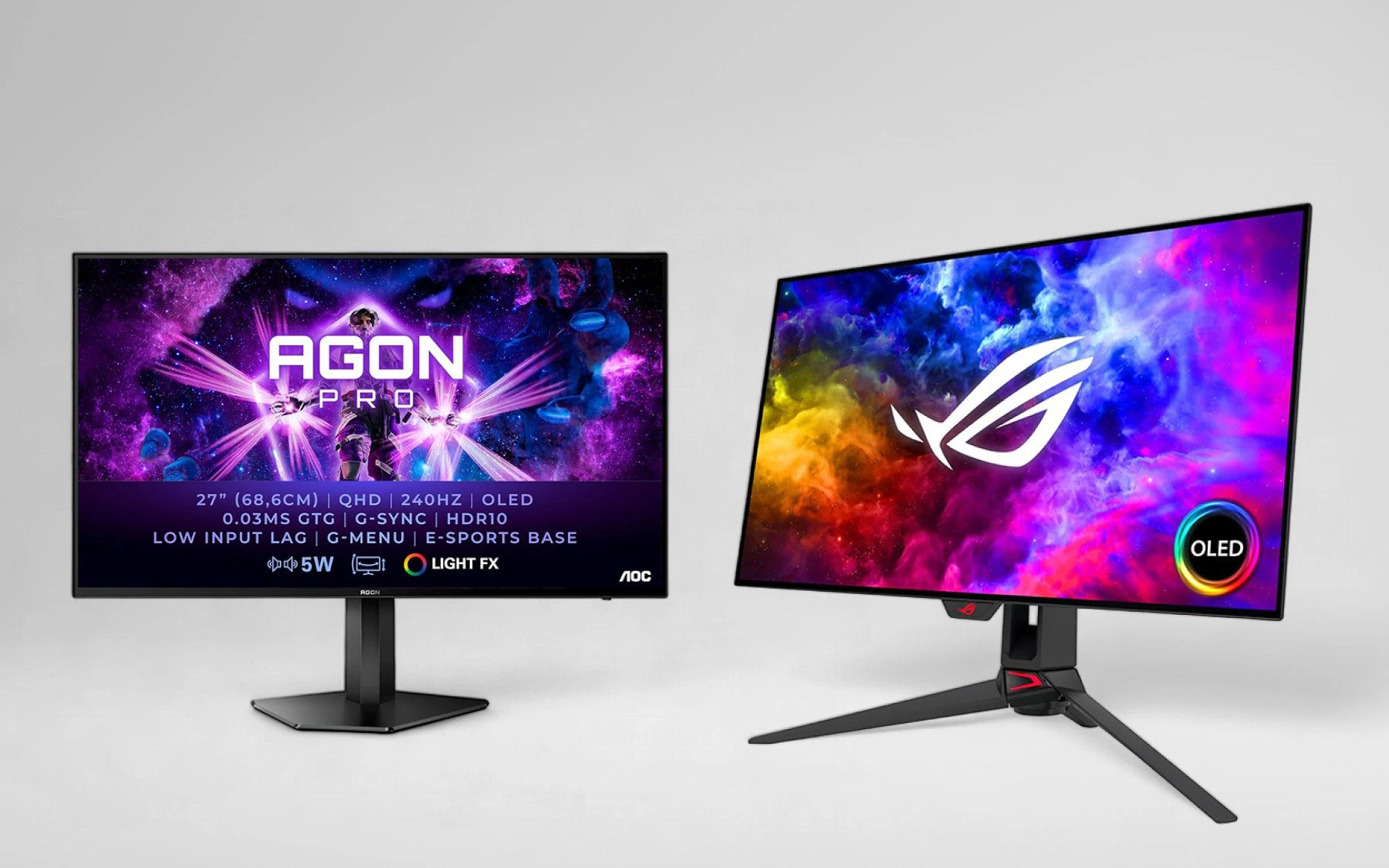
Better Monitor 2K: A Guide to Shopping (September 2024)
As a gamer, you’re always on the lookout for the best equipment to enhance your gaming experience. One crucial aspect of gaming is the monitor, which plays a significant role in delivering an immersive and engaging experience. In this guide, we’ll delve into the world of monitor shopping, focusing on the essential factors to consider when selecting the perfect 2K monitor for your needs.
What is a 2K Monitor?
A 2K monitor refers to a display with a maximum resolution of 2560 x 1440 pixels. This resolution offers better image quality and more detailed visuals compared to Full HD (1920 x 1080) and lower resolutions. When choosing a 2K monitor, it’s essential to consider the factors that contribute to an excellent gaming experience.
Dimensions And Positioning
When selecting a monitor, its size and position play crucial roles in determining the optimal viewing distance. A larger screen may seem appealing, but if you’re too close, the image quality will suffer. Consider the following:
- For a 27-inch 2K monitor, the recommended viewing distance is around 40 centimeters.
- Larger monitors require greater distances to maintain optimal image quality.
Panels And Response Time
Monitor panels come in various types, including TN, IPS, and VA (Gaming Oriented). Each panel type has its strengths and weaknesses:
- TN Panels: Generally the most affordable option, but with lower response times and contrast ratios.
- Ips Panels: Offer better color accuracy, wider viewing angles, and higher response times compared to TN panels.
- VA (Gaming Oriented) Panels: Provide excellent contrast ratios, good color accuracy, and fast response times.
Frequency of Update And Synchronization Technologies
The frequency of update (refresh rate) affects the smoothness of the gaming experience. Look for monitors with high refresh rates, such as 144Hz or higher:
- G-sync (NVIDIA): A technology that synchronizes the monitor’s refresh rate with the GPU’s frame rate, reducing screen tearing and stuttering.
- Freesync (AMD): Similar to G-Sync, but compatible with AMD GPUs.
Ports And Integrated Speakers
Consider a monitor with multiple ports for connectivity:
- Hdmi: The most common port, but might not be sufficient for high-end gaming setups.
- Displayport: Offers higher resolutions and refresh rates than HDMI.
- Usb Ports: Convenient for connecting peripherals like keyboards or headsets.
Other Considerations
When shopping for a 2K monitor, remember to consider the following:
- Price: Set a budget and stick to it. Higher-end monitors may offer better performance, but also come with a higher price tag.
- Gaming Genre: If you’re into competitive gaming or fast-paced FPS games, prioritize high refresh rates and low response times.
- Eye Care Features: Look for monitors with built-in eye care features like Blue Light filtering to reduce eye strain.
Top 2K Monitor Recommendations
Here are some top-notch 2K monitor recommendations:
- LG 27GR75Q Ultragear Gaming Monitor: Offers a QHD resolution, high refresh rate (144Hz), and G-Sync technology.
- Samsung Odyssey G5 Curvo 32″: Boasts a WQHD resolution, 1000R curvature, and HDR10 support.
- Koorui Monitor Gaming 27″: Features a QHD resolution, 144Hz refresh rate, and FreeSync technology.
- Asus Tuf Gaming Vg27aq1a 27″: Offers a QHD resolution, high refresh rate (170Hz), and G-Sync technology.
Conclusion
Choosing the right 2K monitor can be overwhelming, but by considering the factors discussed in this guide, you’ll be well on your way to selecting the perfect monitor for your gaming needs. Remember to prioritize your specific requirements, such as price, resolution, refresh rate, and panel type.
Faqs:
- What is the recommended viewing distance for a 27-inch 2K monitor?
Answer: Around 40 centimeters. - Which panel type offers better color accuracy and contrast ratio?
Answer: IPS panels. - What is G-Sync technology, and how does it benefit gamers?
Answer: G-Sync synchronizes the monitor’s refresh rate with the GPU’s frame rate, reducing screen tearing and stuttering. - Do I need a high-end GPU to take advantage of 144Hz or higher refresh rates?
Answer: Yes, a high-end GPU is required for optimal performance at high refresh rates. - Can I connect multiple devices to my monitor using HDMI ports?
Answer: It depends on the number of HDMI ports and the devices you’re connecting. - What is Blue Light filtering, and how does it benefit eye care?
Answer: Blue Light filtering reduces the emission of blue light from screens, reducing eye strain and discomfort. - Can I use a 2K monitor for work or office applications?
Answer: Yes, a 2K monitor can be used for work or office applications that require high image quality and detail.
Best Monitor to Buy
The best monitor to buy ultimately depends on your specific needs and preferences. However, the LG 27GR75Q UltraGear Gaming Monitor stands out as an excellent choice for gamers seeking a QHD resolution, high refresh rate, and G-Sync technology.


