
The Ultimate Guide to Recording Audio on Your PC or Mobile Device
Are you searching for a program to record audio but don’t want to deal with complicated software? Look no further! In this article, we’ll explore the best free programs to record audio on your PC and mobile device.
Programs to Record Audio on PC
If you’re looking for a simple and effective way to record audio on your PC, consider these top picks:
- Windows 10’s Built-in Recorder: If you’re using Windows 10, you can utilize the built-in recorder called “Voice Recorder.” This program is free, easy to use, and allows you to create recordings of your voice.
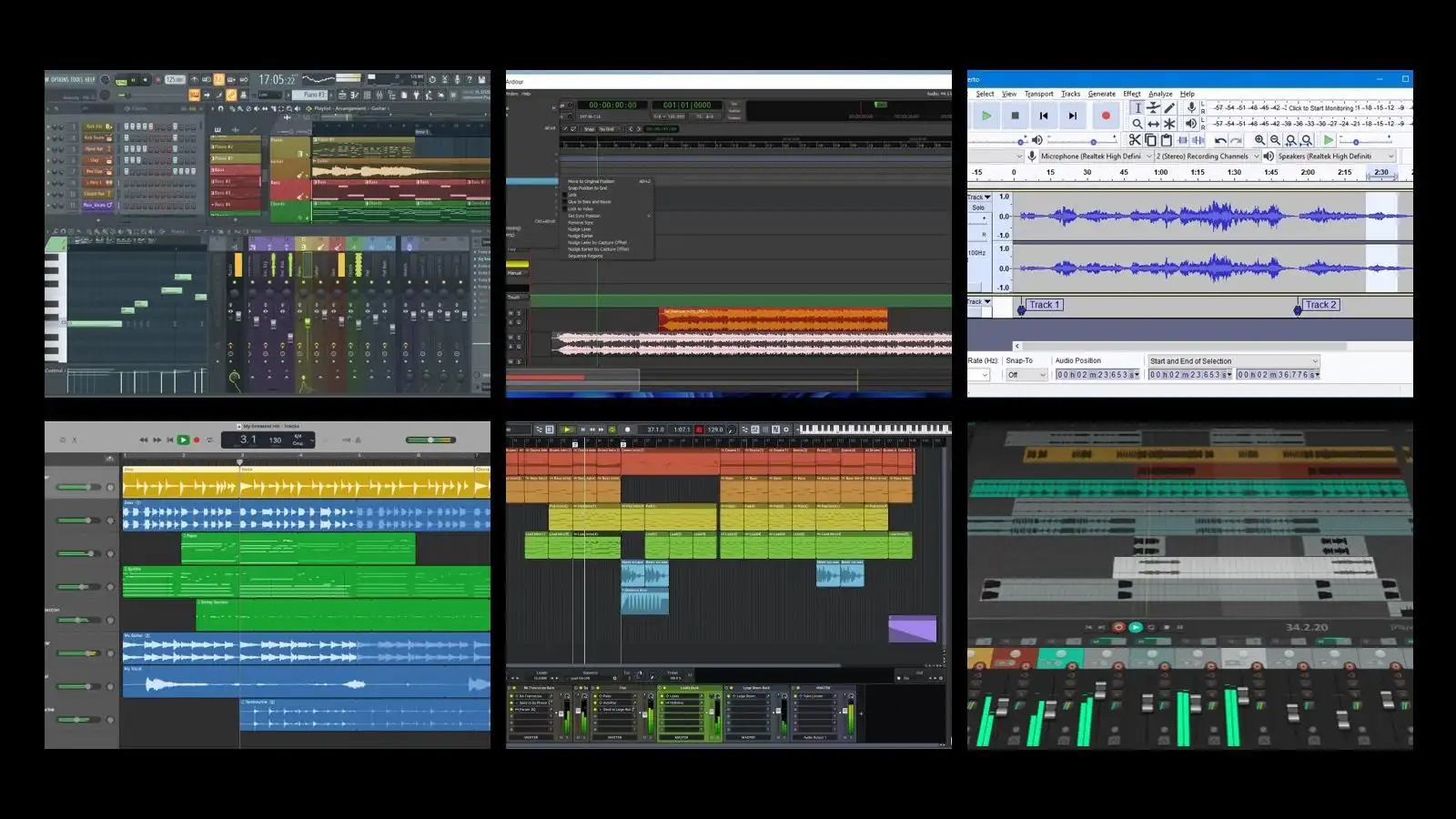
- Audacity: Audacity is a powerful audio editor that’s also available for PC. It offers a wide range of features, including effects and filters for perfecting your recordings.
Other Programs to Record Audio on PC
If the above options don’t meet your needs, consider these alternative programs:
- Lmms: LMMS is an open-source music production software that can also be used for recording audio.
- Wawepad: WawePad is a free program that allows you to create and modify recordings of various formats.
- Garageband: GarageBand is a free solution for editing audio, available exclusively on macOS.
Programs to Record Audio And Video
If you want to record both audio and video on your PC or mobile device, consider these options:
- Obs (Open Broadcasting Software): OBS is a free software that allows you to create high-quality recordings of your screen, webcam, and microphone.
- Screencast-o-matic: Screencast-O-Matic is an online tool that enables you to record your screen, webcam, and audio with ease.
Programs to Record Audio on Mobile Devices
If you’re looking for a program to record audio on your smartphone or tablet, consider these top picks:
- Recorder Vocal by Triveous (Android): This app is a popular choice for recording voice and audio on Android devices.
- Screencam Screen Recorder (Android): This app allows you to record your screen and audio with ease.
- Easy Vowel Recorder (Android): This app offers three different modes for recording voice, meetings/lessons, or music/sound.
Conclusion
In conclusion, there are many excellent programs available for recording audio on your PC or mobile device. Whether you’re looking for a simple solution or something more advanced, this guide has provided you with the best options to choose from.
Frequently Asked Questions (FAQs)
- Q: What is The Best Program to Record Audio on Windows 10?
A: The built-in Voice Recorder app is a great choice. - Q: Can I Use Audacity For Recording Audio And Video?
A: Yes, but you’ll need an external solution for video recording on macOS. - Q: Are There Any Free Programs to Record Audio And Video on Mobile Devices?
A: Yes, consider using OBS or Screencast-O-Matic on your PC, and Recorder Vocal by Triveous, ScreenCam Screen Recorder, or Easy Vowel Recorder on your Android device.
Additional Tips
- Always check the system requirements before installing any software.
- Experiment with different recording modes to find what works best for you.
- Don’t hesitate to reach out if you have further questions or need more guidance.


