
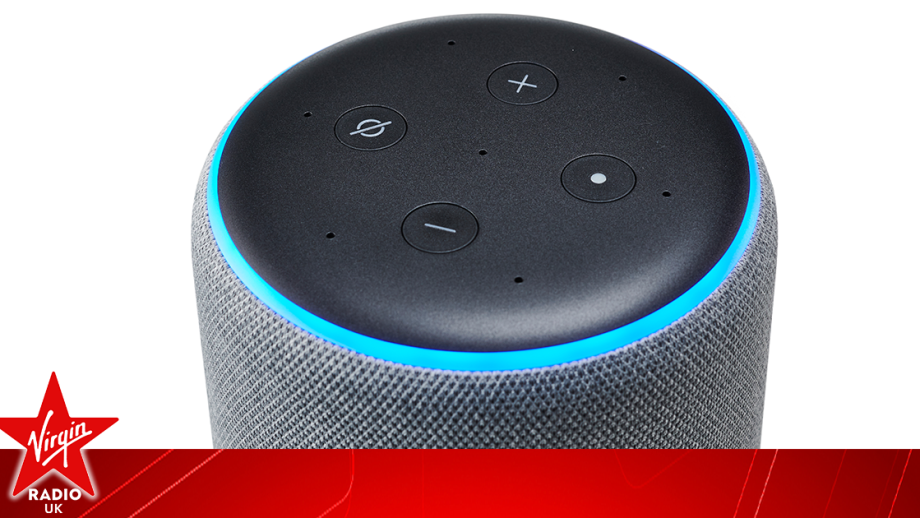
Actuating Super Alexa: A Guide to Unlocking Hidden Features
Are you ready to experience the ultimate level of interaction with your Amazon Echo device? Look no further! In this article, we’ll delve into the world of Super Alexa, a modality that will take your smart home experience to the next level.
What is Super Alexa?
Super Alexa is an Easter egg within the Alexa platform that allows users to access a range of hidden features and functionalities. Unlike other mods or hacks, Super Alexa does not require any additional software or hardware; it can be activated using a specific command.
How to Activate Super Alexa
To activate Super Alexa, follow these simple steps:
- Initiate The Amazon Alexa App: Open the Amazon Alexa app on your device.
- Pronounce The Activation Command: Speak the command “Alexa, sù sù, below below, sinister right, sinister right, B To” (or alternatively, say “Alexa, active modality Super Alexa”).
- Wait For Alexa’s Response: Listen to Alexa’s reply and wait for the animation (if applicable) to load.
Using Super Alexa on Smartphones And Tablets
Super Alexa can also be activated using your smartphone or tablet. Here’s how:
- Open The Amazon Alexa App: Launch the Amazon Alexa app.
- Speak The Activation Command: Pronounce the activation command “Alexa, sù sù, below below, sinister right, sinister right, B To” (or say “Alexa, active modality Super Alexa”).
- Wait For Alexa’s Response: Listen to Alexa’s reply and wait for the animation (if applicable) to load.
Tips And Tricks
If you encounter any issues or errors during activation, here are some troubleshooting tips:
- Check Your Command: Ensure that you’ve pronounced the correct command.
- Reboot Your Device: Sometimes, a simple reboot can resolve connectivity issues.
- Contact Amazon Support: Reach out to Amazon’s customer support team for further assistance.
Conclusion
Actuating Super Alexa is an exciting experience that opens up new possibilities for smart home users. By following these simple steps and guidelines, you’ll be able to unlock the hidden features of this modality and enjoy a more immersive interaction with your Amazon Echo device.
Frequently Asked Questions (FAQs)
-
What is Super Alexa?
Super Alexa is an Easter egg within the Alexa platform that allows users to access a range of hidden features and functionalities.
2. How do I Activate Super Alexa?To activate Super Alexa, speak the command “Alexa, sù sù, below below, sinister right, sinister right, B To” (or say “Alexa, active modality Super Alexa”).
3. Can I Use Super Alexa on my Smartphone or Tablet?Yes, you can activate Super Alexa using your smartphone or tablet by launching the Amazon Alexa app and pronouncing the activation command.
4. What Happens if I Encounter Errors During Activation?If you experience issues during activation, try rebooting your device, checking your command, or contacting Amazon Support for further assistance.
5. Is Super Alexa Safe to Use?Yes, Super Alexa is a legitimate feature within the Alexa platform and can be safely activated without compromising your device’s security.


