
Problems With Whatsapp: A Guide to Solving Them
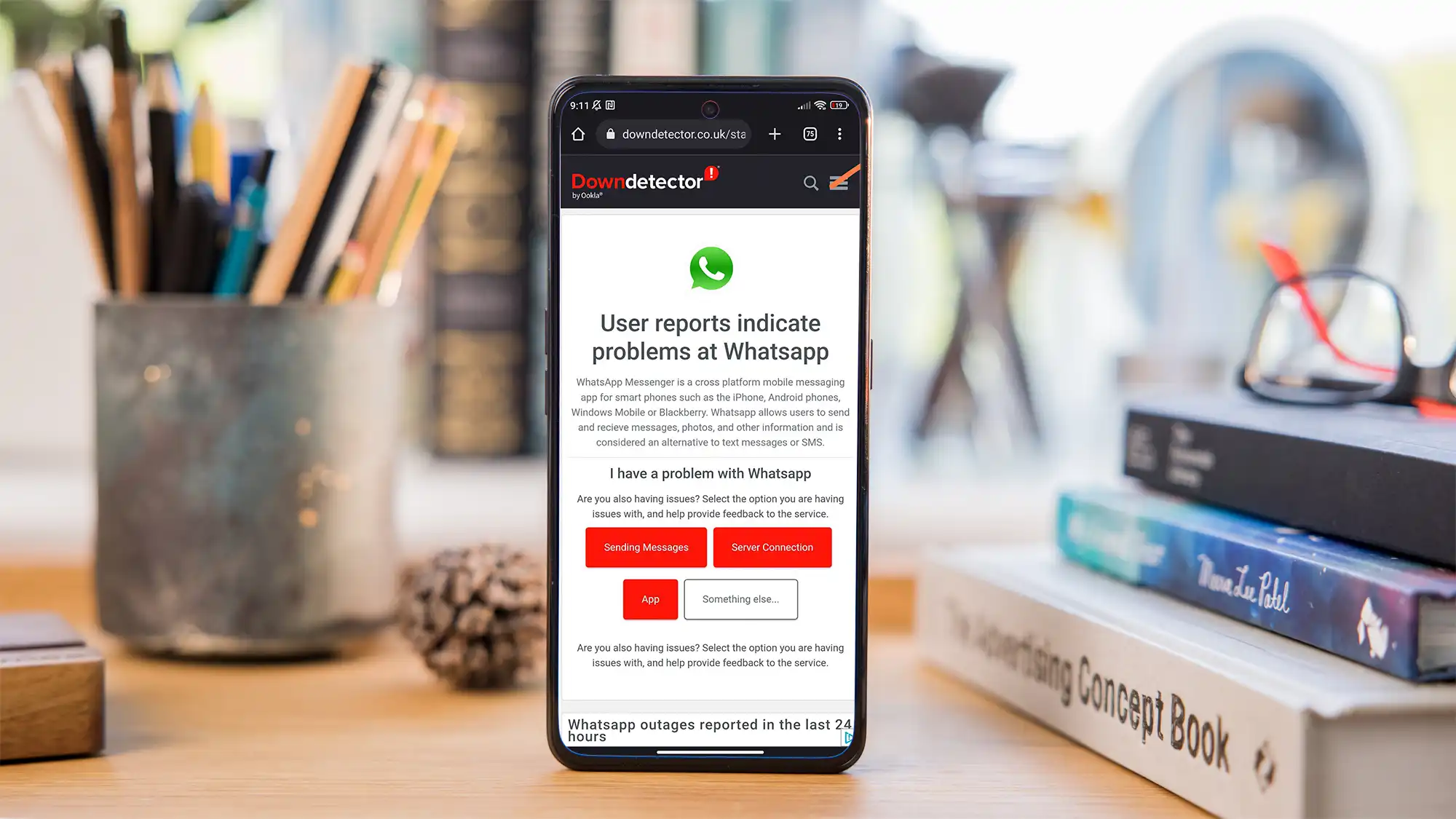
Check Whatsapp Server Status
If you are experiencing problems with WhatsApp, it is likely that the malfunctions you detect are attributable to a temporary malfunction of the WhatsApp servers. Checking the status of the WhatsApp servers is one of the first things I recommend you do.
Check Your Internet Connection
If you have problems with your internet connection, you can check if your connection is stable and there are no problems with your operator’s data network. If you need help solving connection problems, I recommend reading my article on how to solve the most common network problems.
Solve Problems With The Whatsapp App
If you are having problems with the WhatsApp app, you may need to reinstall the app to fix the problems. If you have any doubts about the procedure, I recommend you read my article on how to reinstall WhatsApp.
Problems With Whatsapp: Audio
If you’re having trouble with notifications or notification sounds, you may have accidentally turned off notifications or turned your device to silent mode. Check that your device does not have a hardware problem with the speakers and make sure you have not muted the sound on your “iPhone”.
Problems With Whatsapp: Privacy
If you notice any suspicious activity on your WhatsApp account, you may need to contact the platform’s support team. If you have any doubts about the procedure, I recommend you read my article on how to contact WhatsApp to resolve privacy issues.
Other Problems With The Whatsapp App
If you have other problems with the WhatsApp app, you may need to take a look at my tutorials dedicated to the application. I hope they can be useful to you in solving your problems.
Problems With Whatsapp Web
If you have problems with WhatsApp web, you may need to close active sessions and redo the QR code scanning procedure. If you have any doubts about the procedure, I recommend you read my article on how to solve problems with WhatsApp web.
Problems With Whatsapp Business
If you have problems with whatsapp business, you may need to follow the suggestions that I have given you in the previous lines. I hope they can be useful to you in solving your problems.
Conclusion
I hope this information has been useful to you in solving problems with WhatsApp. If you have any other questions or concerns about the procedure, don’t hesitate to ask.
Frequently Asked Questions (faqs)
- What is The Most Common Problem With Whatsapp?
The most common problem with WhatsApp is the onset of temporary malfunctions of the platform’s servers, which may be due to system malfunctions or problems with the internet connection.
- How Can I Solve Problems With Whatsapp?
To resolve problems with WhatsApp, you can check the status of the platform’s servers, check your internet connection and reinstall the application if necessary.
- What is The Most Common Problem With Whatsapp Web?
The most common problem with WhatsApp Web is having problems connecting to the system or displaying notifications on your device.
- How Can I Solve Problems With Whatsapp Business?
To solve problems with whatsapp business, you can follow the same suggestions that I gave you for the classic version of whatsapp.
- What is The Safest Method to Contact Whatsapp in Case of Problems?
The safest method to contact WhatsApp in case of problems is to use the application itself and follow the instructions that will be provided to you by the platform’s support team.
- How Can I Solve Problems With my Privacy on Whatsapp?
To solve problems with your privacy on WhatsApp, you can contact the platform’s support team and follow the instructions that will be given to you to solve your problems.
- What is The Most Common Problem With Internet Connection on Whatsapp?
The most common problem with the internet connection on WhatsApp is the onset of temporary malfunctions of your operator’s data network or temporary infrastructure problems.
- How Can I Solve Problems With my Internet Connection on Whatsapp?
To resolve problems with your internet connection on WhatsApp, you can check the status of your data network and contact your operator for assistance.


