
The Ultimate Guide to Playing Multiplayer Games on Nintendo Switch
Are you ready to experience the thrill of multiplayer gaming on your Nintendo Switch? Look no further! In this comprehensive guide, we’ll walk you through the steps to play multiplayer games with friends and family, both online and offline.
Getting Started: Understanding The Requirements
Before diving into the world of multiplayer gaming, it’s essential to understand the requirements for playing multiplayers games on your Nintendo Switch. Here are the key things you need to know:
- Local Multiplayer: To play local multiplayer games, you’ll only need one Nintendo Switch console and a copy of the game you want to play.
- Online Multiplayer: To play online multiplayer games, you’ll need a Nintendo Switch Online subscription, which costs $3.99/Month or $19.99/Year.
Playing Local Multiplayer Games
Local multiplayer games allow you to play with friends and family in the same room, without the need for an internet connection. Here’s how to get started:
- Selecting The Right Game: Not all games are compatible with local multiplayer mode. Make sure to check the game’s information on the Nintendo eShop or the game’s packaging to see if it supports local multiplayer.
- Connecting Controllers: To play a game in local multiplayer mode, you’ll need two controllers connected to the same Nintendo Switch console. Follow these steps:
- Connect the first controller to the console.
- Press and hold the small round button on the back of the controller to synchronize it with the console.
- Repeat the process for the second controller.
- Starting a Local Multiplayer Session: Once you have both controllers connected, follow these steps:
- Open the game you want to play in local multiplayer mode.
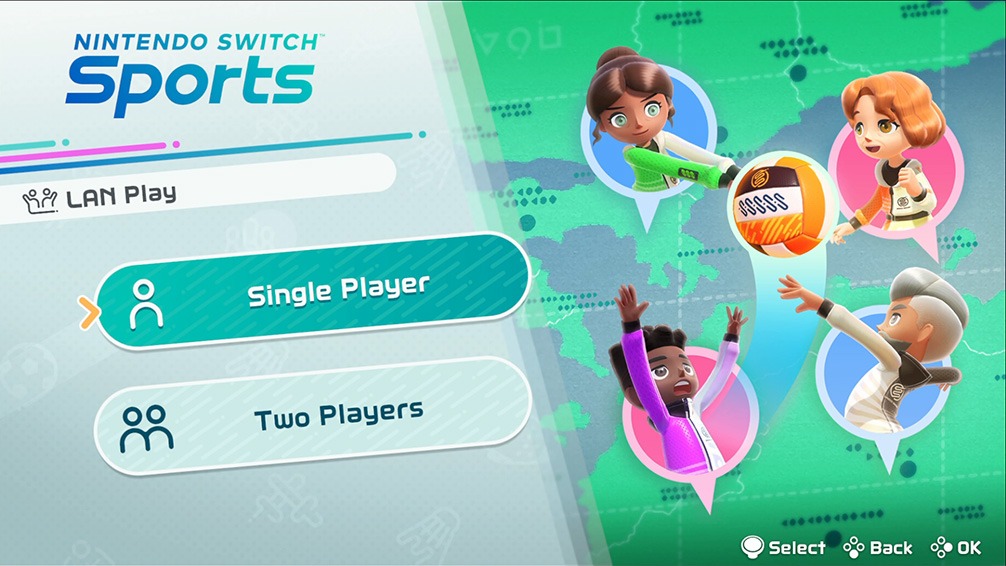
- Select the local multiplayer option from the game’s menu.
- Follow the on-screen instructions to start a local multiplayer session.
Playing Online Multiplayer Games
Online multiplayer games allow you to play with friends and family who are not physically present, over an internet connection. Here’s how to get started:
- Getting a Nintendo Switch Online Subscription: To play online multiplayer games, you’ll need a Nintendo Switch Online subscription. You can subscribe to one of the following plans:
- 30-Day plan for $3.99
- 90-Day plan for $7.99
- 365-Day plan for $19.99
- Creating a Nintendo Account: To access online multiplayer features, you’ll need to create a Nintendo account. If you don’t have one already, follow these steps:
- Open the Nintendo eShop on your Switch console.
- Select “Nintendo Account” from the menu.
- Follow the on-screen instructions to create a new account.
- Joining an Online Multiplayer Session: Once you have a Nintendo Switch Online subscription and a Nintendo account, follow these steps:
- Open the game you want to play in online multiplayer mode.
- Select the online multiplayer option from the game’s menu.
- Follow the on-screen instructions to join an online multiplayer session.
Tips And Tricks
Here are some additional tips and tricks to help you get the most out of your Nintendo Switch gaming experience:
- Use a High-quality Internet Connection: A stable internet connection is essential for smooth online gameplay. Make sure to use a high-quality internet service provider to minimize lag and disconnections.
- Communicate With Your Teammates: Communication is key in multiplayer games. Use the built-in chat features or other communication tools to coordinate your strategy and work together as a team.
- Stay Up-to-date With Game Updates: Regular game updates often include new features, bug fixes, and balance changes. Make sure to stay up-to-date with the latest game patches to get the most out of your gaming experience.
Conclusion
Playing multiplayer games on Nintendo Switch is an exciting way to engage with friends and family, both online and offline. By understanding the requirements for local and online multiplayer modes, you’ll be able to take advantage of the many amazing multiplayer experiences available on the console. Happy gaming!
Frequently Asked Questions (FAQs)
Q: What are the system requirements for playing multiplayers games on Nintendo Switch?
A: The system requirements for playing multiplayer games on Nintendo Switch include a compatible game, a Nintendo Switch console, and either one or more controllers.
Q: Do I need an internet connection to play local multiplayer games?
A: No, you don’t need an internet connection to play local multiplayer games. However, some games may require a connection to access online features or updates.
Q: How do I join an online multiplayer session on Nintendo Switch?
A: To join an online multiplayer session on Nintendo Switch, follow these steps:
1. Open the game you want to play in online multiplayer mode.
2. Select the online multiplayer option from the game’s menu.
3. Follow the on-screen instructions to join an online multiplayer session.
Q: Can I play multiplayers games with friends and family who don’t have a Nintendo Switch?
A: Yes, some games allow you to play with friends and family who don’t have a Nintendo Switch by using a streaming service or a cloud gaming platform.
Q: What are the benefits of having a Nintendo Switch Online subscription?
A: A Nintendo Switch Online subscription provides access to online multiplayer features, as well as other benefits such as cloud saves, exclusive deals, and more.
Q: Can I cancel my Nintendo Switch Online subscription at any time?
A: Yes, you can cancel your Nintendo Switch Online subscription at any time. Simply visit the Nintendo eShop on your Switch console, select “Nintendo Account,” and follow the on-screen instructions to cancel your subscription.


