
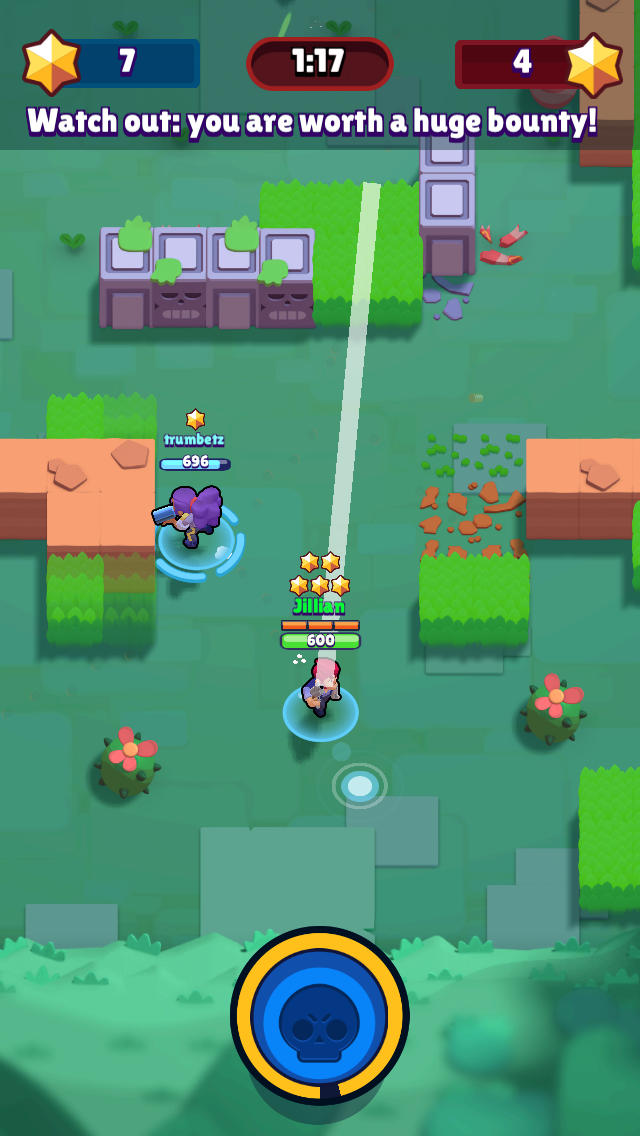
How to Transfer Brawl Stars Account From One Phone to Another
Are you a passionate player of Brawl Stars who has acquired a new smartphone? Do you worry that spending hours on the game will miss all your progress? Don’t worry, we’ve got you covered! In this article, we’ll guide you through the process of transferring your Brawl Stars account from one phone to another.
Preliminary Information
Before we dive into the steps, it’s essential to understand the necessary requirements for a successful transfer. The process involves synchronizing your progress using a Supercell ID. Yes, you read that right – a Supercell ID is required to transfer your Brawl Stars account from one device to another.
What is a Supercell Id?
A Supercell ID is a free account that allows you to save and synchronize your progress across multiple Supercell games, including Clash Royale, Clash of Clans, and now, Brawl Stars. It’s like having a supercharged account that lets you play on different devices without missing a beat.
Requirements For Transferring Your Account
To transfer your Brawl Stars account from one phone to another, you’ll need:
- A Supercell ID (if you don’t have one, create it now)
- An active internet connection
- The willingness to follow our step-by-step guide
Step 1: Open The App And Access The Menu
Open the Brawl Stars app on your old device and tap on the icon to initiate the game. Wait for the advancement bar to reach 100%, ensuring that all your progress is saved.
Step 2: Access Your Supercell ID
Tap on the three dots (☰) in the top-right corner of the screen, then select “Supercell ID” from the menu. Enter your email associated with your Supercell ID and tap “Access.” You’ll receive a code via email; enter it to confirm.
Step 3: Link Your Account
Tap on the “Forward” button to confirm the operation, and your Brawl Stars account will be linked to your Supercell ID. This step is crucial for seamless transfer.
Step 4: Download The App on Your New Device
Download Brawl Stars from the Play Store (on Android) or the App Store (on iOS). If you’ve already installed the app, great! Proceed to Step 5.
Step 5: Complete The Tutorial And Access Settings
Complete the tutorial to access the main menu. Tap on the three dots (☰) in the top-right corner, then select “Supercell ID.” Insert your email associated with your Supercell ID, and tap “Access.”
Step 6: Confirm Your Account Linking
Enter the code received via email to confirm linking your account. Congratulations! You’ve successfully transferred your Brawl Stars account from one phone to another.
Verifying Your Transfer
To ensure everything went smoothly, check that:
- The Supercell ID displayed in the Settings section corresponds to the one used on the previous device.
- All your progress has been saved and transferred to the new device.
That’s it! With these steps, you’ll be able to transfer your Brawl Stars account from one phone to another with ease. Happy gaming!
Conclusion
Transferring your Brawl Stars account from one phone to another may seem daunting at first, but it’s a straightforward process once you understand the requirements and follow our step-by-step guide. Remember to create or access your Supercell ID, complete the tutorial on your new device, and verify that everything has transferred correctly.
Happy gaming, and don’t worry about missing progress – we’ve got you covered!


