
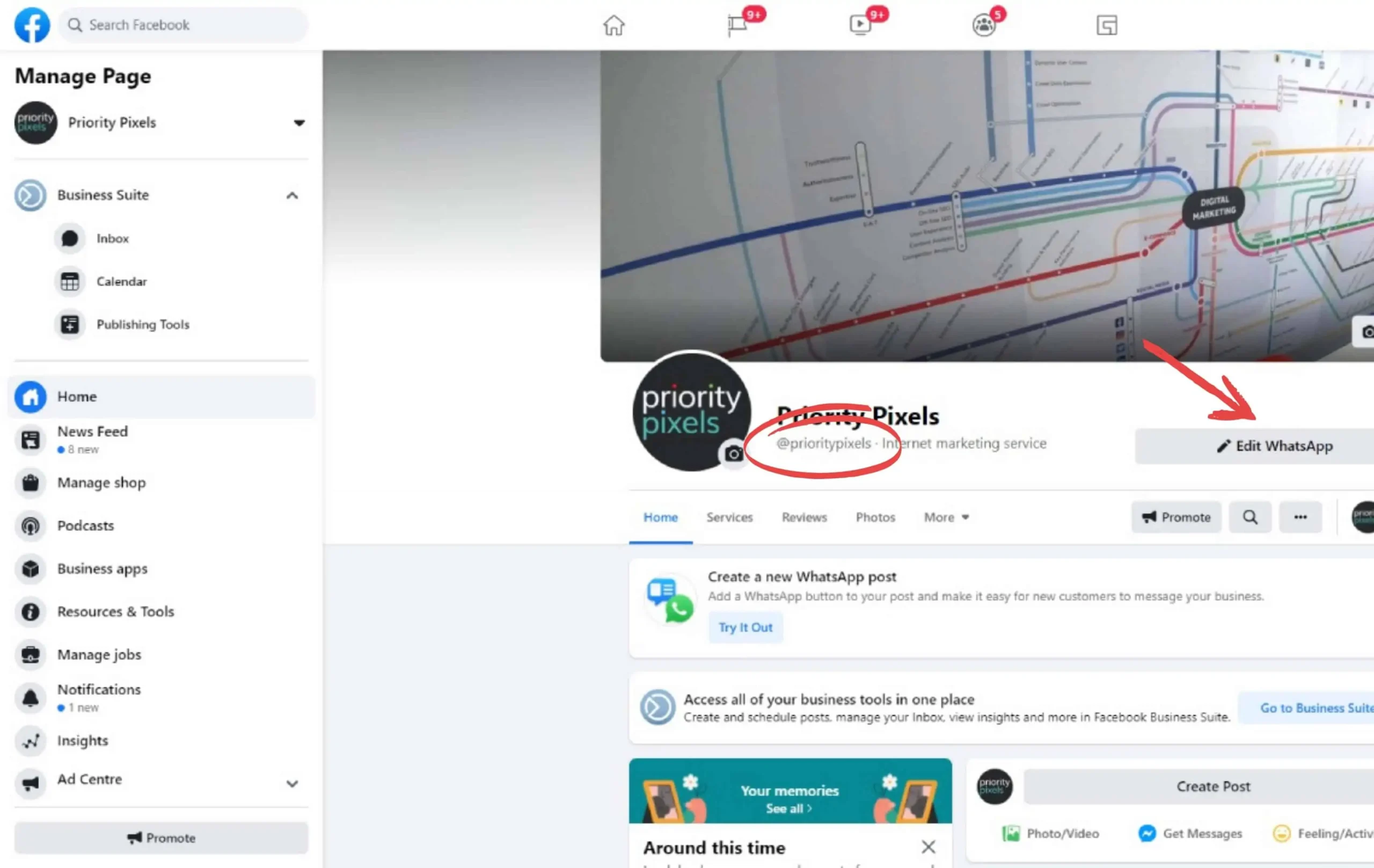
How to Officialize a Facebook Page: A Step-by-step Guide
Are you looking to create an official page on Facebook? Do you want to verify your page with the blue badge? Look no further! In this article, we will guide you through the process of creating and verifying a Facebook page.
Why Verify Your Facebook Page?
Verifying your Facebook page is an important step in establishing credibility and trust with your audience. By verifying your page, you can:
- Increase visibility and credibility
- Build trust with your audience
- Improve engagement and reach
Creating an Official Page on Facebook
To create an official page on Facebook, follow these steps:
- Log in to your Facebook account.
- Click on the “Create” button.
- Select “Page” from the dropdown menu.
- Choose a category for your page.
- Add a profile picture and cover photo.
Verifying Your Page
To verify your page, follow these steps:
- Go to the Facebook verification page.
- Click on “Verify” and select “Page”.
- Choose a verification method (e.G., ID card).
- Upload the required documents.
- Wait for Facebook to review and verify your page.
Verifying Your Profile With Meta Verified
Meta Verified is a service that allows you to verify your profile on Facebook, Instagram, and other platforms. To use this service, follow these steps:
- Go to the Meta Verified website.
- Click on “Sign up” and select “Profile”.
- Choose a verification method (e.G., ID card).
- Upload the required documents.
- Wait for Meta to review and verify your profile.
Benefits of Using Meta Verified
Using Meta Verified offers several benefits, including:
- Increased visibility and credibility
- Improved trust with your audience
- Enhanced security features
Conclusion
Verifying your Facebook page or profile is an important step in establishing credibility and trust with your audience. By following the steps outlined in this article, you can create and verify a Facebook page or profile using Meta Verified.
Frequently Asked Questions (FAQs)
- Q: What Are The Benefits of Verifying my Facebook Page?
A: Verifying your Facebook page increases visibility and credibility, builds trust with your audience, and improves engagement and reach. - Q: How do I Create an Official Page on Facebook?
A: To create an official page on Facebook, log in to your account, click on the “Create” button, select “Page”, choose a category, add a profile picture and cover photo, and wait for Facebook to review and verify your page. - Q: How do I Verify my Profile With Meta Verified?
A: To verify your profile with Meta Verified, go to the Meta Verified website, click on “Sign up” and select “Profile”, choose a verification method (e.G., ID card), upload the required documents, and wait for Meta to review and verify your profile. - Q: What Are The Benefits of Using Meta Verified?
A: Using Meta Verified offers increased visibility and credibility, improved trust with your audience, enhanced security features, and more. - Q: Is Verifying my Facebook Page or Profile Worth It?
A: Yes, verifying your Facebook page or profile is worth it as it increases credibility, builds trust with your audience, and improves engagement and reach. - Q: How Long Does The Verification Process Take?
A: The verification process typically takes a few days to a week. - Q: What Are The Requirements For Verifying my Facebook Page or Profile?
A: The requirements for verifying your Facebook page or profile include providing identification, uploading documents, and meeting specific criteria. - Q: Can I Verify my Facebook Page or Profile With Meta Verified on Mobile Devices?
A: Yes, you can verify your Facebook page or profile with Meta Verified on mobile devices.
Note: The information provided in this article is for general informational purposes only and may not be applicable to specific situations.


