
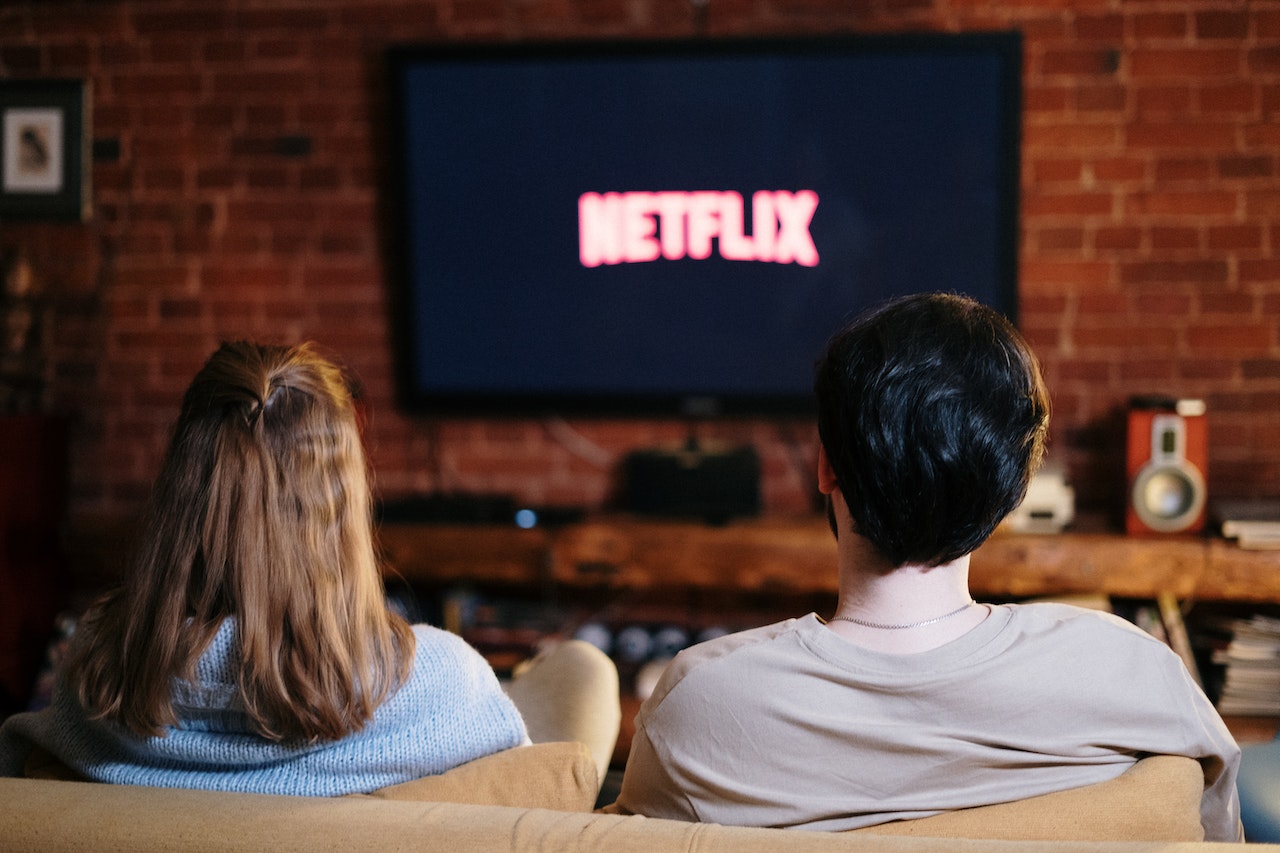
How to Download Netflix on Smart TV
Are you tired of missing out on your favorite shows and movies because you don’t have a smart TV? Well, you’re in luck! With the rise of streaming services like Netflix, you can now enjoy your favorite content on various devices, including smart TVs. In this article, we’ll guide you through the process of downloading Netflix on your smart TV.
What is Smart Tv?
Before we dive into the process, let’s quickly define what a smart TV is. A smart TV is an internet-connected television that allows you to stream content from various sources, including Netflix. Some popular brands of smart TVs include Samsung, Sony, LG, and more.
Which Smart Tvs Are Compatible With Netflix?
According to Netflix’s official website, the following smart TVs are compatible with their service:
- LG
- Philips
- Panasonic
- Samsung
- Sony
- Sharp
- Toshiba
- Hisense
Some of these brands have a “Netflix Recommended TV” label, which means that they have been optimized for Netflix streaming and offer an enhanced viewing experience.
Subscriptions Available on Netflix
Before we proceed to the download process, let’s take a look at the subscription options available on Netflix. The service offers various plans, including:
- Basic Plan: This plan costs €5.49 Per month and allows you to stream content in standard definition.
- Standard Plan: This plan costs €12.99 Per month and allows you to stream content in high definition.
- Premium Plan: This plan costs €17.99 Per month and offers streaming in 4K resolution, as well as additional features like HDR and Dolby Atmos.
How to Connect Your Smart TV to The Internet
Before you can download Netflix on your smart TV, you need to connect it to the internet. You can do this using an Ethernet cable or through Wi-Fi. If you’re using a cable, simply plug one end into your router and the other end into your TV’s Ethernet port.
How to Download Netflix on Smart TV
Now that you’ve connected your smart TV to the internet, it’s time to download Netflix. Here are the steps:
- Check if Netflix is Already Installed: If you have a Samsung or LG smart TV, check if Netflix is already pre-installed.
- Download Netflix From The App Store: If Netflix is not pre-installed, go to your smart TV’s app store and search for Netflix.
- Install And Launch Netflix: Once you’ve found Netflix, click on it and follow the prompts to install and launch the app.
How to Download Netflix on Samsung Smart TV
If you have a Samsung smart TV, here are the specific steps to download Netflix:
- Go to The Home Menu: Press the “Home” button on your remote control.
- Search For Apps: Use the arrow buttons to navigate to the “Apps” section.
- Find And Select Netflix: Search for Netflix in the app store and select it.
- Install And Launch Netflix: Follow the prompts to install and launch the app.
How to Download Netflix on Sony Smart TV
If you have a Sony smart TV, here are the specific steps to download Netflix:
- Go to The Home Menu: Press the “Home” button on your remote control.
- Search For Apps: Use the arrow buttons to navigate to the “Apps” section.
- Find And Select Netflix: Search for Netflix in the app store and select it.
- Install And Launch Netflix: Follow the prompts to install and launch the app.
Other Devices That Can Stream Netflix
If you don’t have a smart TV, you can still stream Netflix on other devices like:
- PlayStation 4
- Xbox One
- Wii U
- Fire TV Stick
- Apple TV
These devices can connect to your internet connection and allow you to stream content from Netflix.
Conclusion
Downloading Netflix on your smart TV is a straightforward process that requires you to have an internet-connected device. By following the steps outlined in this article, you’ll be able to enjoy your favorite shows and movies on your big screen.
Faqs
- What is Smart Tv?
A smart TV is an internet-connected television that allows you to stream content from various sources. - Which Smart Tvs Are Compatible With Netflix?
The following brands of smart TVs are compatible with Netflix: LG, Philips, Panasonic, Samsung, Sony, Sharp, Toshiba, and Hisense. - How do I Connect my Smart TV to The Internet?
You can connect your smart TV to the internet using an Ethernet cable or through Wi-Fi. - What Subscription Options Does Netflix Offer?
Netflix offers three plans: Basic (€5.49/Month), Standard (€12.99/Month), and Premium (€17.99/Month). - How do I Download Netflix on my Samsung Smart Tv?
To download Netflix on your Samsung smart TV, go to the Home menu, search for Apps, find and select Netflix, install and launch it. - How do I Download Netflix on my Sony Smart Tv?
To download Netflix on your Sony smart TV, go to the Home menu, search for Apps, find and select Netflix, install and launch it. - Can I Stream Netflix on Other Devices?
Yes, you can stream Netflix on other devices like PlayStation 4, Xbox One, Wii U, Fire TV Stick, Apple TV, and more. - What is The Best Subscription Plan For Me?
The best subscription plan for you depends on your viewing habits and budget.


