
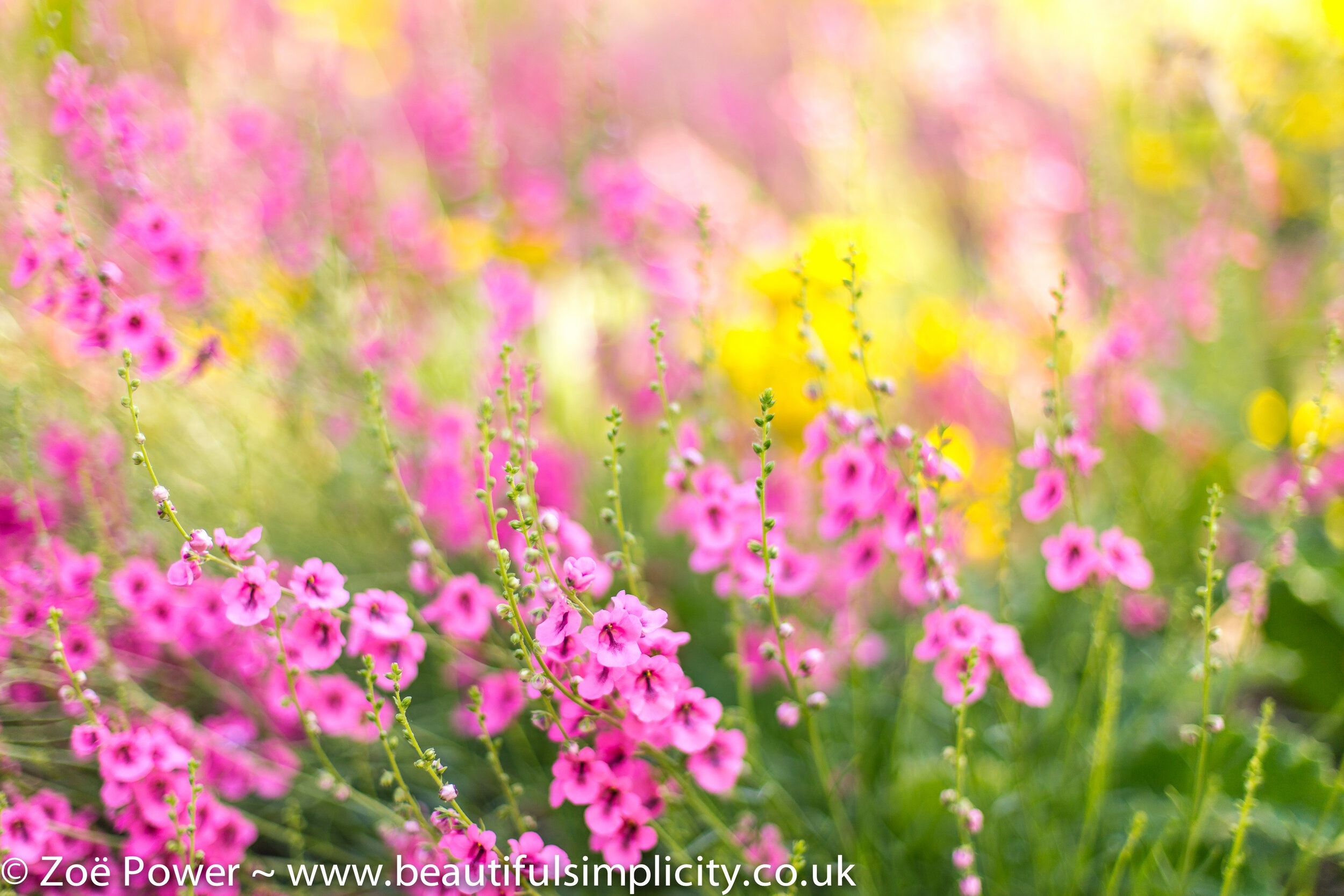
Why Blur a Photo?
Blurring a photo can be useful in several situations:
- Removing cluttered backgrounds or unwanted objects from an image
- Creating a more focused and visually appealing picture by reducing distractions
- Enhancing the overall aesthetic of your photos
How to Blur a Photo on PC
There are several software options available for blurring photos on PC, including:
- Adobe Photoshop: A professional photo editing software that offers advanced features for blurring images.
- Open Adobe Photoshop and select the image you want to blur by going to File > Open.
- Go to the Levels panel and select the “Sfocatura” tab.
- Click on the “Duplicate Level” button and create a new level for the blurred background.
- Duplicate the original layer by selecting it and then clicking on the “Duplicate Layer” button.
- Merge the two layers together by going to Layers > Merge Layers.
- Gimp: A free and open-source photo editing software that offers similar features to Adobe Photoshop.
- Open GIMP and select the image you want to blur by going to File > Open.
- Go to the Levels panel and select the “Sfocature” tab.
- Click on the “Duplicate Level” button and create a new level for the blurred background.
- Duplicate the original layer by selecting it and then clicking on the “Duplicate Layer” button.
- Merge the two layers together by going to Layers > Merge Layers.
Other Solutions For Blurring Photos on PC
In addition to Adobe Photoshop and GIMP, there are other software options available for blurring photos on PC, including:
- Coreldraw: A professional suite of graphic design software that includes a photo editing module.
- Luminar: A powerful image editing software that offers advanced features like AI-powered effects and filters.
- Photoworks: A user-friendly photo editing software that allows you to apply various effects and filters.
How to Blur a Photo on Smartphone And Tablet
If you’re looking for a more mobile solution, there are several apps available for blurring photos on your smartphone or tablet. Here’s how to do it:
- Picsart: A popular photo editing app that offers advanced features like blurring.
- Download and install PicsArt from the App Store.
- Select the image you want to blur by tapping on it in the gallery.
- Go to the Edit tab and select the “Effects” option.
- Choose the “Sfocatura” effect and adjust the intensity to your liking.
- Snapseed: A powerful image editing app that includes advanced features like selective adjustments.
- Canva: A user-friendly graphic design app that allows you to apply various effects and filters.
How to Blur a Photo Online
If you don’t want to download any software or apps, you can also blur photos online using services like:
- Photopea: An online photo editor that offers advanced features for blurring images.
- Go to the Photopea website.
- Select the image you want to blur by clicking on it in the gallery.
- Go to the Levels panel and select the “Sfocatura” tab.
- Click on the “Duplicate Level” button and create a new level for the blurred background.
- Canva: A user-friendly graphic design service that allows you to apply various effects and filters.
- Crello: An online editor that allows you to adjust the nuance of your images quickly and easily.
Conclusion
Blurring a photo can be a useful technique for enhancing the overall aesthetic of your images, without requiring extensive editing expertise. By following the steps outlined in this guide, you can effectively blur photos on PC, smartphone, tablet, or online using various software options.


