
How to Gain Free Gamblings on Steam: A Beginner’s Guide
Are you a casual gamer looking to enjoy some free games on Steam without breaking the bank? Look no further! In this article, we’ll guide you through the process of downloading and playing free gamblings on Steam, even if you’re not tech-savvy.
What is Steam?
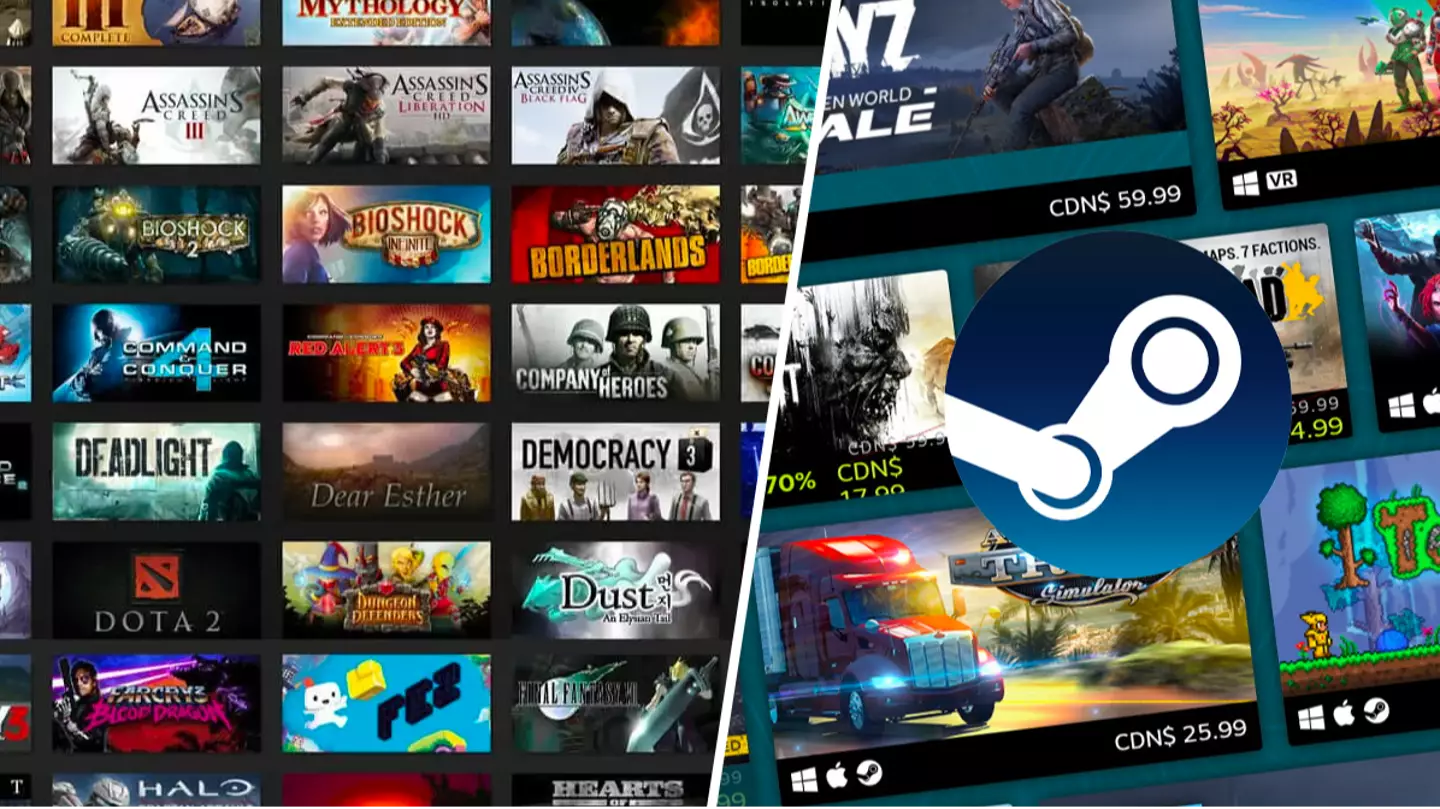
Steam is an online digital distribution platform that allows users to purchase, download, and play games on their PC. It’s one of the largest gaming communities in the world, with millions of active users.
How to Download Steam
To start enjoying free gamblings on Steam, you’ll need to download the Steam client on your PC. Here’s how:
- Go to the official Steam website (www.Steampowered.Com) and click on the “Install Steam” button.
- Follow the prompts to download and install the Steam client.
- Once installed, launch the Steam application and create an account or log in if you already have one.
How to Enroll on Steam
Creating a Steam account is easy and free. Here’s how:
- Click on the “Create a new account” button on the Steam login page.
- Enter your email address and password.
- Fill out the registration form with your basic information (name, age, etc.).
- Agree to the terms of service and click on the “Continue” button.
How to Browse The Steam Shop
Now that you have a Steam account, it’s time to explore the Steam shop and find some free gamblings to play! Here’s how:
- Launch the Steam client and log in with your account credentials.
- Click on the “Shop” tab at the top of the window.
- Select the “Free-to-Play” category from the drop-down menu.
- Browse through the list of available games, filtering by genre, platform (Windows, macOS, Linux), or rating.
10 Free Gamblings to Download on Steam
Here are 10 free gamblings you can download and play on Steam:
- The Sims 4: A life simulation game where you create and control your own virtual characters.
- Warframe: An action-packed sci-fi game with a variety of playable characters, each with unique abilities.
- Lost Ark: A massively multiplayer online role-playing game (MMORPG) with a vast open world to explore.
- Destiny 2: A first-person shooter with MMO elements and a large player base.
- Vampire: The Masquerade – Bloodhunt: A battle royale game set in the vampire-themed world of Vampire: The Masquerade.
- It’s My Turn: A MOBA (Multiplayer Online Battle Arena) game with a unique art style and gameplay mechanics.
- Summoners War Chronicles: A role-playing game where you explore the world of Summoners War, battling monsters and collecting characters.
- Apex Legends: A battle royale game set in the Apex Legends universe, with a large player base and frequent updates.
- Runescape: A classic MMORPG with a vast open world to explore, featuring a variety of quests and activities.
- World of Warships: A naval combat game where you command your own fleet of ships and engage in battles against other players.
How to Download And Play Free Gamblings on Steam
Now that you’ve found the games you’re interested in, here’s how to download and play them:
- Select the game you want to play and click on the “Add to Cart” button.
- If prompted, select your preferred platform (Windows, macOS, Linux).
- Click on the “Install Game” button to begin downloading the game.
- Wait for the download to complete, then launch the game by clicking on the “Launch Game” button.
Tips And Tricks
Here are some additional tips and tricks to help you navigate the Steam client and find free gamblings:
- Use the Steam filter system to narrow down your search results based on genre, platform, and rating.
- Check out the Steam community forums for discussions about games and helpful tips from other players.
- Keep an eye on Steam’s sales and discounts section for deals on paid games.
Conclusion
In conclusion, gaining free gamblings on Steam is easier than you think! With this guide, you should be able to download and play some of the best free games available on the platform. Remember to always follow the prompts and instructions provided by Steam, and don’t hesitate to ask for help if you need it.
Frequently Asked Questions (FAQs)
Here are 8 frequently asked questions about gaining free gamblings on Steam:
Q: Do I need a Steam account to play free games?
A: Yes, you’ll need a Steam account to play any game on the platform.
Q: Can I download free games directly from the Steam client?
A: No, you’ll need to browse the Steam shop and select the “Free-to-Play” category to find available games.
Q: Are all Steam games free?
A: No, many Steam games require a purchase or subscription to play.
Q: Can I gift free games to friends on Steam?
A: Yes, you can gift free games to friends by following the prompts in the Steam client.
Q: How do I know if a game is free?
A: Look for the “Free-to-Play” label on the game’s store page or check the price listed in your local currency.
Q: Can I play free games offline?
A: Some free games may not require an internet connection to play, while others may need online access to authenticate or update.
Q: Are there any age restrictions for playing Steam games?
A: Yes, some Steam games have age restrictions based on their content and genre.


