
The Best Programs to Download Music: A Guide
Are you tired of searching for a way to download music without breaking the bank? Look no further! In this article, we will explore the best programs to download music on Windows, macOS, Android, and iOS devices.
Introduction
With the rise of streaming services, it can be tempting to abandon traditional methods of downloading music. However, there are still many valid reasons why you might want to download your favorite tunes for offline listening. Whether you’re looking for a free alternative or just want more control over your music library, we’ve got you covered.
Programs to Download Music
Spotify (Windows/macOS)
Spotify is one of the most popular streaming services in the world. With a vast library of millions of tracks, albums, and playlists, it’s easy to see why. While Spotify does offer a free tier with ads, it doesn’t allow for offline downloads. However, if you’re willing to pay a small monthly fee, you can access all the music you want without any limitations.
- Cost: Free (with ads) or $9.99/Month
- Platforms: Windows, macOS, Android, iOS, iPadOS
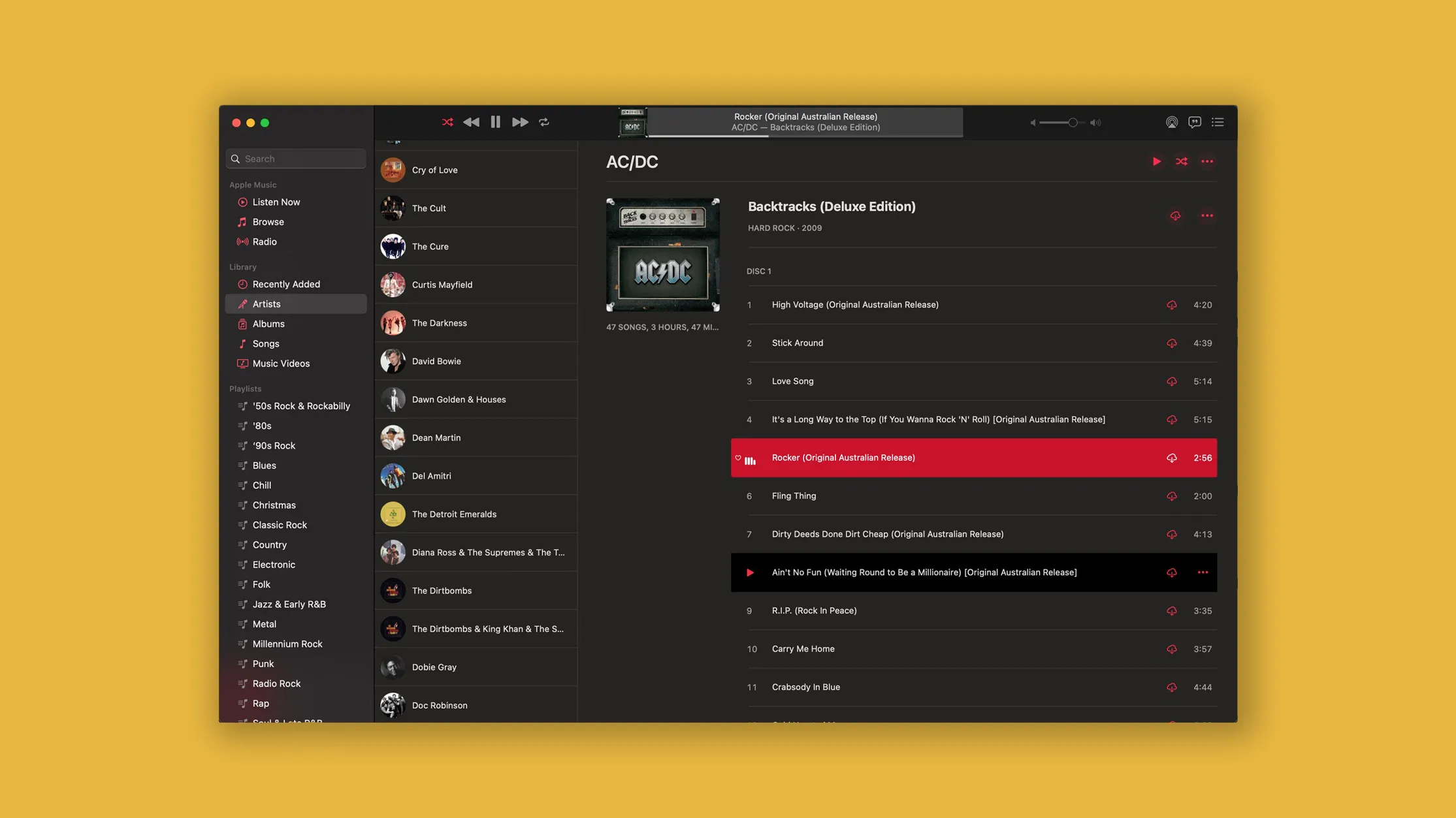
Apple Music (Windows/macOS)
Apple Music is another popular streaming service that offers a vast library of music, podcasts, and playlists. While it’s not as well-known as Spotify, it still has a lot to offer. One of the unique features of Apple Music is its integration with iCloud, which allows you to access your entire music library across all your devices.
- Cost: $9.99/Month (or free with an Apple One subscription)
- Platforms: Windows 10 and later, macOS, Android, iOS
Amazon Music Unlimited (Windows)
Amazon Music Unlimited is a streaming service that offers a vast library of music, podcasts, and playlists. With a subscription to the platform, you can access all the music you want without any limitations.
- Cost: $7.99/Month (or free with an Amazon Prime subscription)
- Platforms: Windows 10 and later
Other Programs to Download Music
If you’re looking for alternatives to Spotify and Apple Music, there are plenty of other options available. Some popular choices include:
- Emule (Windows): A P2P client that allows you to download music and video files from other users.
- Amule (macOS/Linux): A version of eMule for macOS and Linux.
- Qbittorrent (Windows/macOS/Linux): An open-source client for downloading files using the BitTorrent protocol.
- Jdownloader (Windows/macOS/Linux): A free and open-source download manager that allows you to download music, video, and other files from popular hosting sites.
Apps to Download Music
If you’re looking for ways to download music on your mobile device, there are plenty of options available. Some popular choices include:
- Youtube Music (Android/iOS): A streaming service that offers a vast library of music videos and playlists.
- Soundcloud (Android/iOS): A platform that allows artists and bands to share their music with fans worldwide.
- Audiomack (Android/iOS): A streaming service that specializes in hip-hop, rap, R&B, EDM, Afropop, and reggae music.
Frequently Asked Questions
-
What is The Best Program to Download Music?
The answer depends on your personal preferences and needs. If you’re looking for a free alternative, eMule or Lacey might be a good choice. However, if you’re willing to pay a small monthly fee, Spotify or Apple Music are excellent options. -
Can I Download Music From Streaming Services?
Yes, some streaming services like Spotify and Apple Music allow you to download music for offline listening with a subscription. -
Are P2p Clients Safe to Use?
While P2P clients can be useful for downloading files, they also come with risks. Make sure to research the program thoroughly and read reviews from other users before using it. -
Can I Download Music on my Mobile Device?
Yes, there are plenty of apps available that allow you to download music directly to your mobile device. Some popular options include YouTube Music, SoundCloud, and Audiomack. -
What is The Difference Between Streaming And Downloading Music?
Streaming services allow you to access music without having to store it on your device. Downloading music, on the other hand, requires that you save a copy of the file on your device. -
Can I Download Free Music From Online Platforms?
Yes, there are plenty of online platforms that offer free music downloads. However, be sure to research the website thoroughly and read reviews from other users before using it. -
What is The Best Way to Organize my Music Library?
The best way to organize your music library depends on your personal preferences and needs. Some popular options include using a digital music player like iTunes or Google Play Music, or using a cloud storage service like iCloud or Dropbox. -
Can I Share my Music Library With Friends And Family?
Yes, you can share your music library with friends and family by creating a shared playlist or sending them a link to access your music library directly.
In conclusion, there are many valid reasons why you might want to download music instead of streaming it. Whether you’re looking for a free alternative or just want more control over your music library, we hope this article has provided you with the information and guidance you need to make an informed decision. Happy listening!


